
 Start building for free
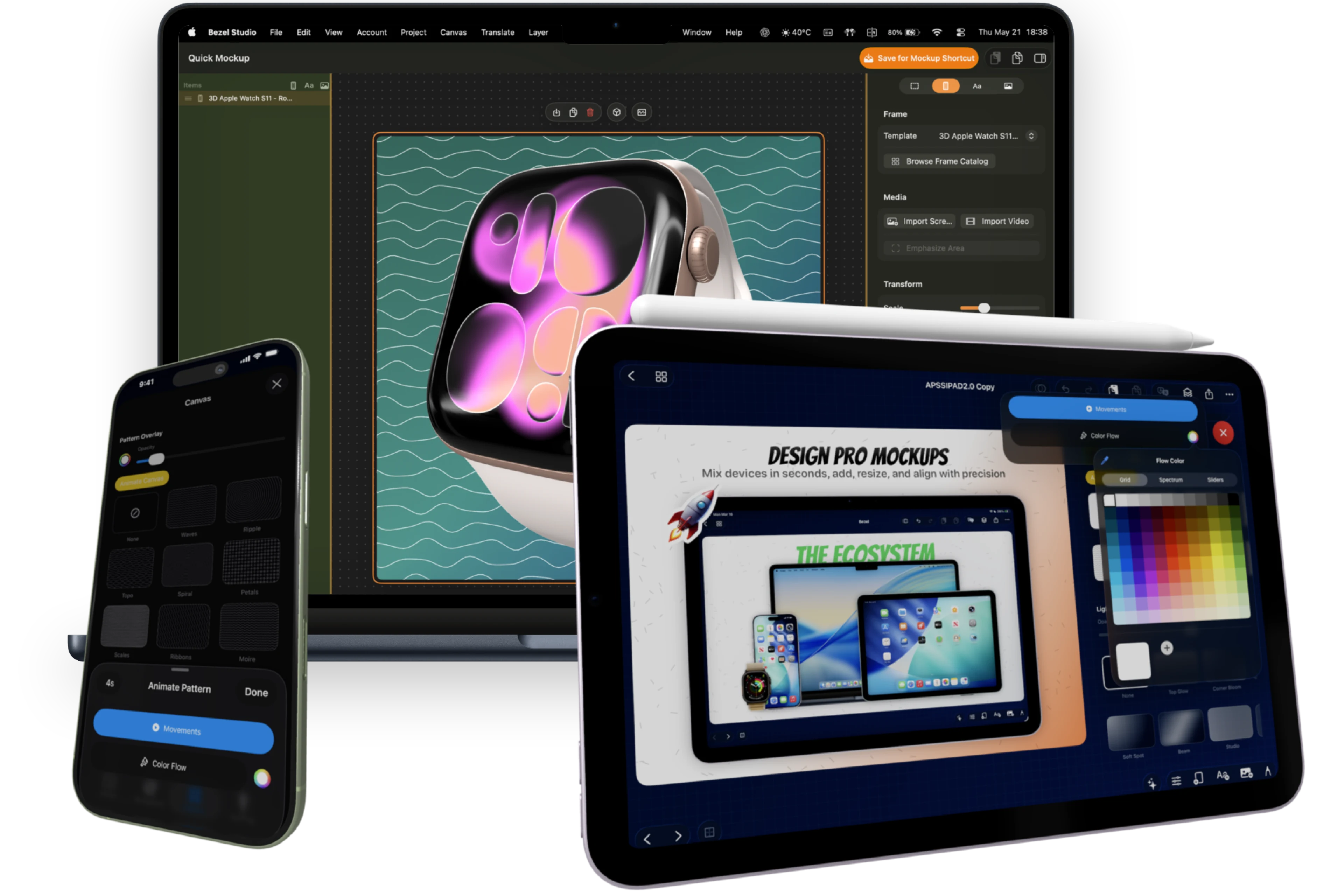
Repeat emoji, symbols, and branded motifs behind frames for launch-specific App Store creatives.
Dynamic Canvas Styling
Build expressive App Store screenshot backgrounds with emoji patterns, blurred frame media, pattern animation, and color flow animation.
Inside Backgrounds
Design Background Systems, Not Static Fills
Great app store screenshot design relies on context and atmosphere. Bezel Studio lets every frame inherit branded gradients, emoji pattern backgrounds, blurred media from the frame, animated patterns, and color flow animation without leaving the screenshot project.
Atmosphere That Sells
Use the screenshot or video inside a frame as a soft blurred background that stays visually connected to the product.
Add motion to background patterns so preview videos feel alive without rebuilding the canvas.
Animate gradient color movement for polished App Store preview clips and social exports.
Build multi-stop gradient backgrounds that match your app identity and campaign palette.
Apply soft spotlights, glow, and ambient lighting to make framed app UI pop.
Keep Exploring
Related guides for this feature
These tutorials deepen the workflow behind canvas styling so the feature page can pass users and crawlers into the stronger how-to cluster.
Guide
How to create your first App Store screenshot project on iPhone.
Build the project foundation with frame setup, canvas sizing, styling, and export.
Guide
How to make a clean iPhone mockup from a raw screenshot.
Turn a raw screenshot into a polished device mockup with framing, copy, and export.