
How-To Guides
Workflow tutorials for building App Store creatives in Bezel Studio.
These guides now run from setup through release delivery: create the project, edit the canvas, scale into a campaign set, localize the work, animate it, automate repetitive output, then carry the same system through BezelAI refinement, translation-safe templates, mockup variants, caption QA, preview videos, and export. Each live guide already includes screenshot placeholders for every step.
If you want the fastest route into the product, jump to the matching feature page or install Bezel Studio now and keep the workflow inside the app.
Need the direct product page before the tutorial?
Go straight to the product pages that match the clearest purchase intent: iPhone mockups, screenshot templates, localization, preview videos, and launch-ready export.
 Download Bezel Studio for these workflows
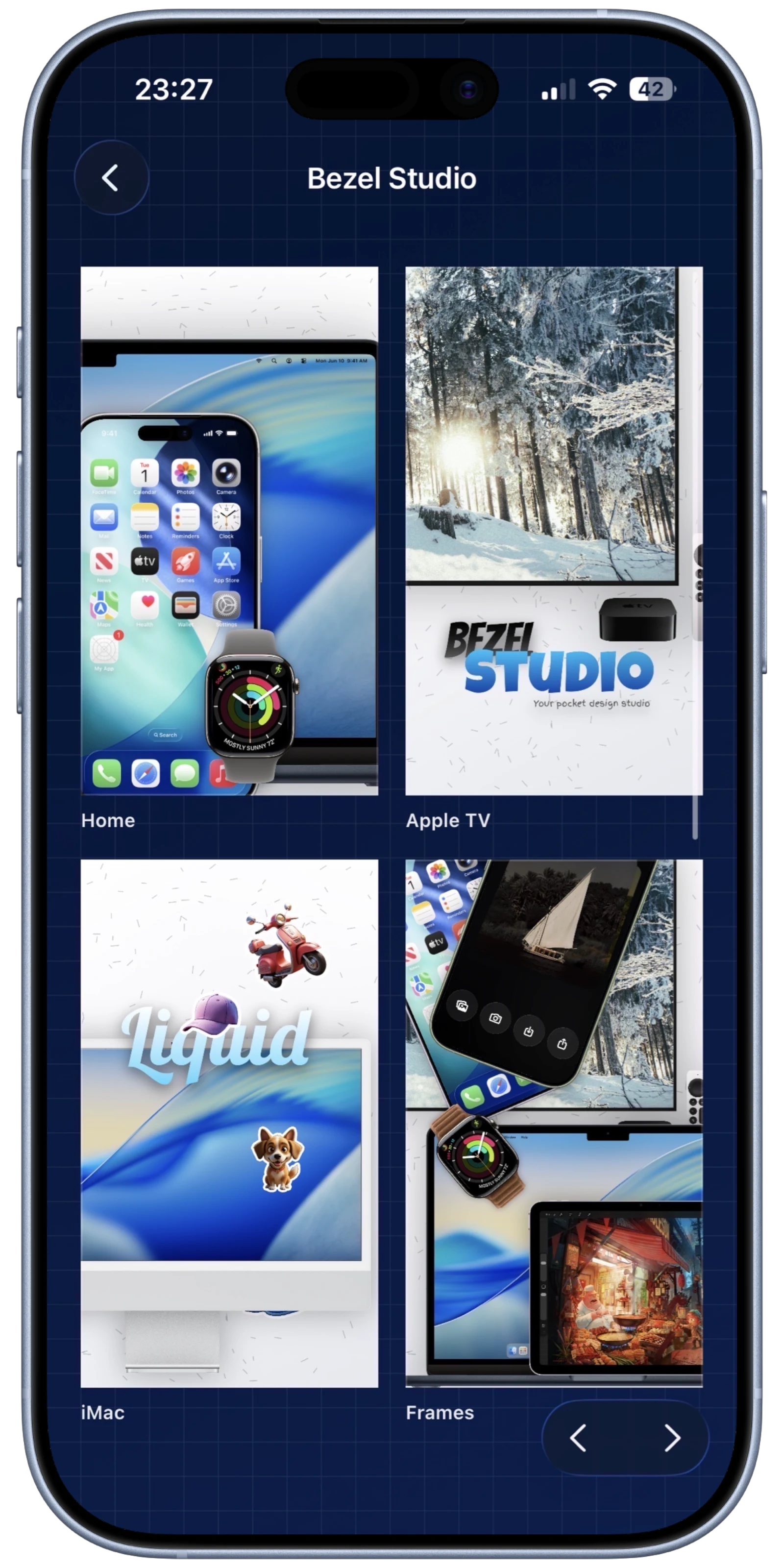
Guide 01
How to create your first App Store screenshot project on iPhone.
Build the first real project: choose the default frame, size the canvas, set the background, place the screenshot, add the headline, and export the result.
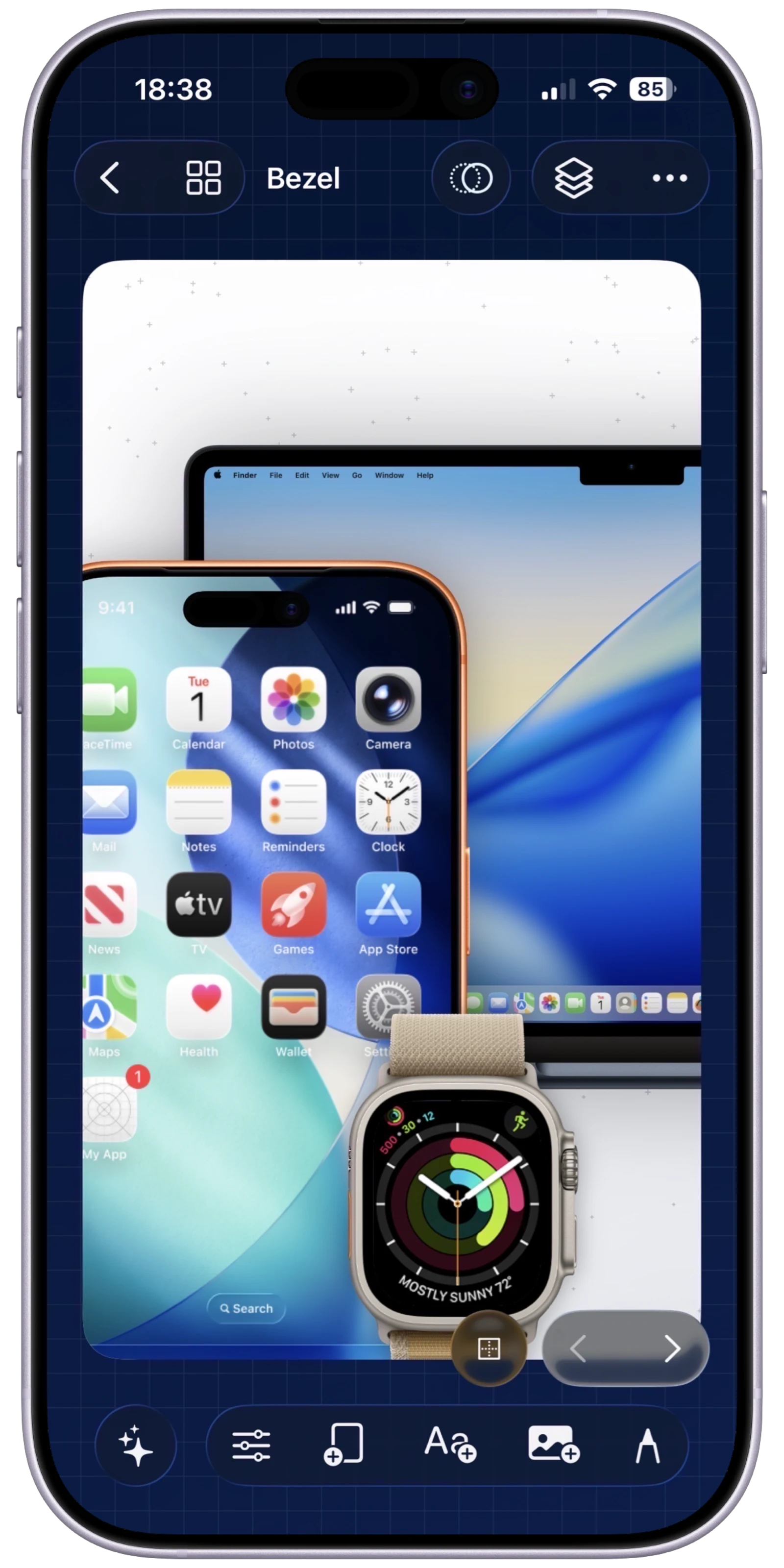
Guide 02
How to make a clean iPhone mockup from a raw screenshot.
Turn a single screenshot into a cleaner marketing visual with framing, background treatment, caption styling, spacing, and export.
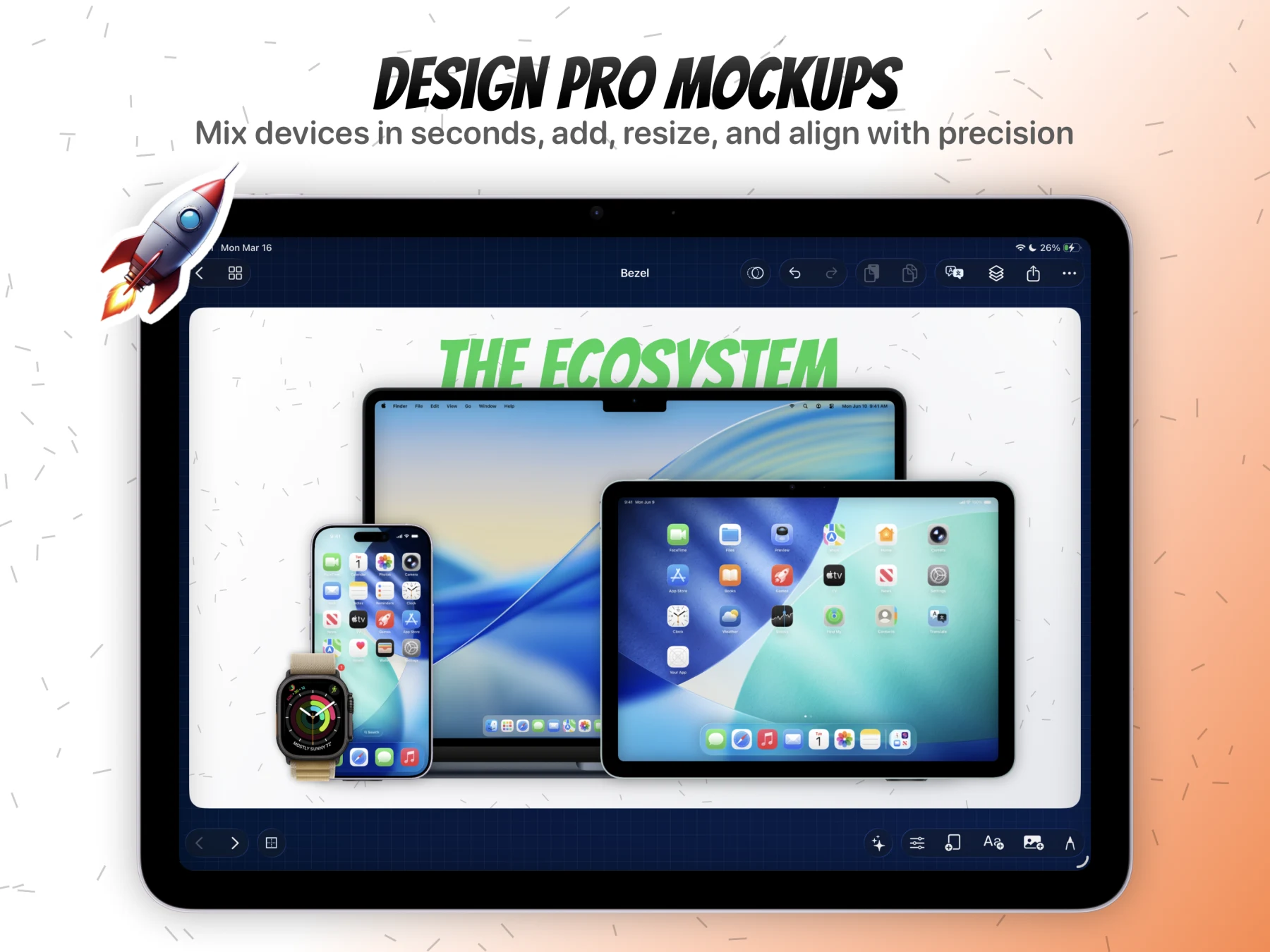
Guide 03
How to build a full App Store screenshot set in one project.
Use one project as a campaign container, expand into multiple canvases, review the set in grid mode, and export the complete batch together.
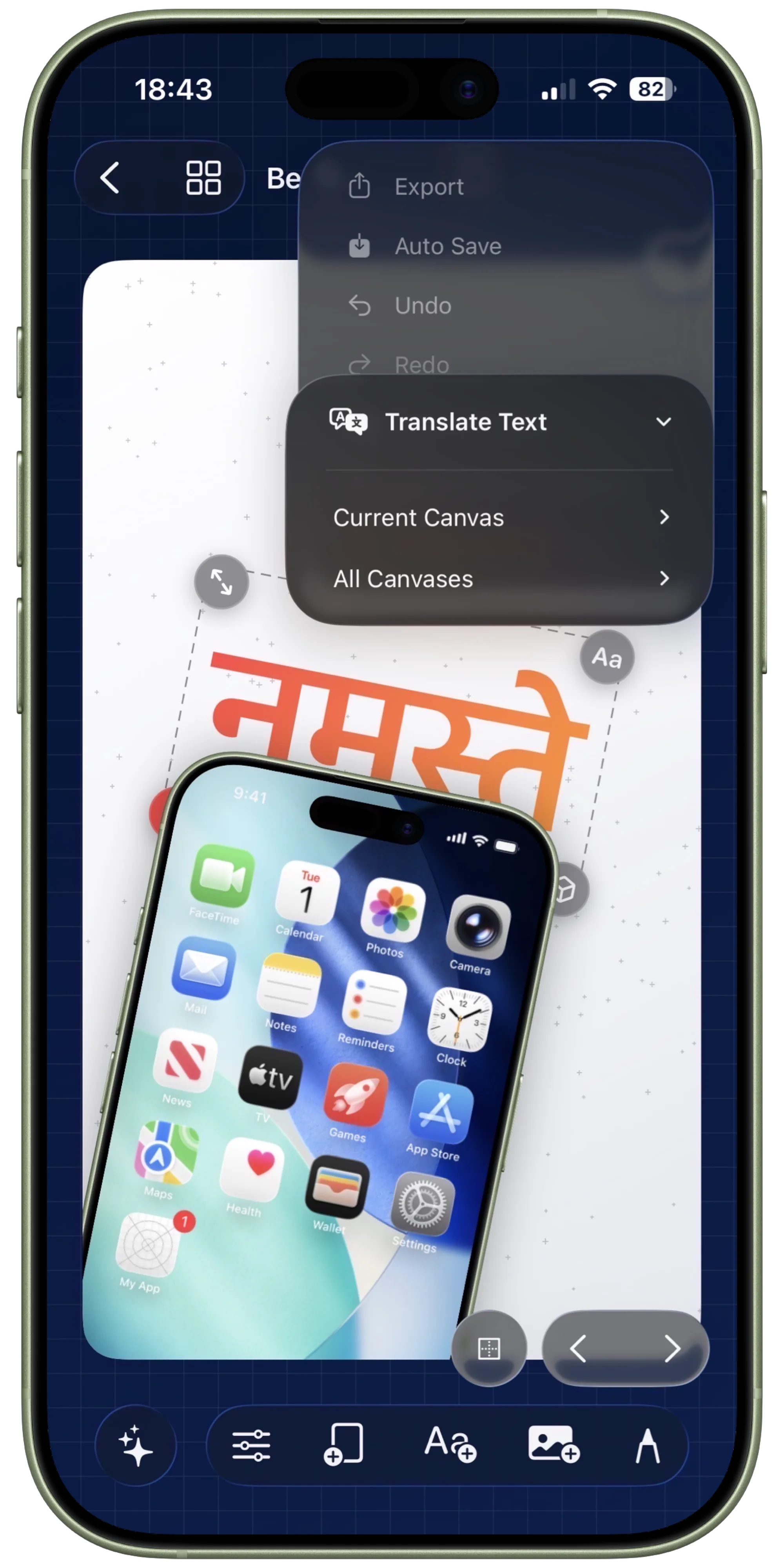
Guide 04
How to localize screenshot sets with Apple Translate.
Translate the current canvas or the full project, review the text overlays, and tighten layouts after copy expansion without breaking the campaign.
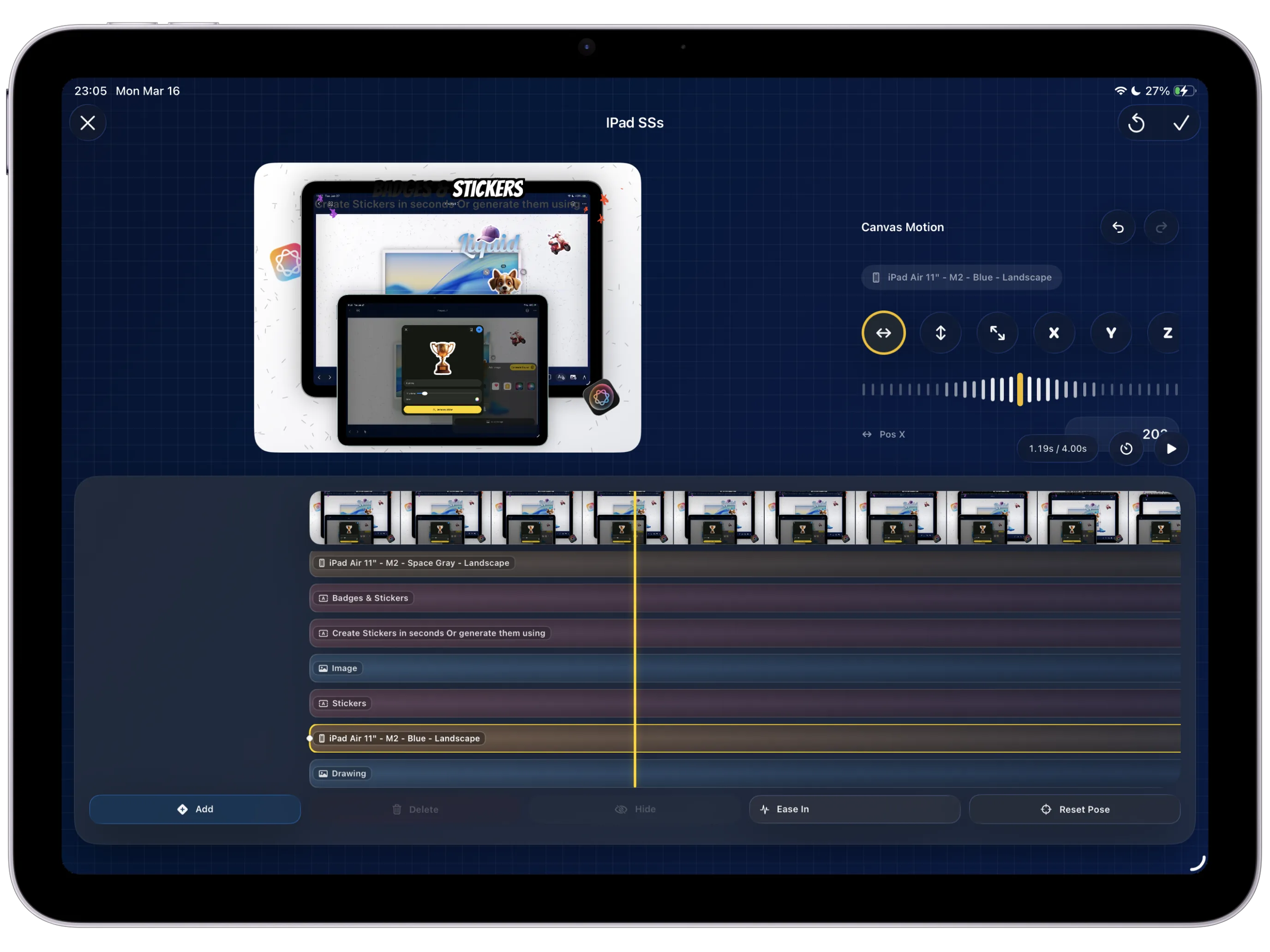
Guide 05
How to create App Store preview visuals with Canvas Motion.
Move from a static composition into keyframes, easing, preview, and final video export using the same canvas model you already edited by hand.
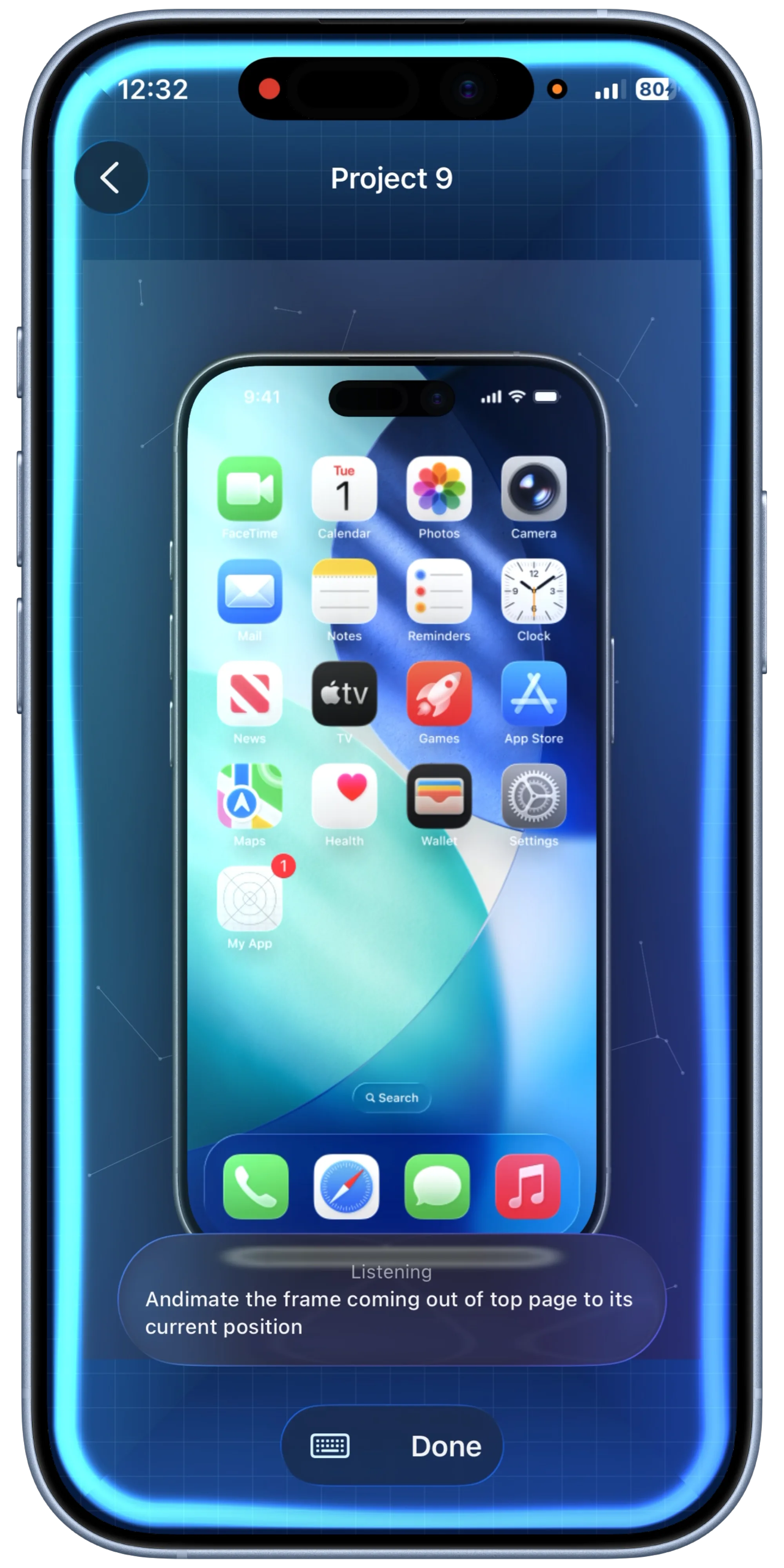
Guide 06
How to make instant mockups with Quick Mockups and Shortcuts.
Save a reusable quick mockup preset, wire it into Shortcuts, and turn screenshots or recordings into ready-to-save mockups with minimal manual work.
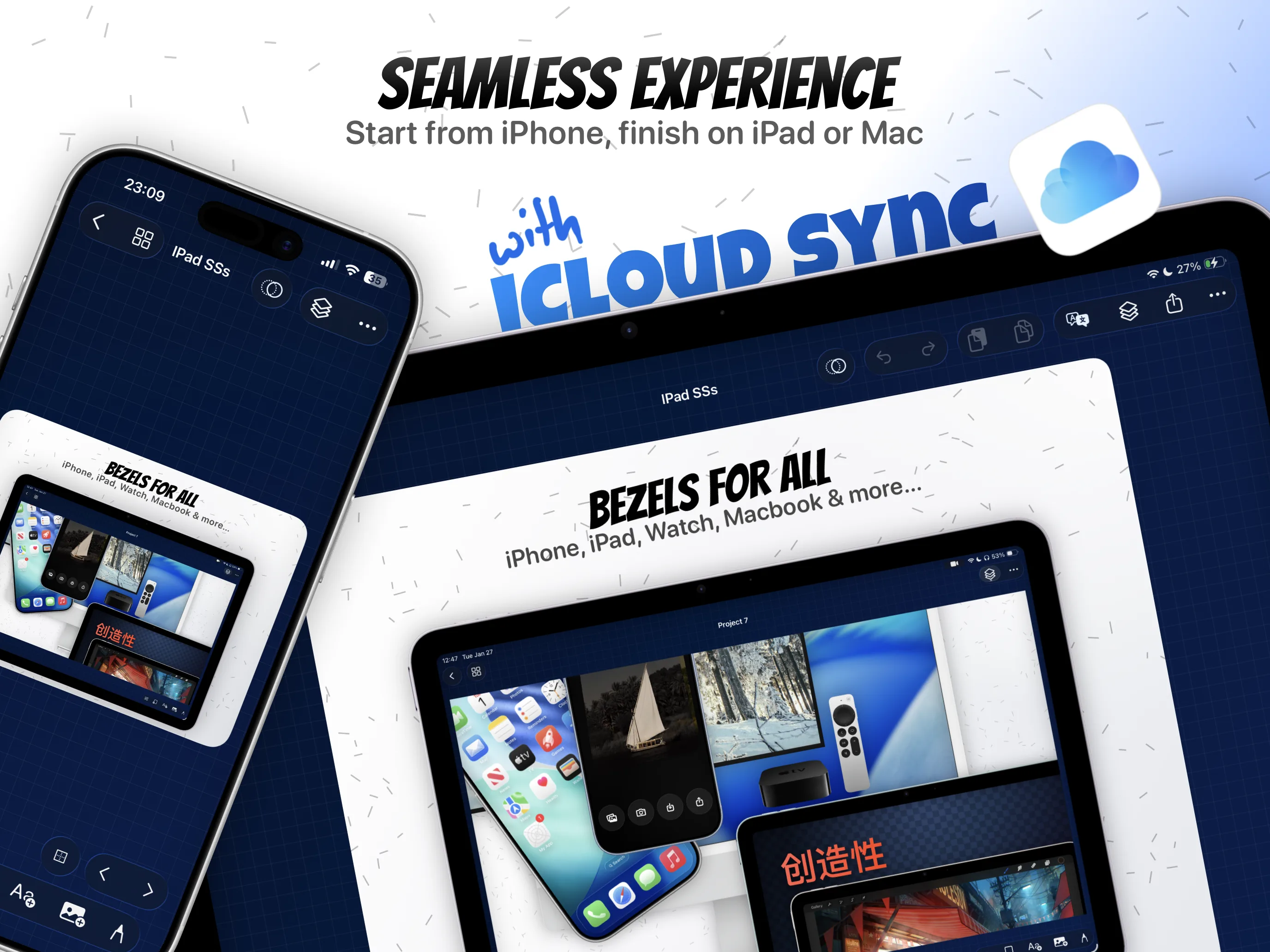
Guide 07
How to create reusable App Store screenshot templates.
Save the strongest screenshot layout as a reusable project preset, duplicate it for the next release, and keep export-ready structure intact.
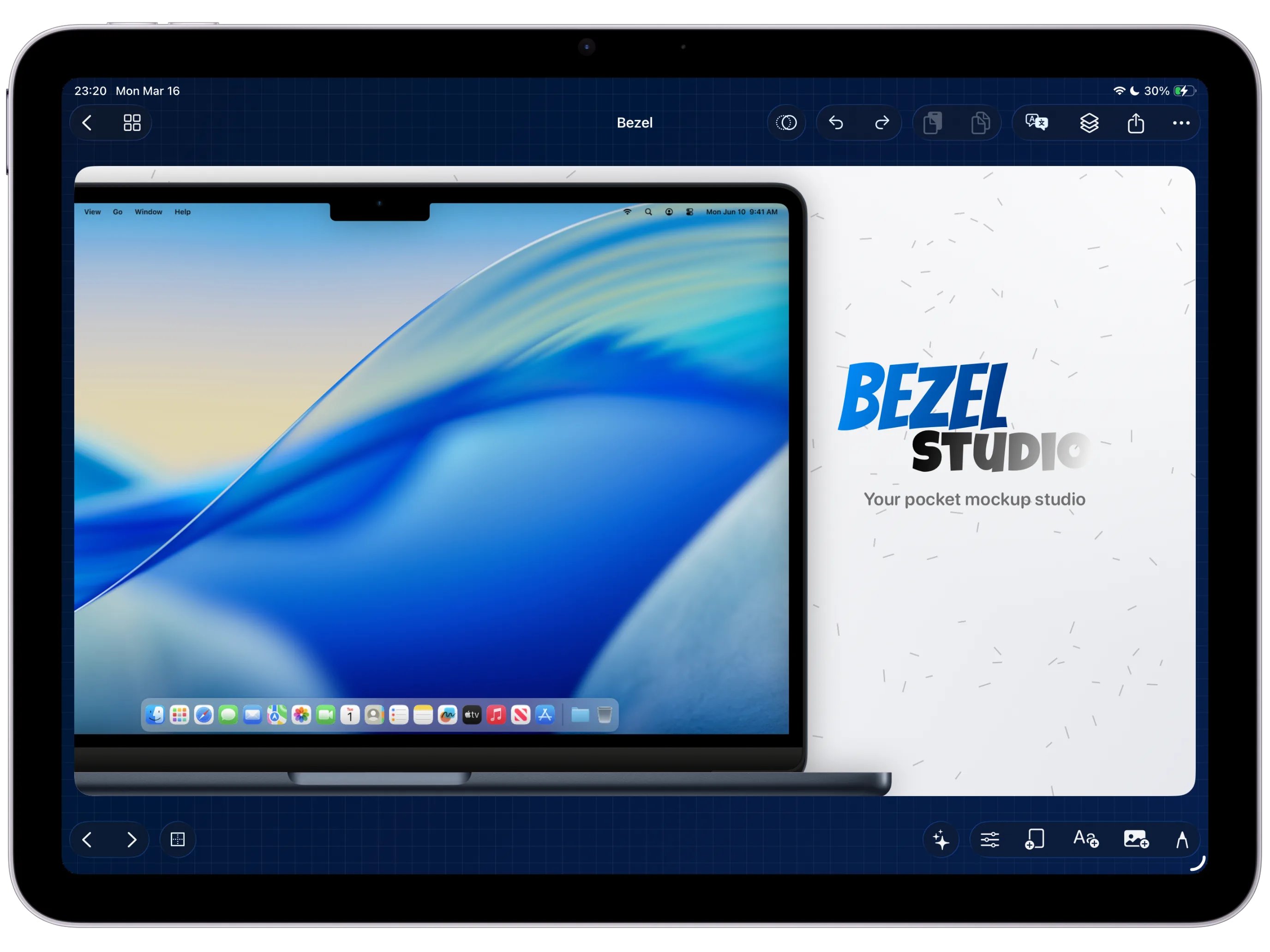
Guide 08
How to style App Store captions with gradients, shadows, strokes, and glass text.
Build a repeatable caption system for launch screens, pair it with the right background contrast, and carry the style into the next export-ready canvas.
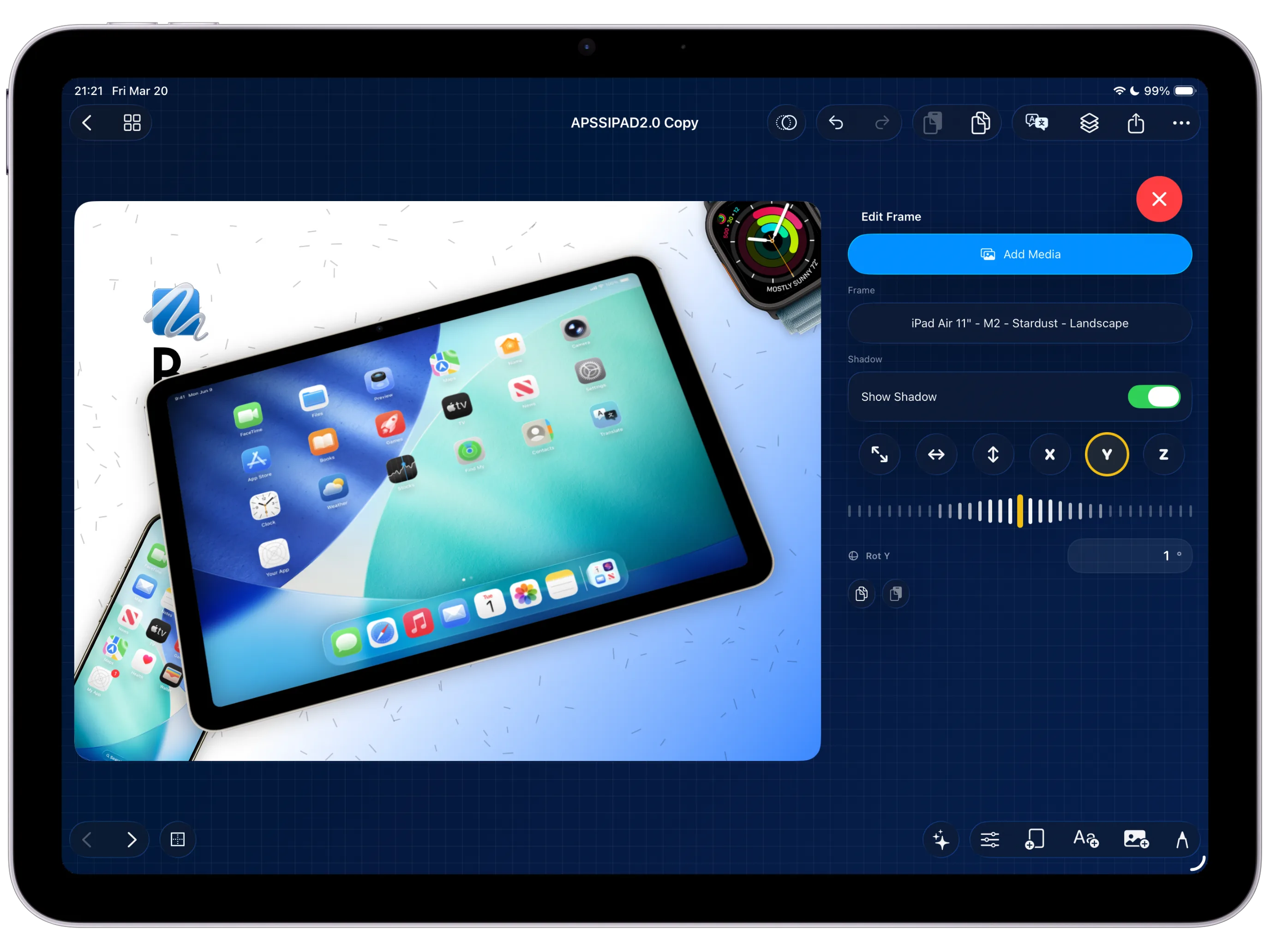
Guide 09
How to use layers and 3-axis transforms to build more dimensional compositions.
Separate the scene into layers, clean the spacing, then use perspective and rotation to make the iPhone mockup feel more cinematic without losing clarity.
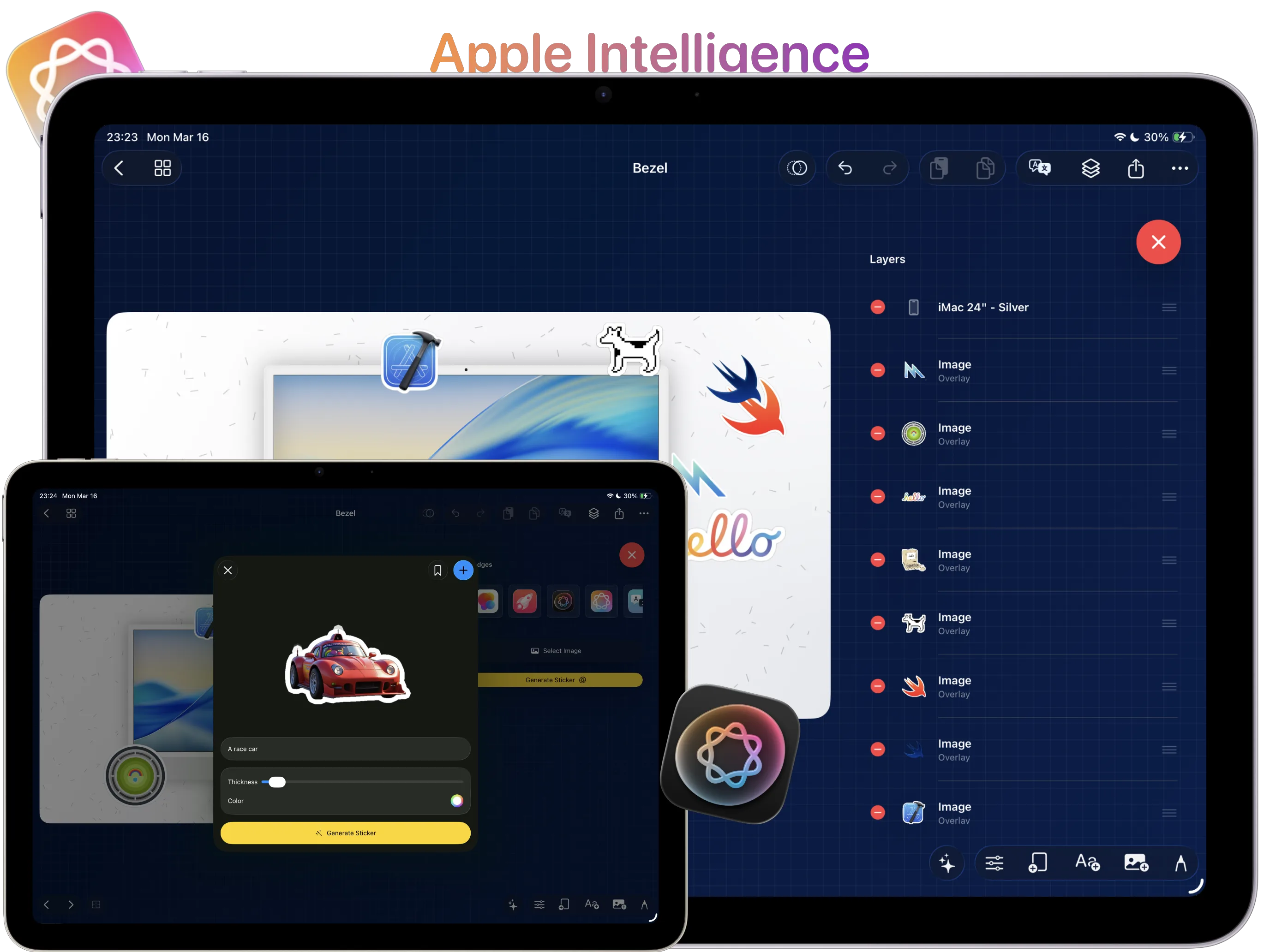
Guide 10
How to turn imported images into sticker assets with background removal.
Cut out feature visuals, scale them cleanly, and use them as supporting sticker assets that reinforce the screenshot instead of cluttering it.
Guide 11
How to draw callouts and annotations with PencilKit.
Add circles, arrows, and underlines only where the screenshot needs more explanation, then remove anything that feels like review markup instead of launch design.
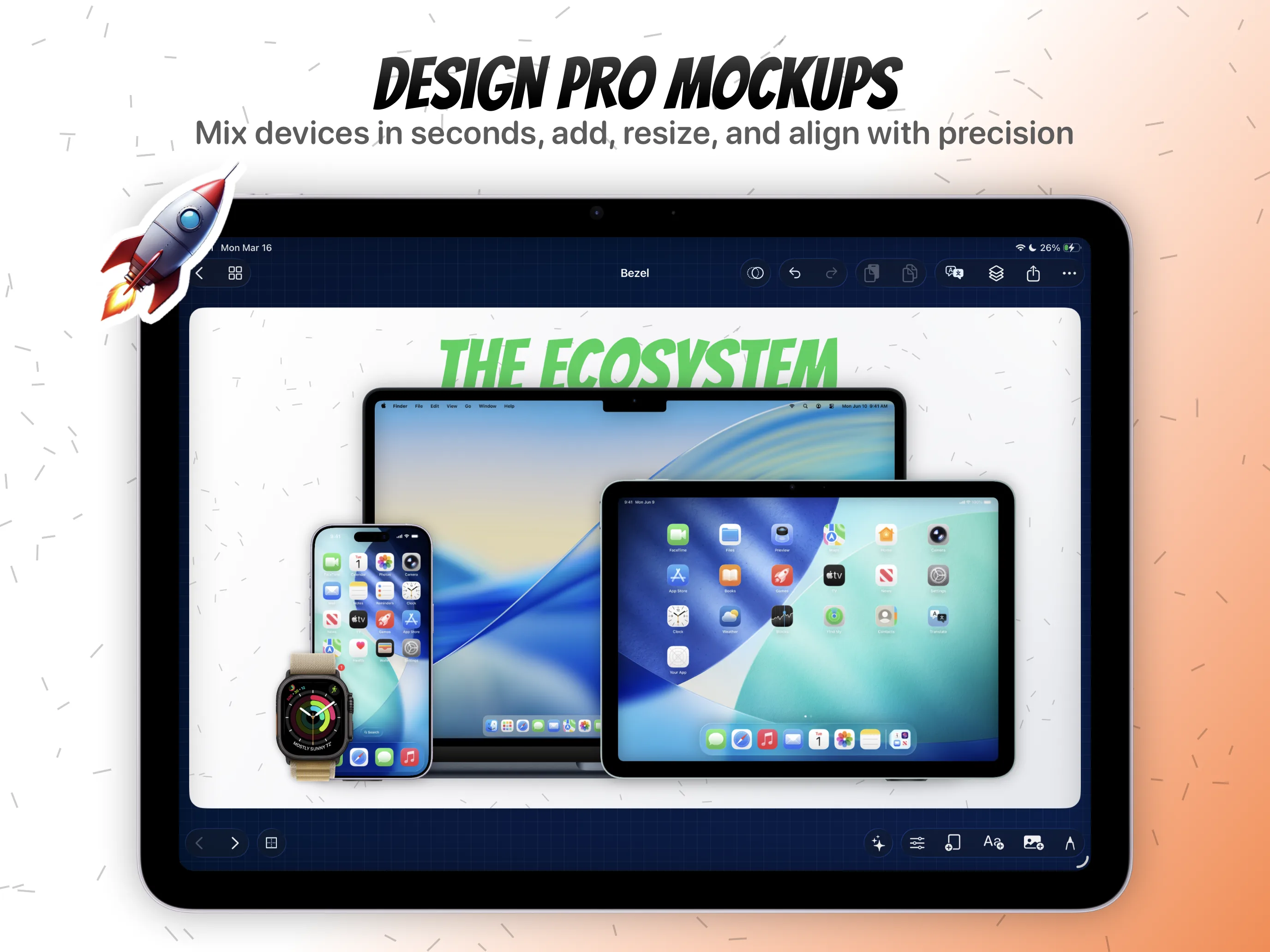
Guide 12
How to export high-quality stills and videos from the same project.
Keep still-image packs, localized screenshots, and preview-video output aligned by exporting them from the same reusable Bezel Studio project.
Guide 13
How to create localization-ready app screenshot templates.
Build the master screenshot layout once, reserve room for translated copy, and save the reusable structure before the next market-specific release begins.
Guide 14
How to create iPhone mockup variants from one template.
Turn the approved localization-ready layout into framed iPhone and supporting device variants without losing the caption system or export-ready structure.
Guide 15
How to review localized App Store screenshot captions before export.
Fix line breaks, spacing, and visual hierarchy after translation so every locale still reads like part of the same launch campaign.
Guide 16
How to create localized App preview video variants.
Reuse the approved motion scene, adjust timing where translated copy changes the rhythm, and keep every market-specific preview clip inside the same project.
Guide 17
How to export an App Store localization delivery pack.
Group stills, translated variants, and preview-video clips by market so the whole release pack leaves the same reusable project cleanly.
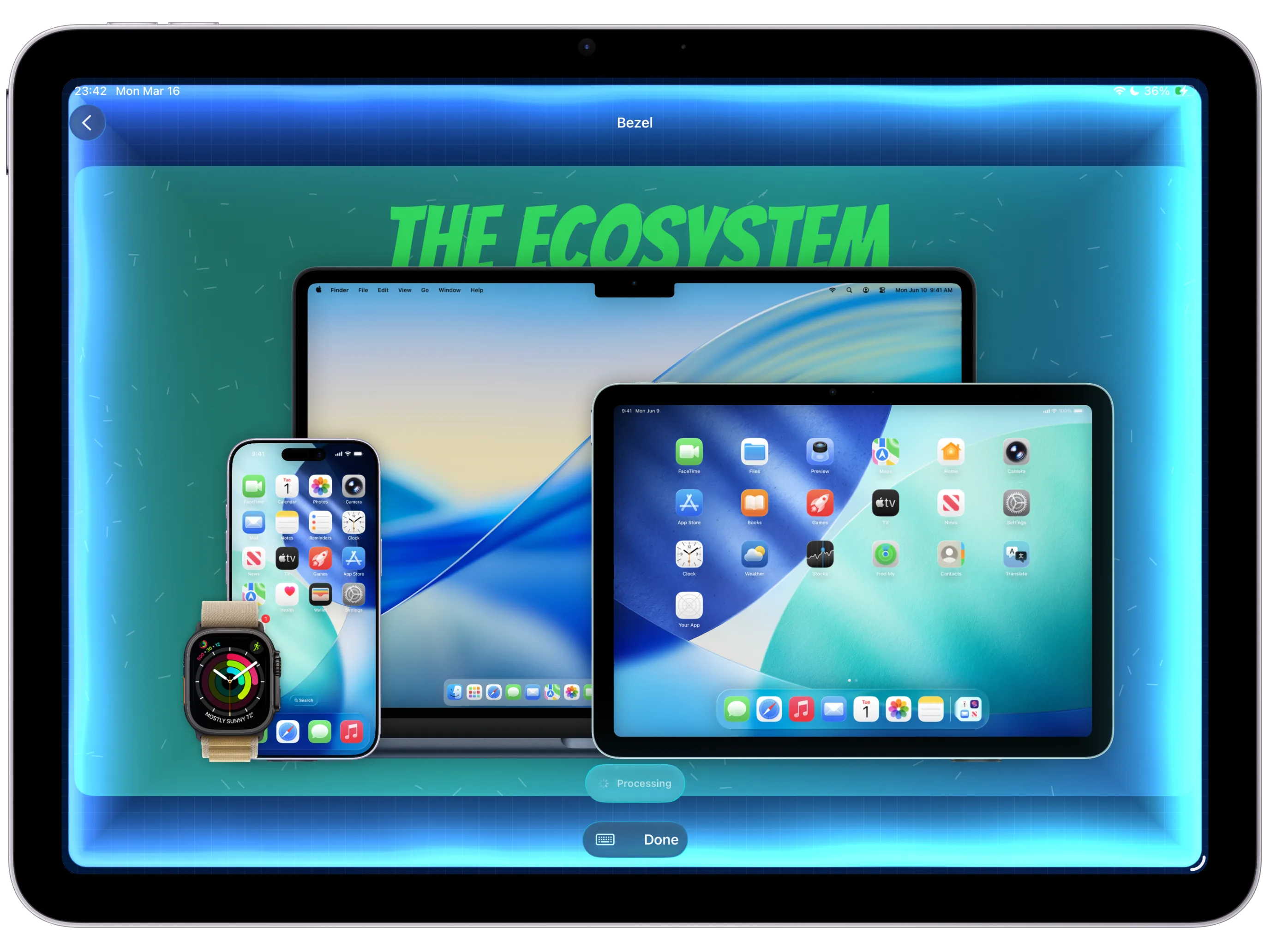
Guide 18
How to use BezelAI to refine an App Store screenshot canvas.
Start from a real launch canvas, ask for focused structured edits, then review text, frames, backgrounds, lighting, canvas size, and motion by hand.
Guide 19
How to rewrite App Store screenshot captions with BezelAI.
Use AI-assisted copy revision while keeping every caption editable, readable, translation-safe, and aligned with the product screenshot.
Guide 20
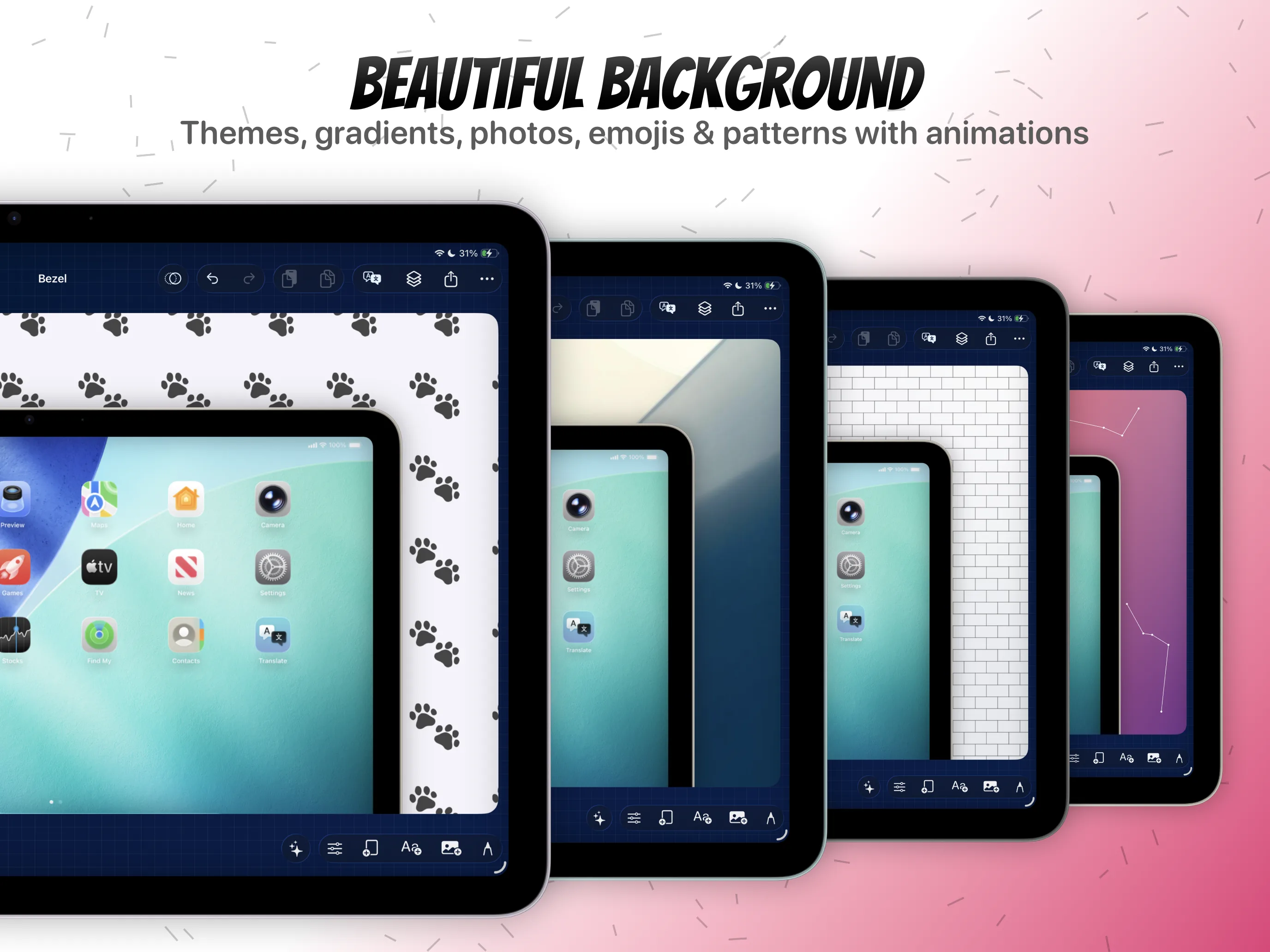
How to adjust App Store screenshot backgrounds with BezelAI.
Explore gradient, lighting, and mood changes without losing product readability, caption contrast, or export-safe composition.
Guide 21
How to prepare shortcut-ready mockup presets for repeated launch assets.
Build a dependable Quick Mockup preset first, then use Shortcuts when repeated screenshots or recordings need the same polished treatment.
Guide 22
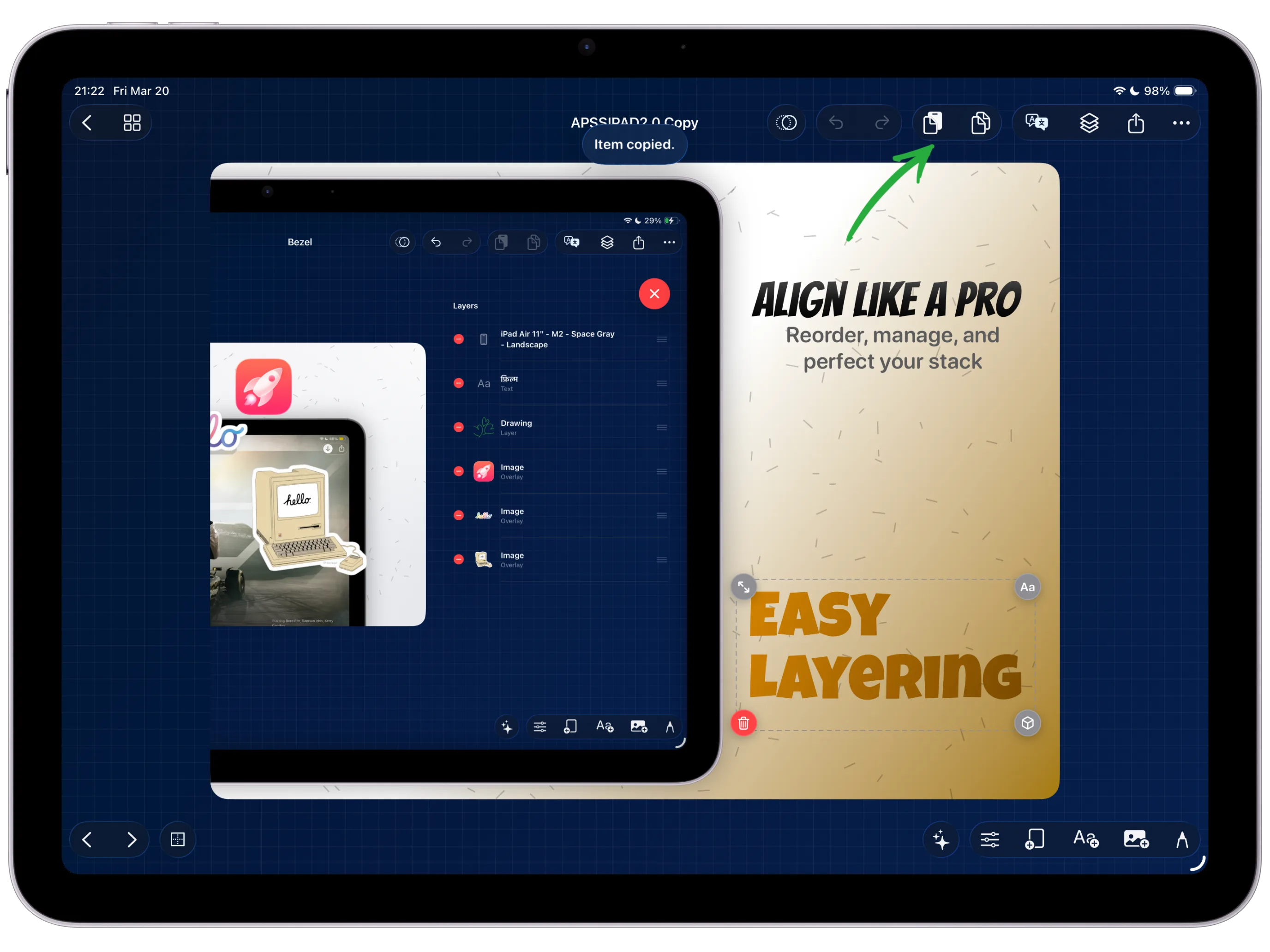
How to reuse App Store screenshot layouts across projects.
A reusable screenshot layout carried into the next release without rebuilding frames, captions, and export structure.
Guide 23
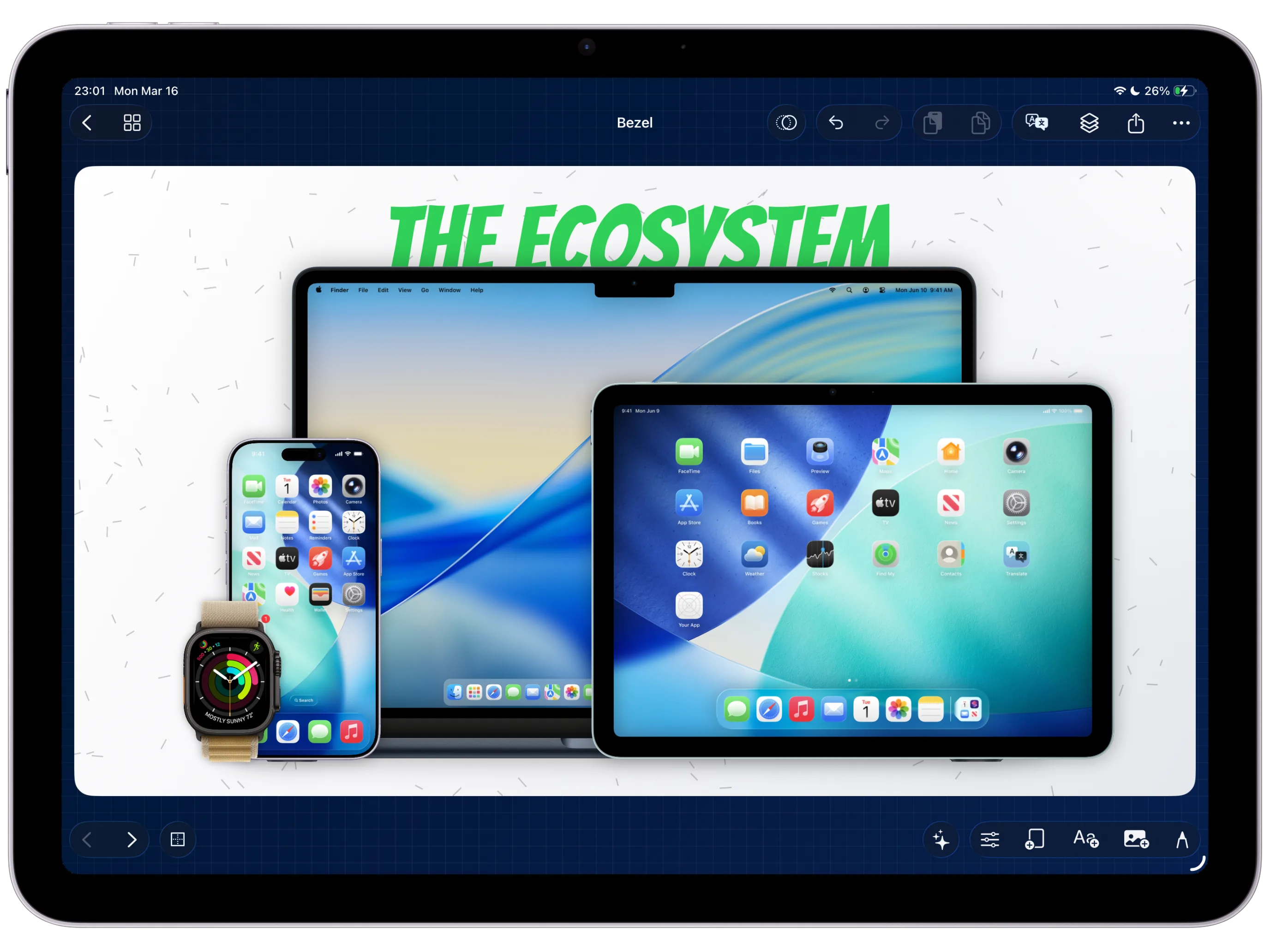
How to create multi-device promo visuals for an App Store launch.
A multi-device launch scene that keeps the product screen, caption, and device stack readable.
Guide 24
How to review an App Store screenshot set before export.
A launch screenshot set that has been checked as a sequence before final export.
Guide 25
How to build an App Store release asset kit in Bezel Studio.
A release-ready delivery kit with approved stills, localized screenshots, and preview-video canvases grouped from one project.
Guide 26
How to clean status bars in framed screenshots and recordings.
Use Clean Status Bar to replace messy captured status bar content with a cleaner Apple-style 9:41 treatment before still or video export.
Guide 27
How to add frame reflections to device mockups.
Enable mirrored frame reflections, then tune blur, opacity, fade, and surface shadow so the device mockup feels grounded without leaving Bezel Studio.
Need the product detail behind these workflows?
These feature pages cover the parts of Bezel Studio that pull the most qualified search intent: iPhone mockups, clean frame polish, screenshot templates, localization, motion, reusable layouts, and launch-ready export.
Feature
BezelAI screenshot refinement and Shortcuts
Open the AI and automation feature page behind the new BezelAI release assistant guides.
Feature
iPhone mockup generator and device frames
Go deeper on precise Apple frames for polished iPhone and iPad marketing visuals.
Feature
Clean Status Bar for framed screenshots
Replace messy captured status bars with a clean 9:41 frame treatment before export.
Feature
Frame Reflections for device mockups
Add mirrored reflection depth with blur, opacity, fade, and surface shadow controls.
Feature
Localized App Store screenshots
See how translation-ready text layers and project-wide localization work before the campaign expands.
Feature
Canvas Motion for App Store preview visuals
Review the motion system that turns still compositions into preview-ready video assets.
Feature
Reusable App Store screenshot layouts
Open the layout reuse workflow when one launch needs to become the next launch faster.
Feature
App screenshot templates and project presets
See how reusable project presets turn one approved launch layout into the next release faster.
Feature
Batch export App Store screenshots and preview videos
Review the export path for still-image sets, localized variants, and motion-ready App Store preview assets.
Clean the captured frame media, then add reflection depth.
Use the new four-page BezelAI sequence when the canvas needs faster refinement before export.
Follow the new five-page sequence from template prep to final market-by-market delivery.
If you already know the job to be done, jump to the matching commercial feature page or install the app and follow the workflow inside the product.