
 Get Bezel Studio
Keep screenshot sets together instead of scattering separate files across devices.
iCloud Continuity
Keep App Store screenshot projects, canvases, and creative progress connected across iPhone, iPad, and Mac.
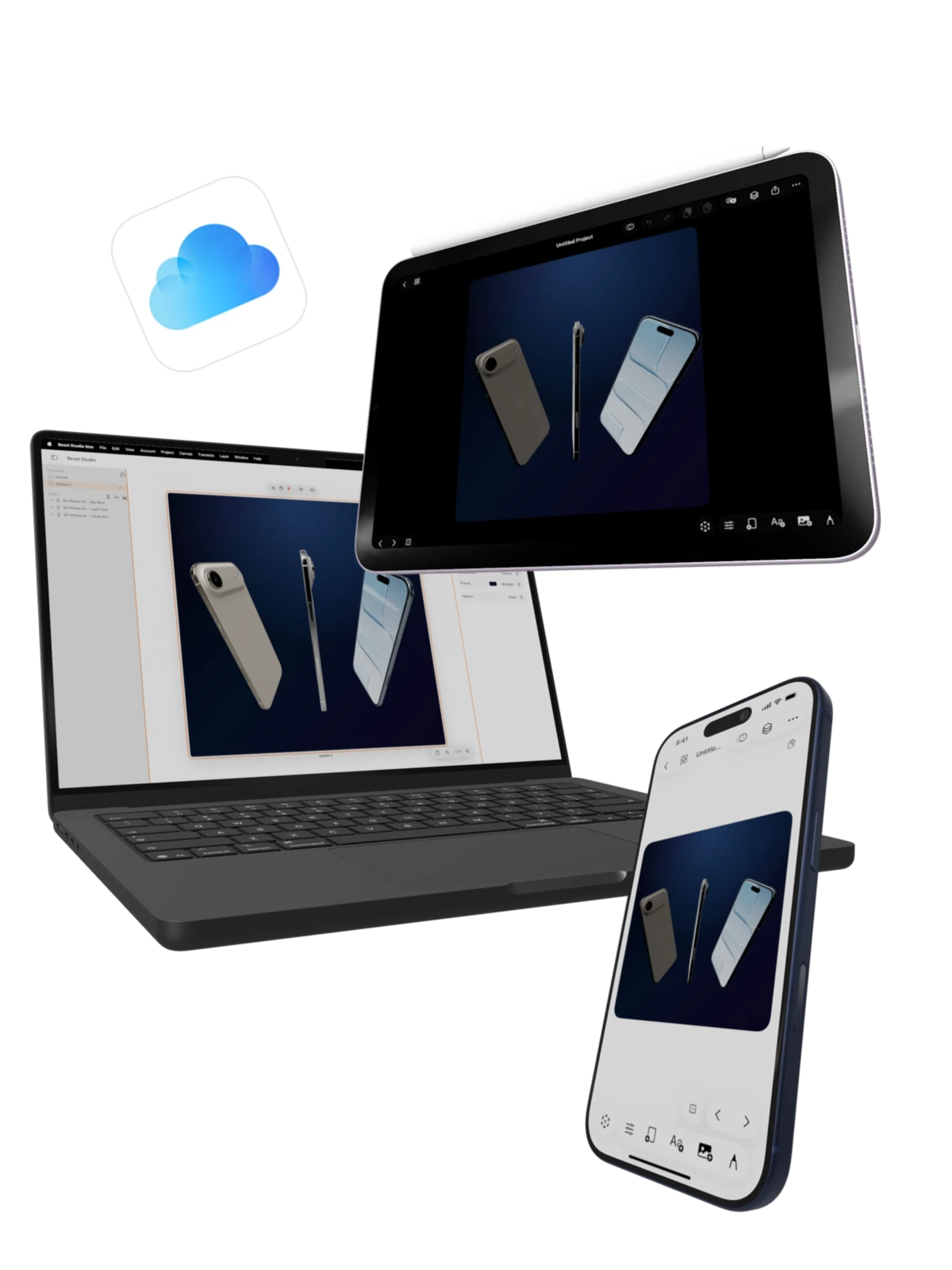
Inside Continuity
One App Store screenshot project can move with the full Apple workflow.
Bezel Studio projects are designed around iCloud-backed continuity, so launch work does not have to stay trapped on the device where it started. A project can begin on iPhone, expand on iPad, and continue on Mac while preserving the editable canvases, frames, captions, backgrounds, layers, and export-ready structure.
This matters for App Store creative work because screenshot sets are rarely one-and-done. You revise headlines, localize canvases, swap device frames, build preview-video variants, and return to previous launch layouts when the next update is ready.
What iCloud continuity keeps connected
Preserve frames, text, images, drawings, backgrounds, and layer order for later revision.
Start a quick edit on iPhone, refine the project on iPad, and continue in the native Mac app.
Return to proven templates for updates, seasonal campaigns, and localization passes.
Best for
Developers building App Store screenshot sets across multiple Apple devices.
Teams that need editable projects to survive handoff, localization, and launch review.
Creators who want the same project model for still screenshots, motion, and export.
Why this is different from exporting flat images
Flat exported screenshots are useful at the end of the process, but they are weak source material. iCloud-backed projects keep the working file alive, so you can reopen the same composition later and continue editing the real canvas instead of rebuilding from a saved PNG.
Launch Path
Continue from project sync into templates, localization, and export.
iCloud continuity is strongest when it supports the rest of the launch workflow: reusable project structure, translated screenshot sets, and final delivery assets.
Feature
Projects and custom presets
Save reusable screenshot systems that can be reopened for the next update.
Feature
Global Translation
Translate the current canvas or a full project for localized App Store assets.
Feature
Export and share
Deliver approved stills, localized sets, and preview-video assets from the same project.