
 Get app screenshot templates
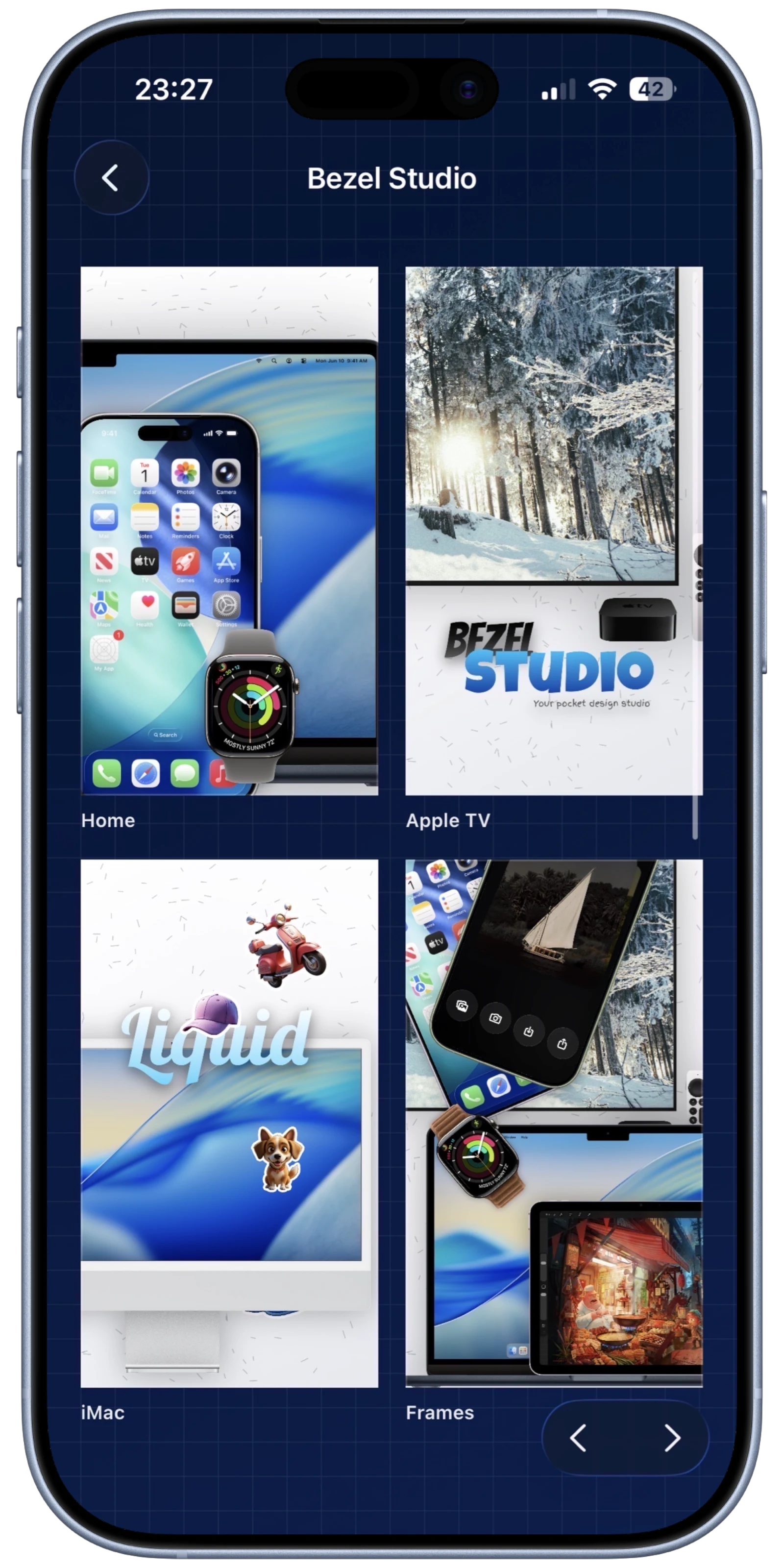
Keep all 8 of your App Store slots organized within a single project file.
Projects & Custom Presets
Save editable app screenshot templates, custom styles, and multi-canvas project presets for faster launches and updates.
Inside Projects
Scale Your Marketing Workflow
When managing multiple apps, organization is key. Bezel Studio allows you to save complete layout screenshot templates and styles. This is the ultimate way to save time on app screenshots while maintaining a cohesive brand aesthetic across your entire portfolio.
Instead of recreating backgrounds, frame stacks, caption styling, and export settings every time, you can open the exact project preset that matched the last release and adapt it for the next update, seasonal campaign, or localization pass.
Built for Iteration
Save your favorite gradient background or text shadow configuration for one-tap reuse later.
Need to run an A/B test? Duplicate an entire project instantly and tweak the copy.
What strong screenshot templates preserve
Keep the same frame, headline system, and scene order across major updates.
Hand collaborators or future-you a preset that already respects your brand and store constraints.
Reopen the template, change the copy, adjust a device frame, and export again without flattening the source.
Keep Exploring
Related guides for this feature
These tutorials deepen the workflow behind projects presets so the feature page can pass users and crawlers into the stronger how-to cluster.
Launch Path
Templates only matter if they speed up the next release.
Once someone understands presets, the next steps are layout reuse and export. Keep them inside that commercial path with direct links instead of generic navigation.
Feature
Reusable App Store screenshot layouts
Carry one approved canvas, caption stack, or full layout into the next launch campaign without rebuilding from zero.
Feature
Batch export saved screenshot templates
Move saved layouts straight into still-image and preview-video exports when the campaign is approved.