
 Get batch screenshot export
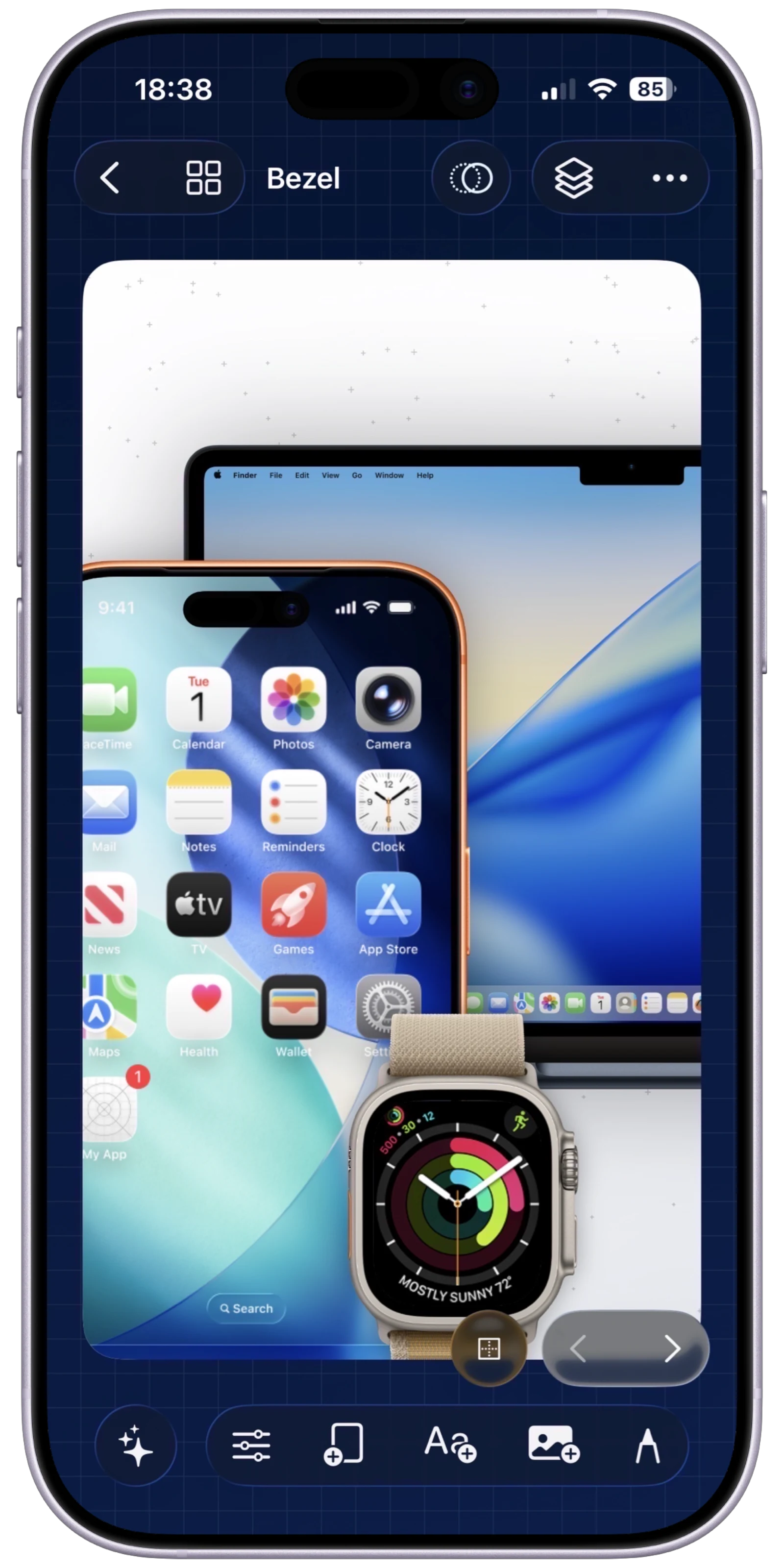
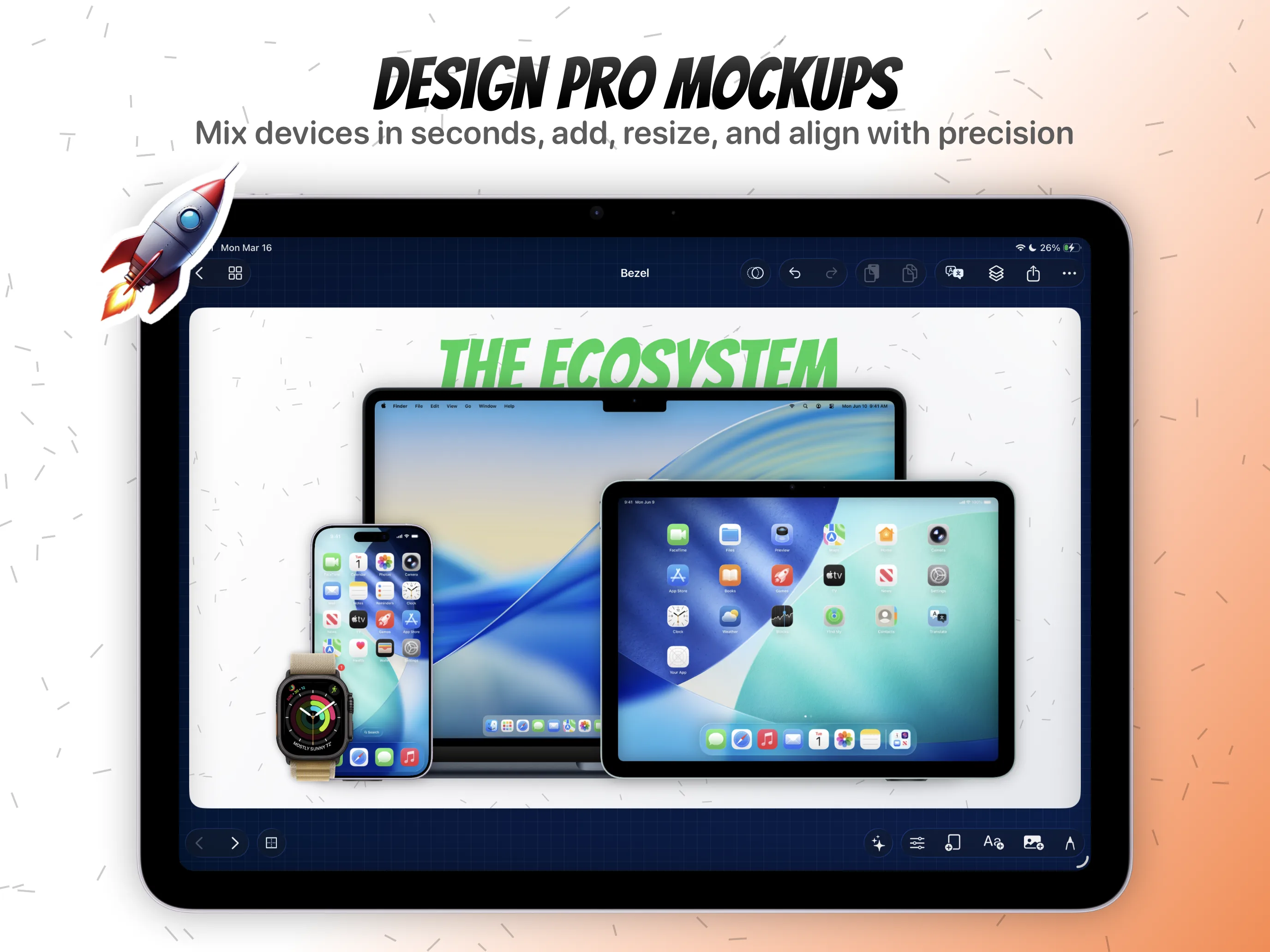
Export all your different localized screenshot sets simultaneously.
Instant Export & Sharing
Batch export App Store screenshots, preview videos, and localized sets from the same project without rebuilding assets.
Inside Export
From Canvas to App Store Connect in Seconds
The final step is the most important. Bezel Studio's rendering engine allows you to export app screenshots in massive, high-fidelity batches. Whether you need static images or '.mp4' video previews, everything is generated instantly, radically streamlining your upload to App Store Connect.
That means the same project can hold the launch screenshots, localized variants, and motion-ready preview visuals until you are ready to render the whole campaign. Instead of rebuilding assets for every output type, you export from one source of truth.
Frictionless Delivery
Guaranteed razor-sharp text and assets that meet all of Apple's strict resolution guidelines.
Save directly to your iOS Photos app, Files app, or AirDrop instantly to your Mac.
What batch export solves
Export the full screenshot set in one pass when copy, frames, and styling are locked.
Render motion pieces from the same project that already holds the static screenshots.
Keep every locale inside the same delivery workflow so App Store Connect upload stops being a manual scramble.
Keep Exploring
Related guides for this feature
These tutorials deepen the workflow behind export share so the feature page can pass users and crawlers into the stronger how-to cluster.
Launch Path
Export is the last commercial step, not a dead end.
Visitors who reach export are close to conversion. Give them a direct App Store CTA plus the adjacent feature pages that explain motion and localization output.
Feature
App preview video maker with Canvas Motion
Turn the same screenshot composition into animated preview videos before you export the final launch package.
Feature
Localized App Store screenshot workflows
Keep translated campaigns in the same project so screenshot batches and locale-specific exports stay aligned.