
 Start building for free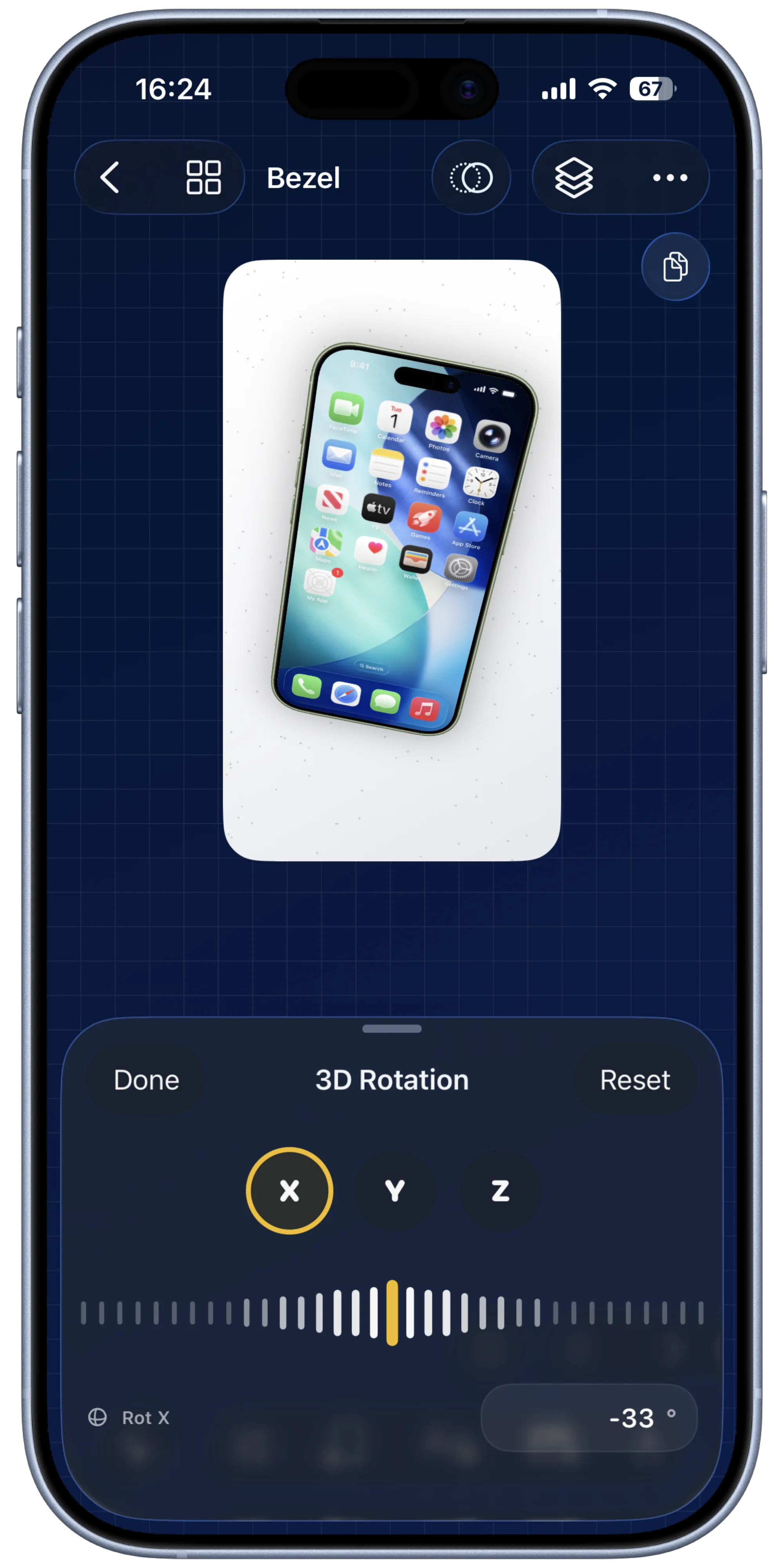
Open a frame, text layer, or sticker and switch into transform controls.
3-Axis Transforms
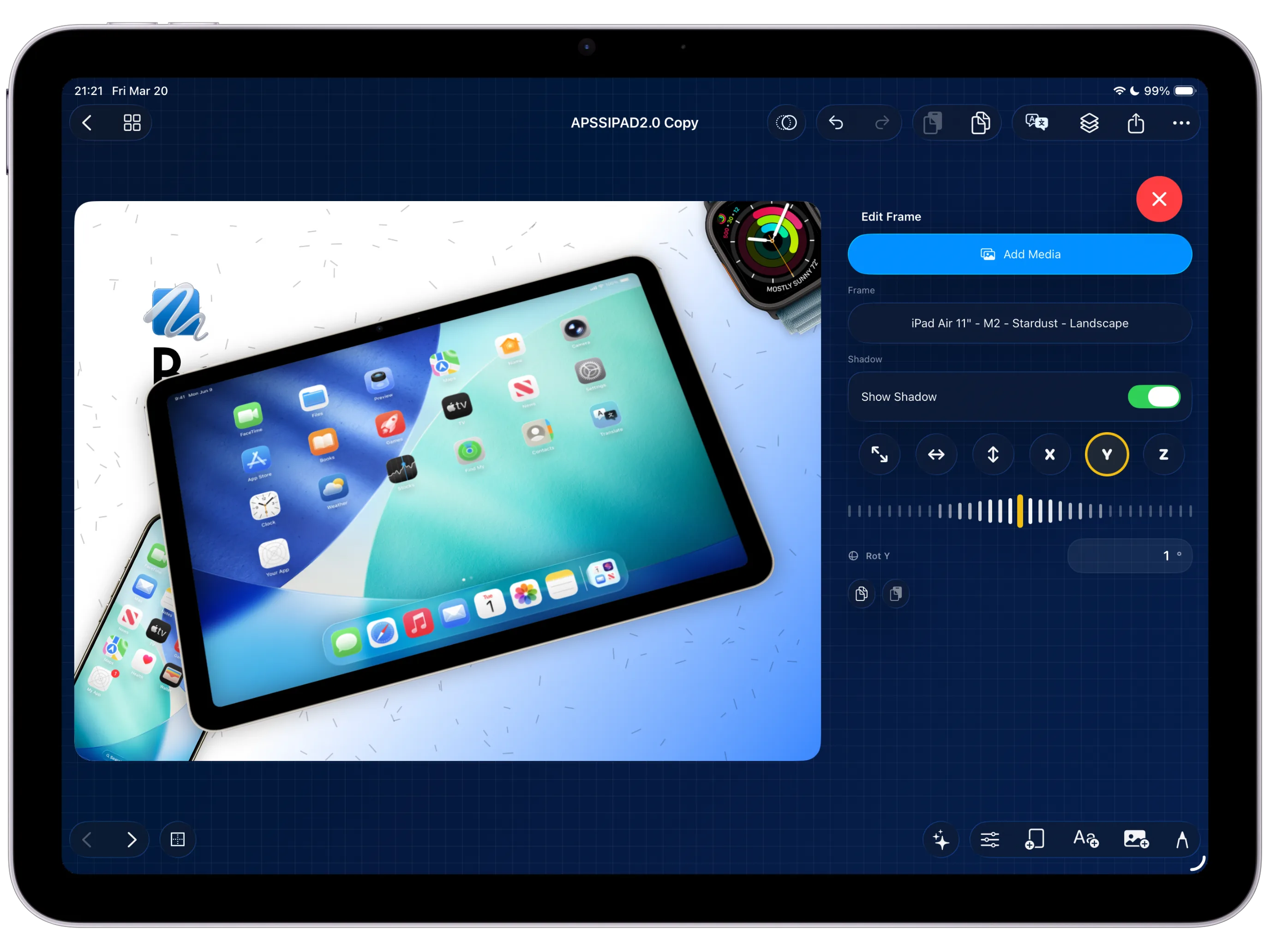
Tilt, rotate, and position items across X, Y, and Z so your App Store creatives feel dimensional instead of flat.
Inside 3-axis
Use depth as part of the layout language.
3-axis transforms let you move beyond flat placement. A frame can sit slightly forward, a caption can tilt back, and a sticker can swing across the composition without breaking the canvas model.
The result is a more tactile, Apple-like marketing scene that still remains editable and exportable from the same project.
How to use 3-axis transforms
Nudge X, Y, and Z to create depth and orientation.
Pair tilt with size changes to mimic natural perspective.
Use it for emphasis, then fine-tune the layout so it still reads clearly.
Animate the same transform values for even richer transitions.
Best used for
Floating device stacks and ecosystem scenes.
Perspective-rich feature callouts and depth-led marketing visuals.
Subtle premium motion that feels physically grounded.
Keep Exploring
Related guides for this feature
Go deeper into composition workflows that pair perspective styling with repeatable production output.
Guide
How to use layers and 3-axis transforms to build more dimensional compositions.
Use this feature page as the direct operational reference for perspective, rotation, and layered scene depth.
Guide
How to export high-quality stills and videos from the same project.
Send the dimensional composition into the real delivery workflow once the perspective work is stable.