
 Start building for free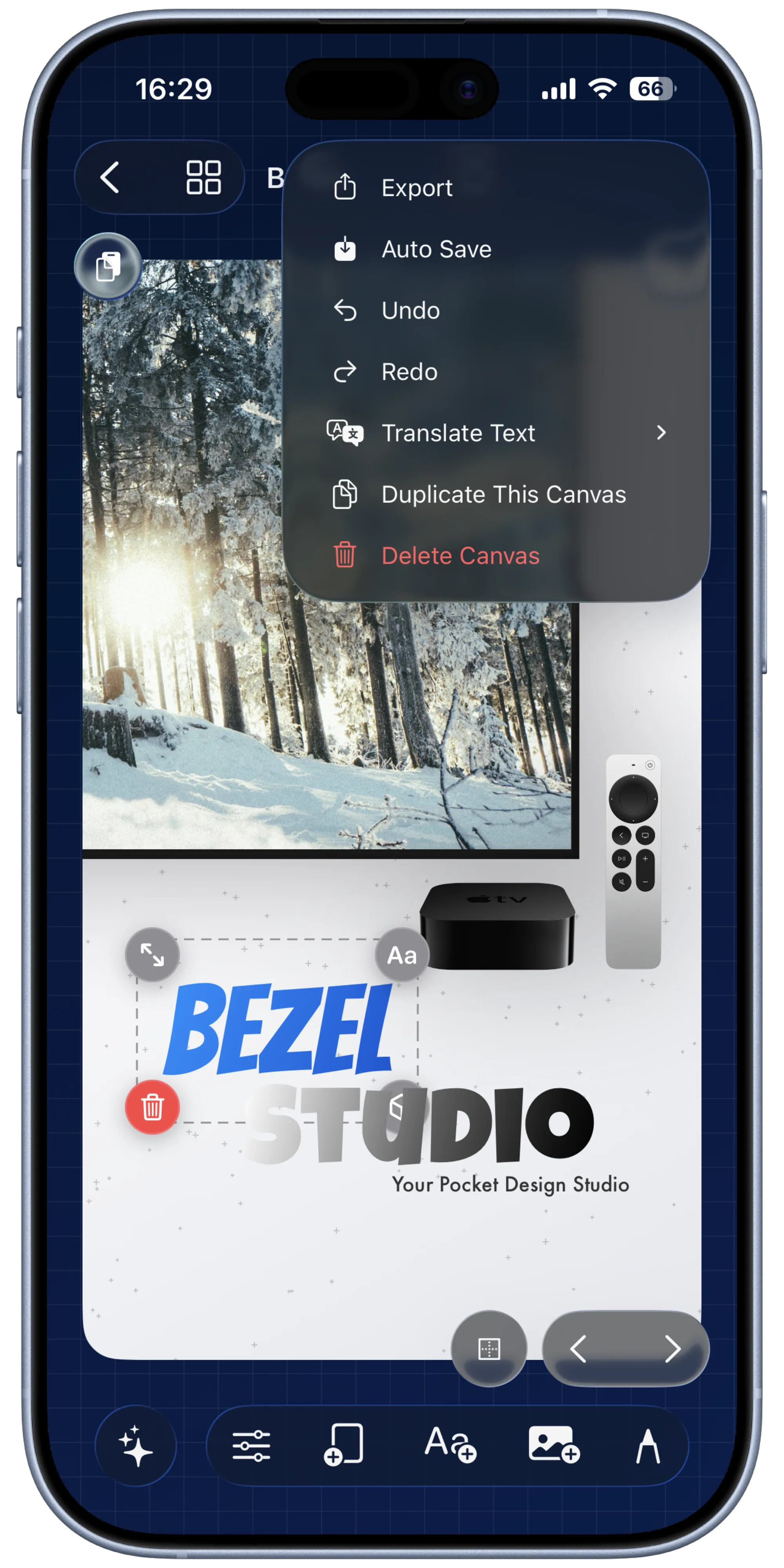
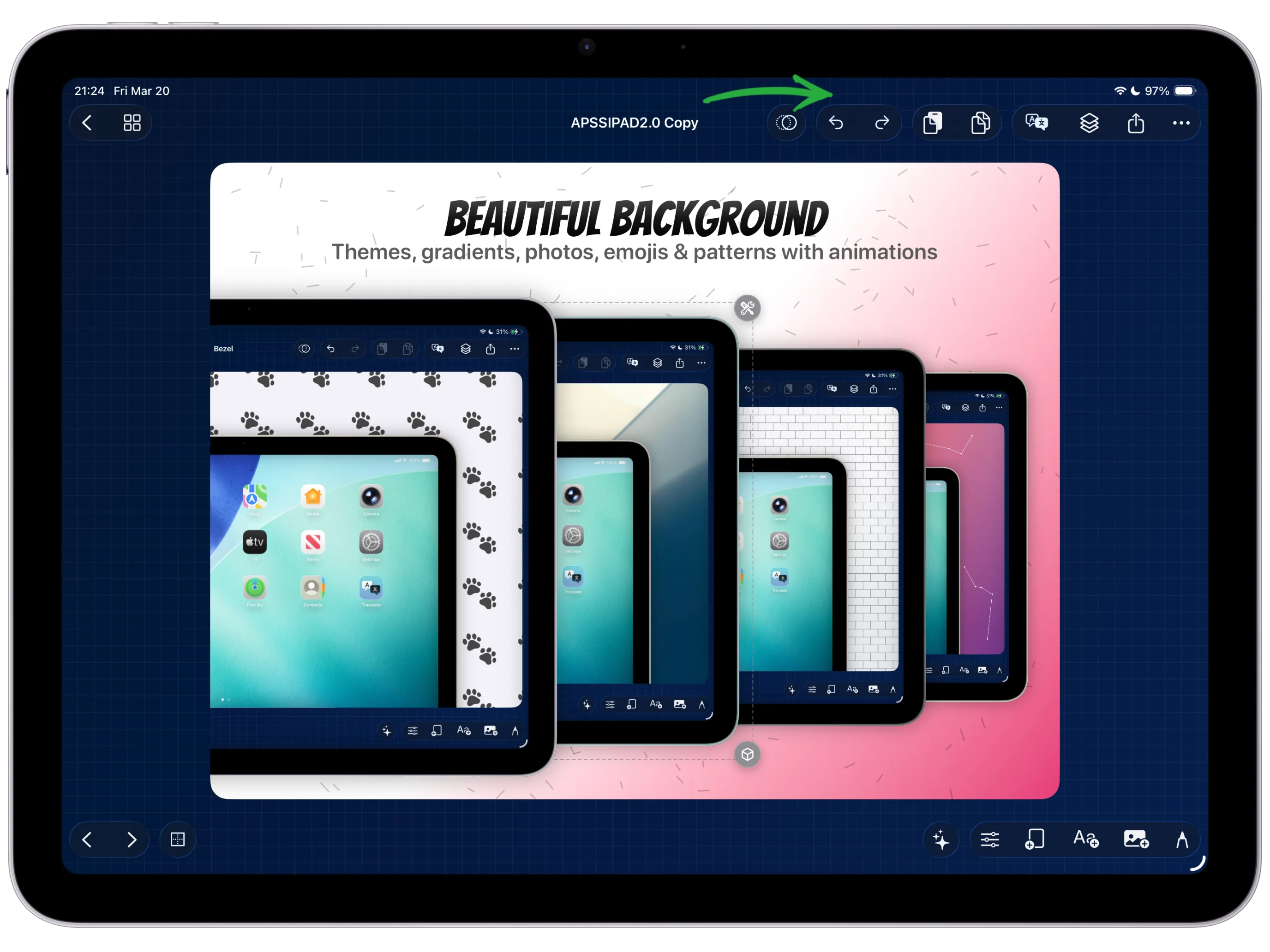
Move, resize, restyle, or animate items as you build the canvas.
Undo & Redo Everywhere
Experiment freely across the editor because the same history system tracks the changes that matter.
Inside Iteration
Change things fast, then step back instantly if needed.
Undo and redo are built into the core editing experience, so you can keep experimenting with copy, layouts, motion, and backgrounds without worrying that one wrong move will cost you the whole composition.
It supports a more confident workflow because every important edit stays reversible while you refine the final asset.
How to use it
Roll back the last action when a change goes in the wrong direction.
Bring the last step back if you want to compare or restore it.
Use the history stack to test multiple directions quickly.
Stay aggressive with changes because the editor is designed for recovery, not fear.
Why it matters
Helps with fast layout exploration and creative experimentation.
Makes complex edits less risky across large projects.
Supports a true production workflow instead of a one-way export tool.
Keep Exploring
Related guides for this feature
Connect safe iteration habits to complete end-to-end screenshot workflows and release prep.
Guide
How to draw callouts and annotations with PencilKit.
Use undo and redo aggressively while pruning annotation marks down to the ones that actually clarify the screenshot.
Guide
How to export high-quality stills and videos from the same project.
Use history safely while preparing the final delivery pack so you can compare versions before shipping.