
How-To Guide 16
How to create localized App preview video variants.
The motion pass gets expensive fast if every locale becomes a separate animation project. This workflow keeps translated copy, approved mockups, and preview-video timing in the same launch system so each market gets its own motion variant without losing the base composition.
What You'll Build
One preview-video system that can swap translated copy and export market-specific motion variants from the same project.
What You'll Use
Localized caption QA, Canvas Motion, timing reuse, per-locale branches, and final video export.
Screenshot Plan
Capture 1 approved localized still, 1 motion timeline pass, 1 translated headline animation, 1 alternate locale branch, 1 preview check, and 1 exported localized video variant.
Step 01
Start from the locale whose captions already survived review.
Use the cleaned headline system from the localized caption review guide. Motion is much easier when the translated text is already approved in still form before keyframes start moving it around.
Screenshot To Add
A translated still frame approved for motion work with caption placement already locked.
Step 02
Duplicate the motion scene instead of rebuilding the timeline for every market.
Keep the timing and animation structure intact while you branch a new locale. The efficient version of localized preview-video work is mostly reuse: the scene stays stable, and only the translated content and necessary spacing adjustments change.
Screenshot To Add
A motion-ready scene duplicated into a new locale branch while preserving the original keyframe structure.
Step 03
Adjust motion timing only where the translated copy changes the rhythm.
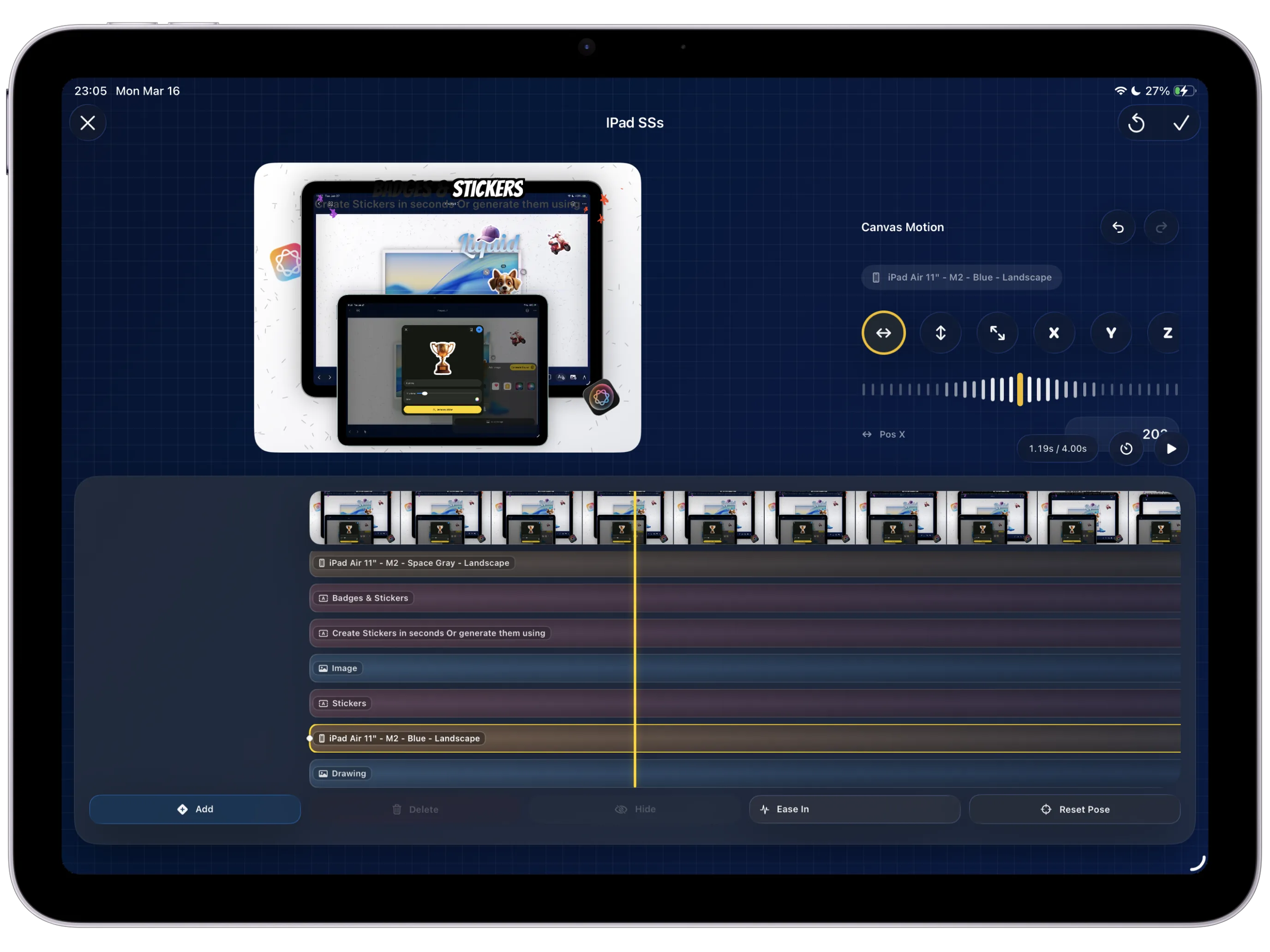
Use the controls from the App preview video maker with Canvas Motion to retime entrances or holds when the translated caption needs more time on screen. Keep the differences intentional and as small as possible.
Screenshot To Add
The motion timeline adjusted for one locale because translated copy needs a slightly different hold or entrance timing.
Step 04
Check that the motion still supports the product story in every language.
Play each locale back and watch for moments where the animation and text now fight each other. The motion should still direct attention toward the feature, not make translated copy harder to parse at preview-video speed.
Screenshot To Add
A localized motion preview running so timing and text clarity can be reviewed together.
Step 05
Name and group the video variants for final delivery.
As each locale clears review, label the scene so the export step can separate the final files by language and device. This avoids the common last-mile failure where perfectly good motion clips become a delivery mess.
Screenshot To Add
Localized motion scenes grouped and named clearly before the final render begins.
Step 06
Send the approved preview-video variants into the same export pack as the stills.
Finish the locale-specific clips while the matching stills and captions are still in the same project. That keeps the motion branch anchored to the broader localization delivery workflow instead of becoming another isolated file tree.
Screenshot To Add
One localized preview-video variant exported and grouped alongside the matching still-image deliverables.