
How-To Guide 07
How to create reusable App Store screenshot templates.
Once one launch layout works, save the frame, caption hierarchy, spacing, and export structure as a reusable template. That way the next release starts from an editable base instead of a blank project.
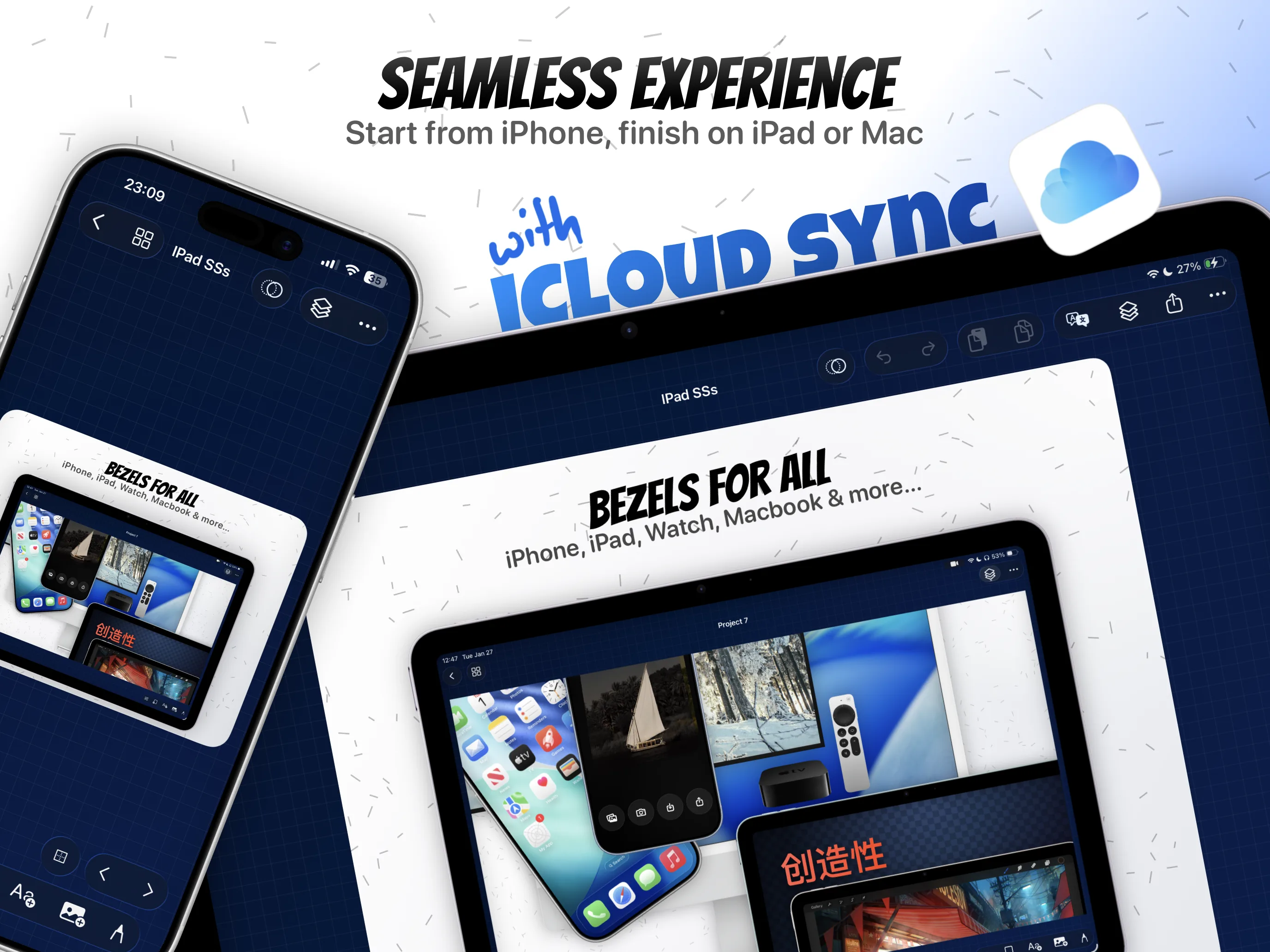
What You'll Build
A reusable App Store screenshot template that can be reopened, duplicated, localized, and exported for future launches.
What You'll Use
Projects, presets, reusable layouts, duplication, localization-ready structure, and export.
Screenshot Plan
Show 1 finished template, 1 saved preset view, 2 reuse passes, 1 localization or motion carryover, 1 updated export, and 1 final refreshed template.
Step 01
Build the base screenshot layout worth saving.
Start with the canvas that already feels launch-ready. This is the version with the right device frame, headline hierarchy, spacing, and supporting visuals, because the template only helps if the underlying composition is worth repeating.
Screenshot To Add
The finished base canvas before it becomes a reusable template.
Step 02
Turn the layout into a reusable project preset.
Save the project structure so the frame choice, text styles, background treatment, and overall launch rhythm stay intact. This is what converts one successful screenshot system into a reusable App Store screenshot template instead of a one-off artifact.
Screenshot To Add
Preset or project-save view showing the reusable launch layout being stored.
Step 03
Duplicate the template for the next release or device variant.
Open the saved template, duplicate the canvas or project structure, and create the next release pass from something that already works. Reuse is the point here: the next launch should inherit the system before any new screenshot or copy changes are made.
Screenshot To Add
A duplicated canvas or preset-based project created for a new release variant.
Step 04
Swap screenshots and update the copy without breaking the structure.
Replace the app screens, tighten the headline, and adjust spacing while keeping the template’s visual system intact. This is where reusable templates save time: the structure survives, and only the release-specific content changes.
Screenshot To Add
The reused template with a new screenshot and updated copy layered into the same structure.
Step 05
Carry the template into localization, motion, or export workflows.
Once the reusable template is stable, extend it into the adjacent workflows that matter for launch week: localized copy, preview-video variants, or full multi-canvas export. This proves the template is part of the real production workflow, not an isolated starter file.
Screenshot To Add
The same template structure being reused in a translated, animated, or export-ready variation.
Step 06
Save the refreshed template and export the new launch assets.
Finish by saving the improved template state and exporting the current campaign assets. That leaves the launch deliverables ready now and the template stronger for the next update, localization pass, or entirely new app.
Screenshot To Add
The refreshed template saved alongside the final launch assets after export.