
 Get reusable screenshot layouts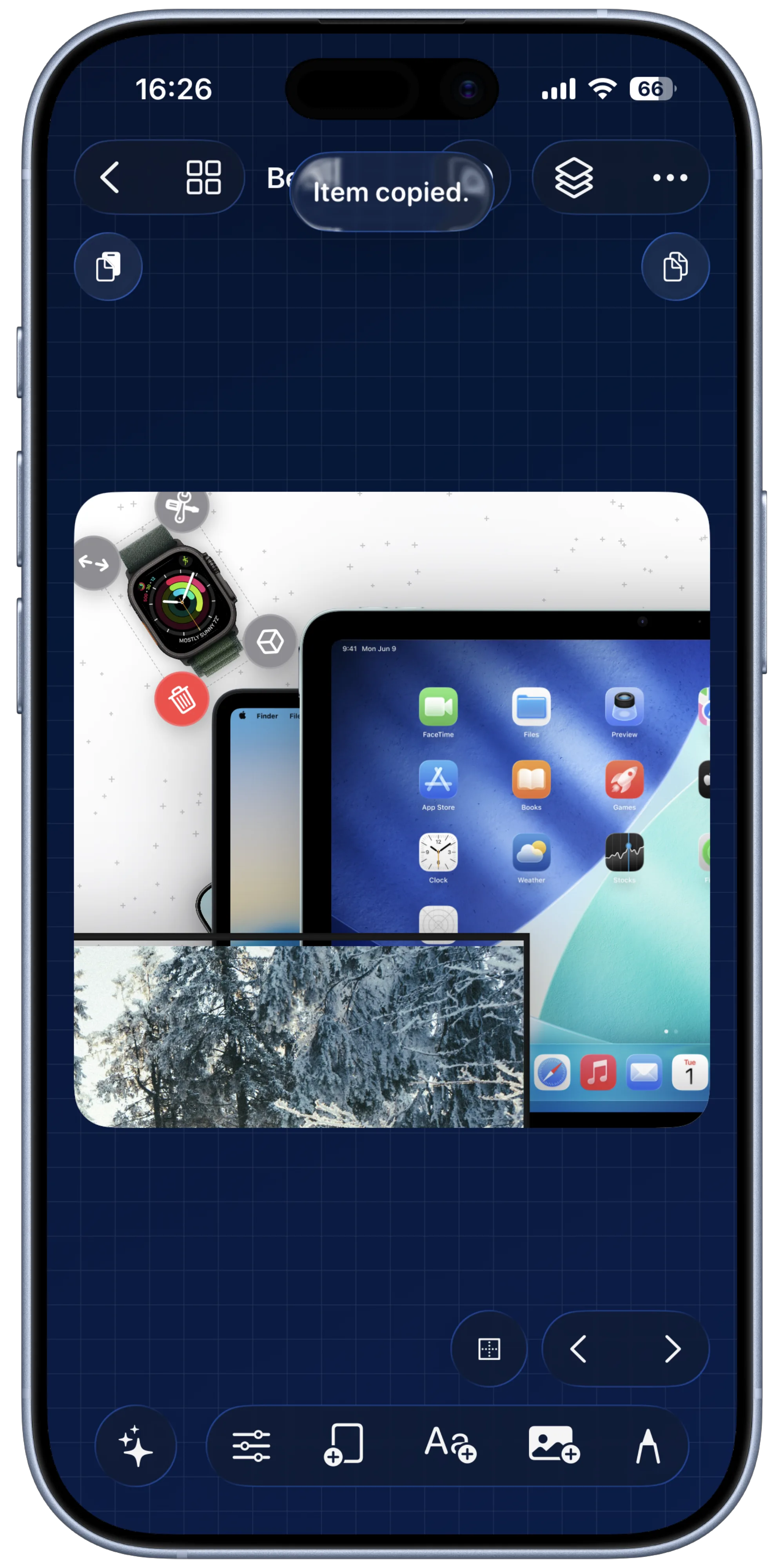
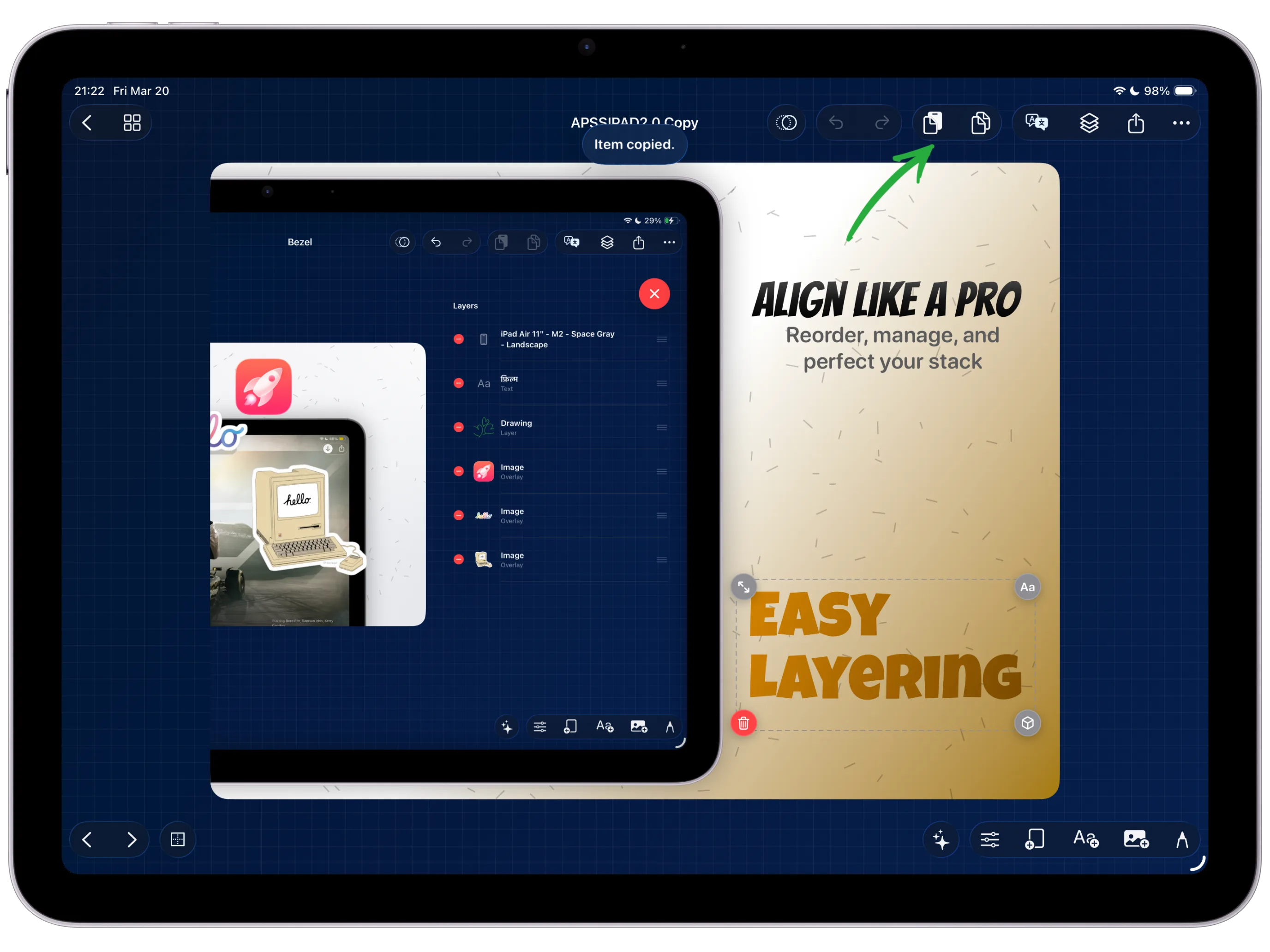
Copy a single item, a grouped stack, or the full canvas.
Copy & Paste Across Projects
Reuse the same composition logic across projects so the work you already polished does not have to be rebuilt for the next campaign.
Inside Reuse
Treat each finished scene as reusable production material.
Copy and paste across projects lets you move one overlay, a grouped composition, or a full canvas into another project without losing the structure you already built. It is the fastest way to carry a good idea into a new variant.
Because the canvas model stays intact, copied content keeps its layers, edits, and styling relationships instead of flattening into a dead export.
That makes the feature practical as a system for reusable app screenshot layouts. One approved scene can become the starting point for the next update, the next seasonal campaign, or the next localized store listing without recreating the structure from scratch.
How to use it
Open the destination project or canvas you want to continue working in.
Drop the content into place and adjust the scale or position if needed.
Iterate on localizations, seasonal updates, or launch variants without starting from zero.
Continue refining text, motion, and styling in the new project just like the original.
Best for
Campaign families that share the same visual structure.
Localized screenshots with repeated layout logic.
Saving time on updates when only a few details change.
Why reusable layouts outperform manual rebuilds
Keep the frame, copy hierarchy, and spacing decisions that already worked.
Move a whole layout into a fresh project before you change captions, devices, or locale-specific details.
Improvements made to one scene can roll into the next campaign instead of being rebuilt by hand.
Keep Exploring
Related guides for this feature
Use these guides to turn reusable project patterns into complete screenshot systems.
Guide
How to build a full App Store screenshot set in one project.
Scale one canvas into a complete campaign set with review and batch export.
Guide
How to create reusable App Store screenshot templates.
Turn one approved launch layout into a reusable project preset, then carry it into the next release without starting from zero.
Guide
How to reuse App Store screenshot layouts across projects.
Carry an approved canvas, frame stack, and caption system into the next release before rebuilding anything by hand.
Launch Path
Move from reusable layouts into presets and localization.
People who care about reusable screenshot layouts usually need two adjacent answers next: how to save the template and how to reuse it across translated campaigns. Keep those pages one click away.
Feature
App screenshot templates and project presets
Save the layout once, keep it editable, and reopen the same launch structure for the next version or app.
Feature
App Store screenshot localization workflows
Carry the same approved layout into translated campaigns without rebuilding every localized screenshot set.
Guide
Review the App Store screenshot set before export
Check copied layouts as a launch sequence before the final asset kit leaves the project.