
Device Frame Feature
Frame Reflections for richer device mockups.
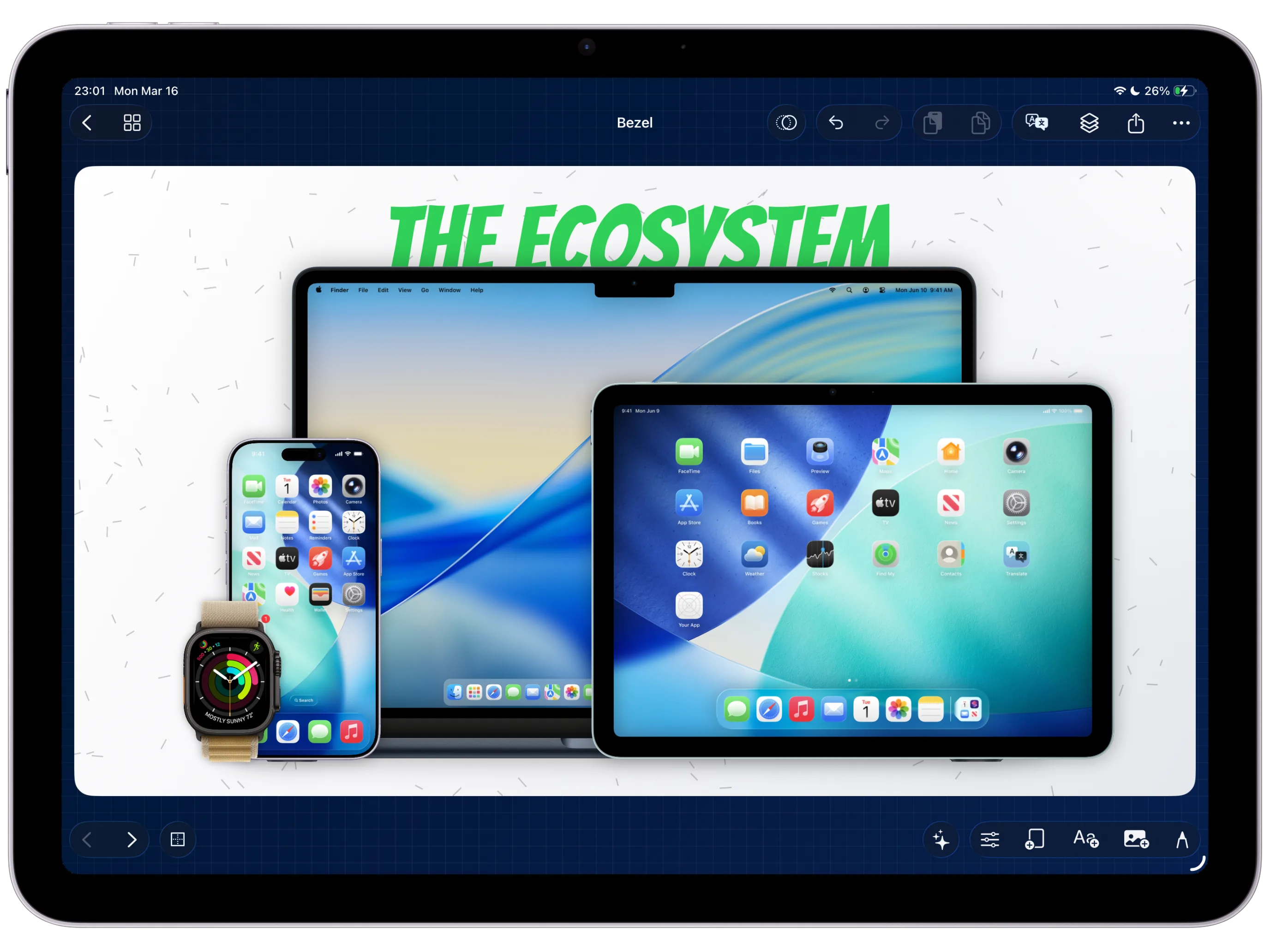
Frame Reflections mirror supported device mockups below the frame, then let you control blur, opacity, fade distance, and surface shadow so the composition feels more dimensional without rebuilding it in another design tool.
Depth
A reflection turns a flat mockup into a grounded scene.
The reflection is generated from the frame content, so it stays aligned with the device mockup while the frame moves through the composition.
Controls
Tune the reflection instead of accepting a fixed preset.
Blur softens the mirrored frame, opacity controls strength, fade controls how quickly it disappears, and surface shadow helps the device sit on the canvas.
Workflow
Reflections belong in the same export path as the rest of the canvas.
Reflection state is part of the frame overlay, so it can travel with the project and render with stills or videos.
Add reflections directly inside the native Bezel Studio device-frame editor.