
How-To Guide 25
How to build an App Store release asset kit in Bezel Studio.
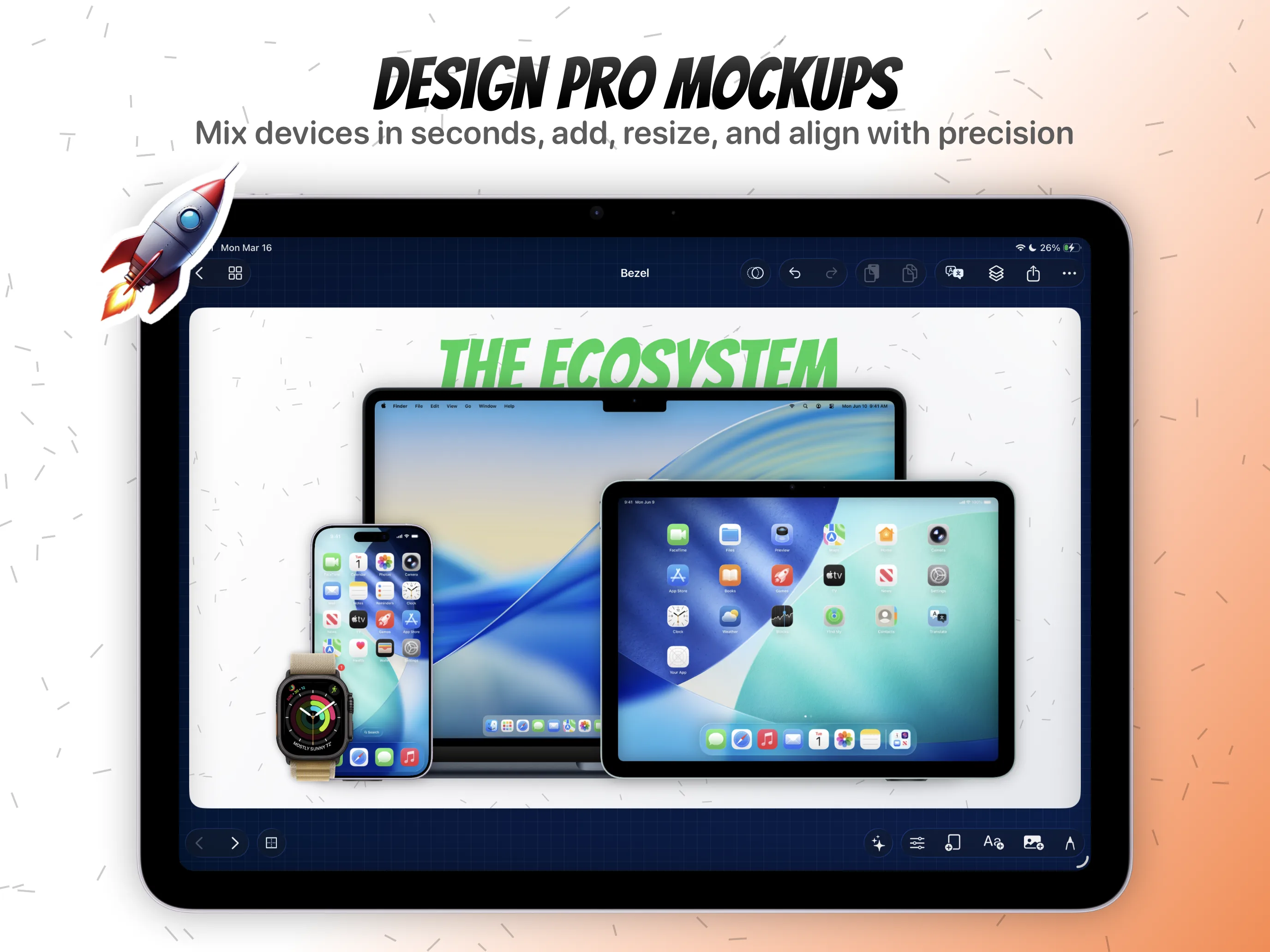
This release-QA workflow keeps Bezel Studio's project model, editable canvases, device frames, captions, localization, motion, and export tied to one launch path. It is for teams and indie developers who need more App Store-ready assets without rebuilding the same visual system every release.
What You'll Build
A release-ready delivery kit with approved stills, localized screenshots, and preview-video canvases grouped from one project.
What You'll Use
Projects, canvases, localization, Canvas Motion, Quick Mockups, and export.
Screenshot Plan
Capture each step with the real Bezel Studio project state so the guide can later replace placeholders with product screenshots.
Step 01
Start with the approved screenshot set.
Do not build the delivery kit until the sequence has passed caption, device, localization, and frame readability review.
Screenshot To Add
Capture this step in Bezel Studio with the relevant project, canvas, or export state visible.
Step 02
Group still screenshots by release purpose.
Keep core App Store screenshots, multi-device promo visuals, and supporting campaign assets clear so export does not become a file-naming cleanup job.
Screenshot To Add
Capture this step in Bezel Studio with the relevant project, canvas, or export state visible.
Step 03
Keep localized variants attached to the same project.
When localization lives inside the same Bezel Studio project, translated captions and original layouts stay easier to compare before delivery.
Screenshot To Add
Capture this step in Bezel Studio with the relevant project, canvas, or export state visible.
Step 04
Mark canvases that need motion export.
Any canvas using Canvas Motion or embedded frame video should be treated as a video-ready asset, not just another still screenshot.
Screenshot To Add
Capture this step in Bezel Studio with the relevant project, canvas, or export state visible.
Step 05
Export from the source project.
Use the same project vocabulary for stills and videos so the final delivery reflects the live canvas instead of a rebuilt external file.
Screenshot To Add
Capture this step in Bezel Studio with the relevant project, canvas, or export state visible.
Step 06
Save the project as the next release starting point.
After delivery, the release kit becomes the seed for the next update, localization pass, or shortcut-ready mockup preset.
Screenshot To Add
Capture this step in Bezel Studio with the relevant project, canvas, or export state visible.