
 Get the iPhone mockup generator
Users trust professional, high-quality iPhone mockups over raw screenshots.
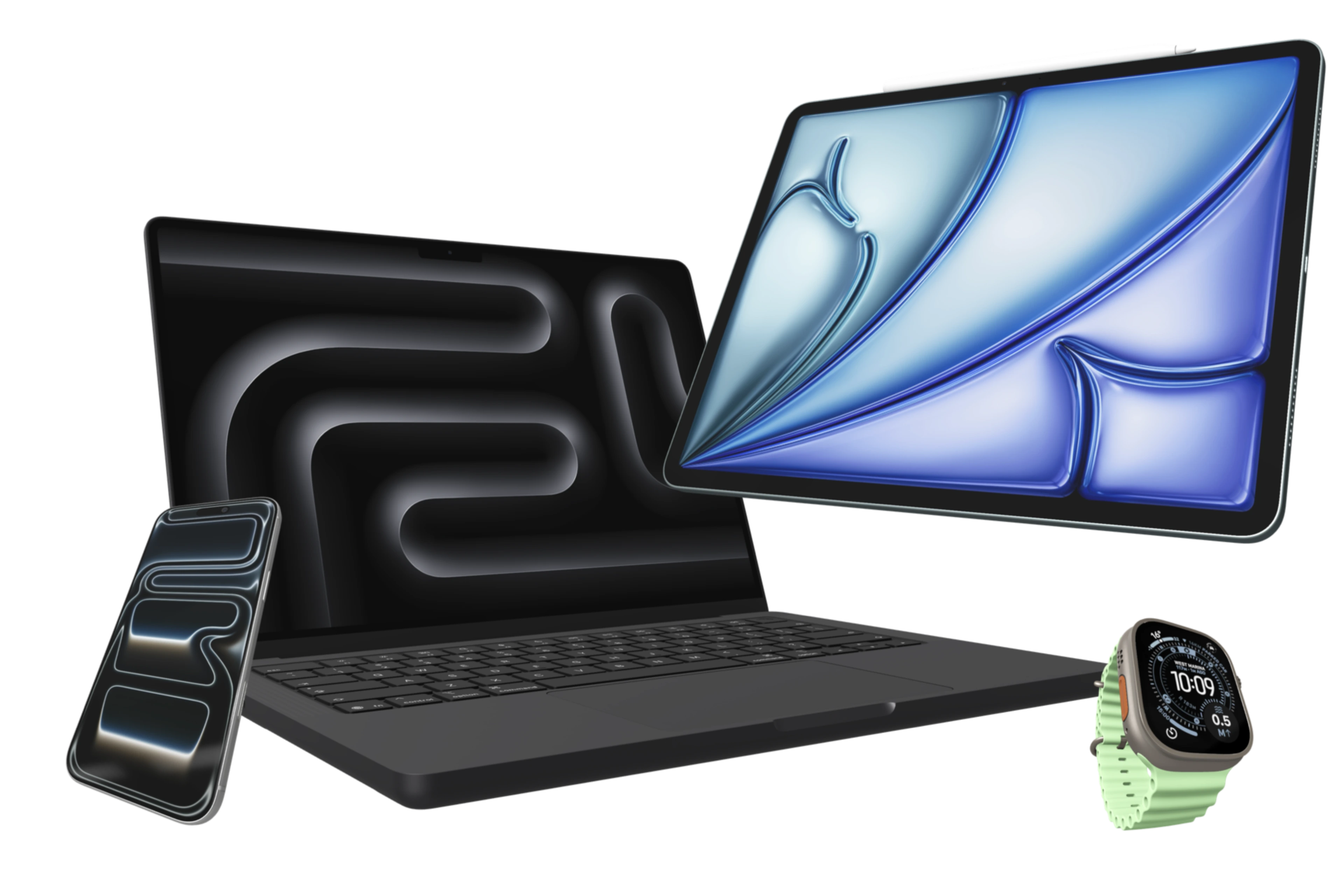
Photorealistic Device Frames
Generate iPhone mockups, iPad device frames, and App Store-ready Apple hardware layouts without leaving your iPhone or iPad.
Inside Device Frames
The best iPhone mockup generator for iOS apps.
When building your App Store presence, standard device screens aren't enough. Our iPhone mockup generator provides photorealistic, high-quality device frames that elevate your app's presentation. From the latest iPhone models to iPad and Apple Watch, Bezel Studio acts as your complete app store screenshot maker.
Because the frames live inside the same editor as backgrounds, captions, stickers, and export controls, you can turn one raw screenshot into a polished App Store mockup without bouncing between browser generators, PSD templates, and desktop apps.
Drop your app imagery into our customizable iPhone mockups with a single tap.
Generate pristine, 4K device mockups ready for App Store Connect.
Where device frames help most
Build framed iPhone and iPad visuals that feel consistent across the whole set.
Reuse the same Apple hardware compositions for X, Product Hunt, and release posts.
Share polished device mockups instead of raw screenshots when approvals depend on presentation quality.
Keep Exploring
Related guides for this feature
These tutorials deepen the workflow behind device frames so the feature page can pass users and crawlers into the stronger how-to cluster.
Guide
How to make a clean iPhone mockup from a raw screenshot.
Turn a raw screenshot into a polished device mockup with framing, copy, and export.
Guide
How to create your first App Store screenshot project on iPhone.
Build the project foundation with frame setup, canvas sizing, styling, and export.
Launch Path
Build the mockup, then template and export it.
People who land on device frames are already close to buying intent. Keep that journey moving into reusable templates and final export instead of sending them back to the homepage.
Feature
Clean Status Bar for framed screenshots
Replace messy captured status bars with a clean Apple-style 9:41 treatment inside supported frame media.
Feature
Frame Reflections for device mockups
Add mirrored depth to supported mockups with blur, opacity, fade, and surface shadow controls.
Feature
App screenshot templates and project presets
Save framed layouts as reusable starting points so the next launch begins from a tested template instead of a blank project.
Feature
Batch export App Store screenshots and preview videos
Turn polished iPhone mockups into delivery-ready screenshots, localized batches, and preview assets for App Store Connect.