
How-To Guides
Workflow tutorials for building App Store creatives in Bezel Studio.
These guides are organized around the product model in the docs: create the project, edit the canvas, scale into a campaign set, localize the work, animate it, and automate repetitive output. Each live guide already includes screenshot placeholders for every step.
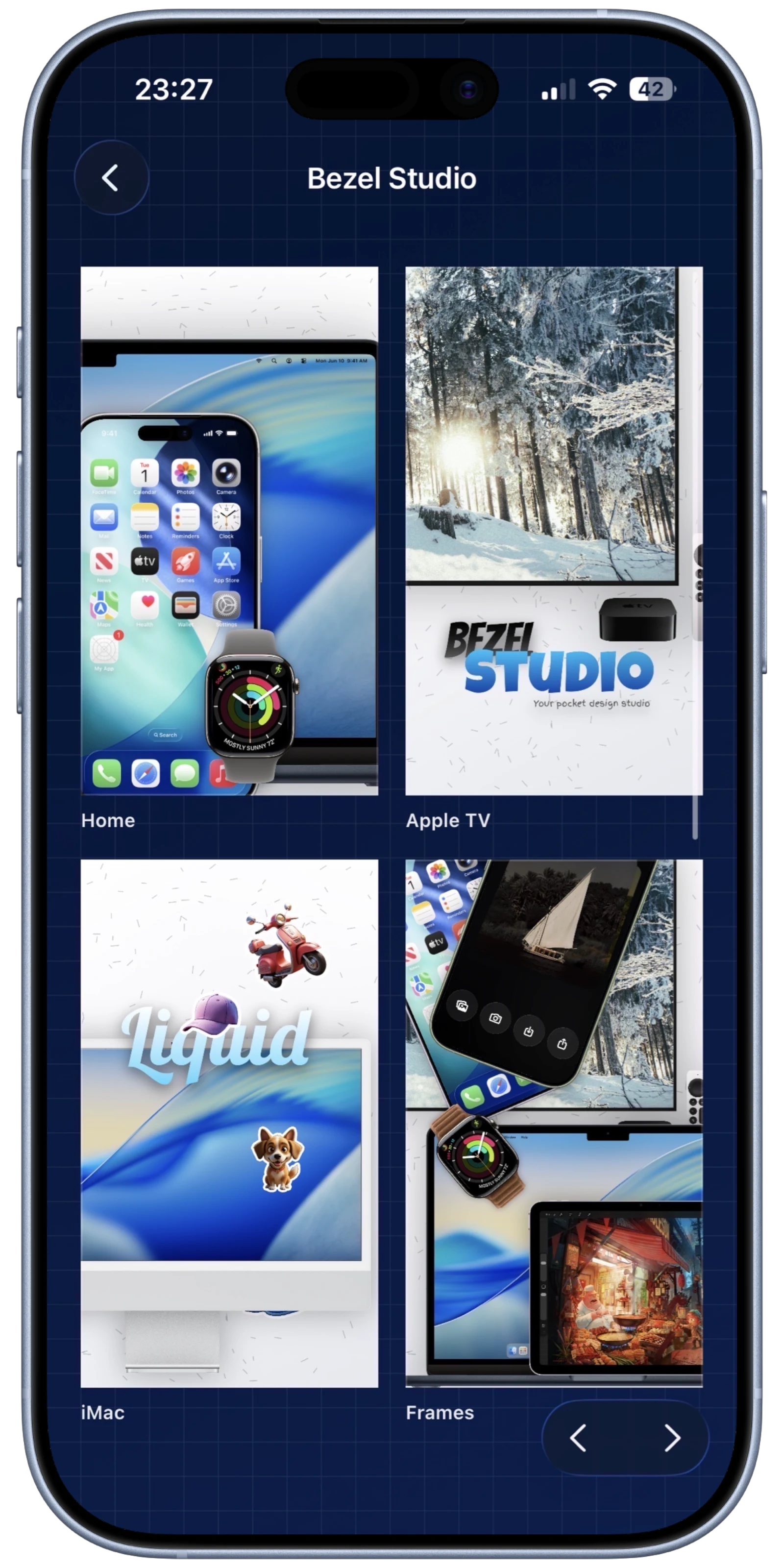
Guide 01
How to create your first App Store screenshot project on iPhone.
Build the first real project: choose the default frame, size the canvas, set the background, place the screenshot, add the headline, and export the result.
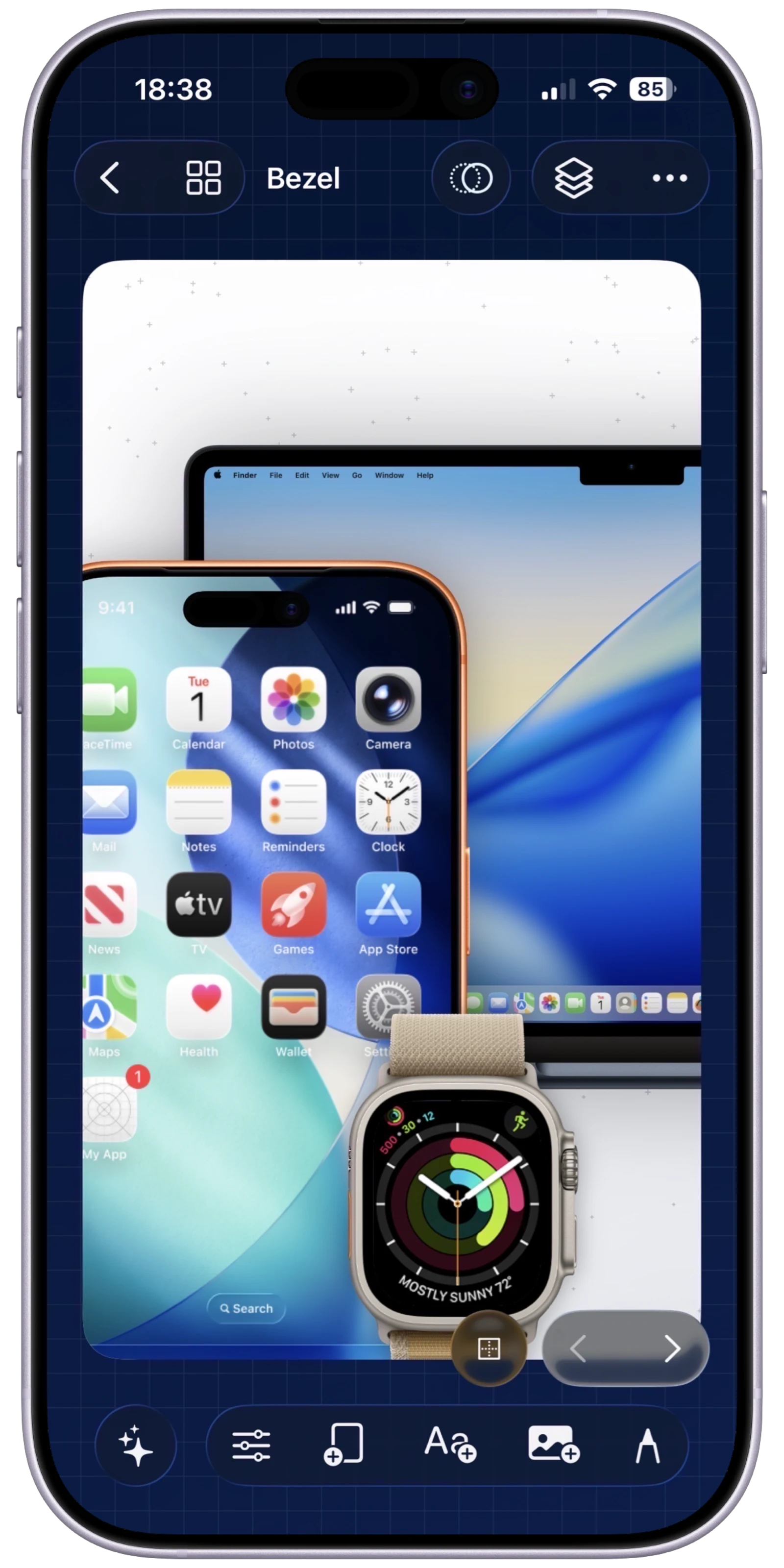
Guide 02
How to make a clean iPhone mockup from a raw screenshot.
Turn a single screenshot into a cleaner marketing visual with framing, background treatment, caption styling, spacing, and export.
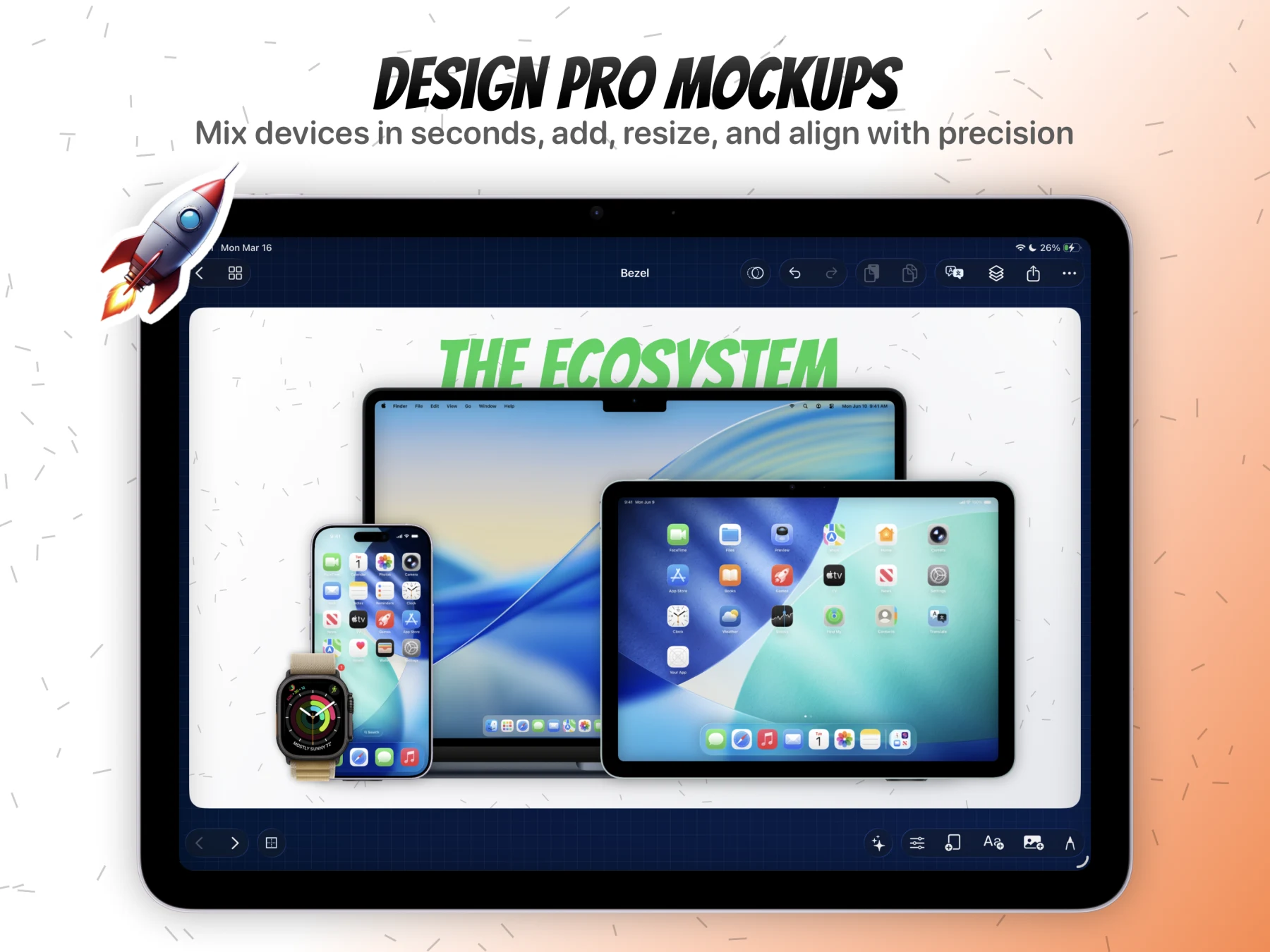
Guide 03
How to build a full App Store screenshot set in one project.
Use one project as a campaign container, expand into multiple canvases, review the set in grid mode, and export the complete batch together.
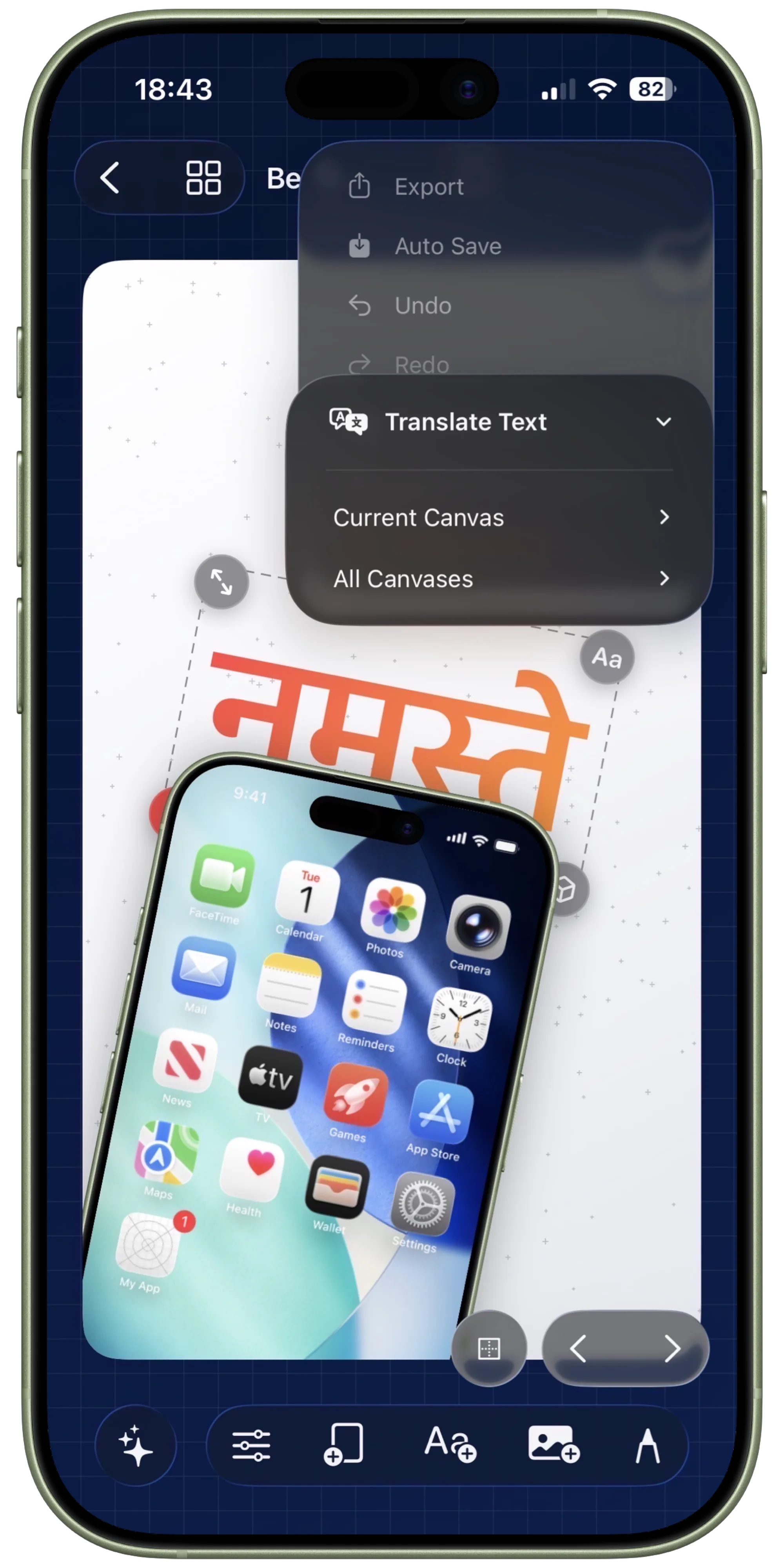
Guide 04
How to localize screenshot sets with Apple Translate.
Translate the current canvas or the full project, review the text overlays, and tighten layouts after copy expansion without breaking the campaign.
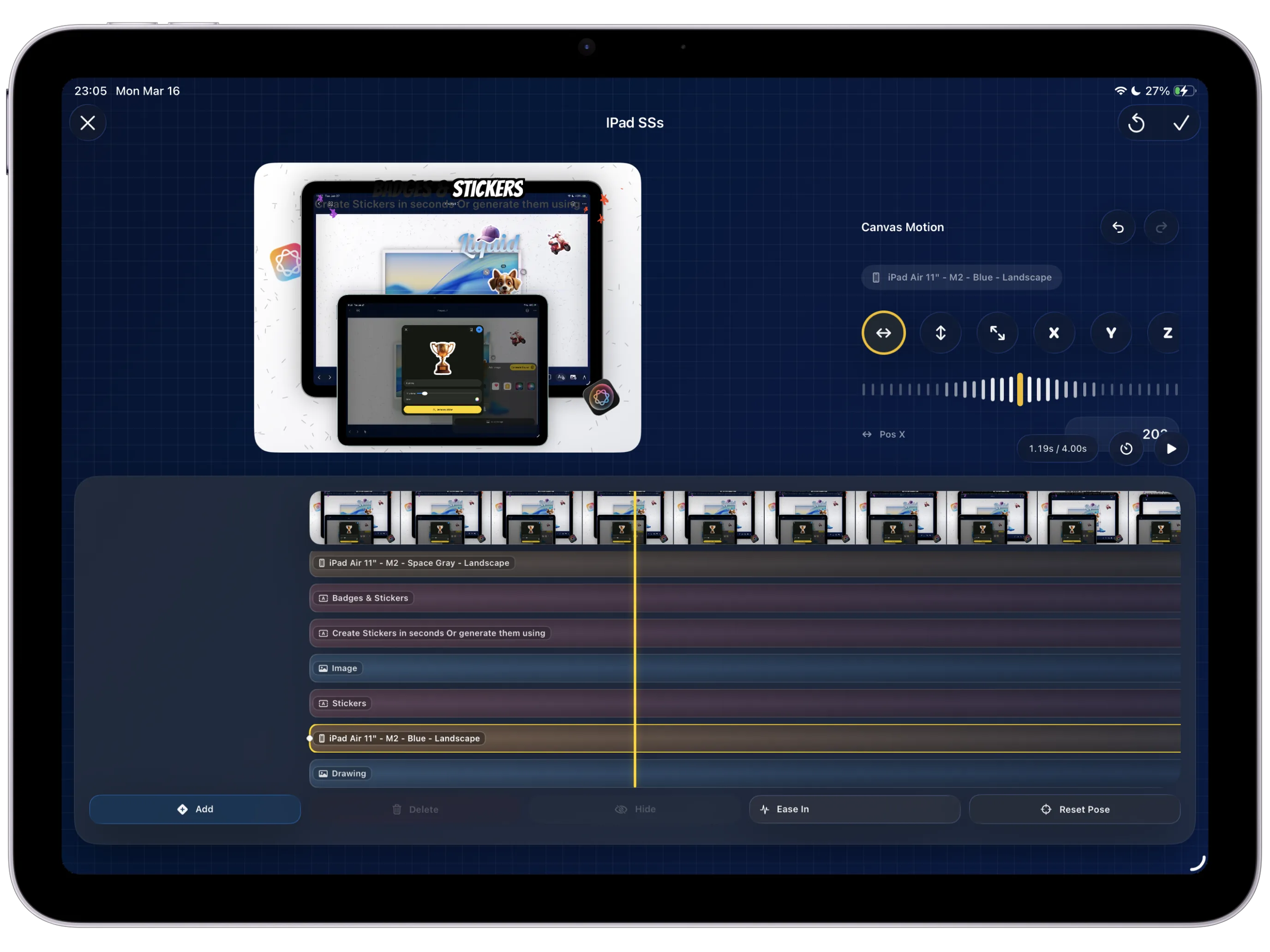
Guide 05
How to create App Store preview visuals with Canvas Motion.
Move from a static composition into keyframes, easing, preview, and final video export using the same canvas model you already edited by hand.
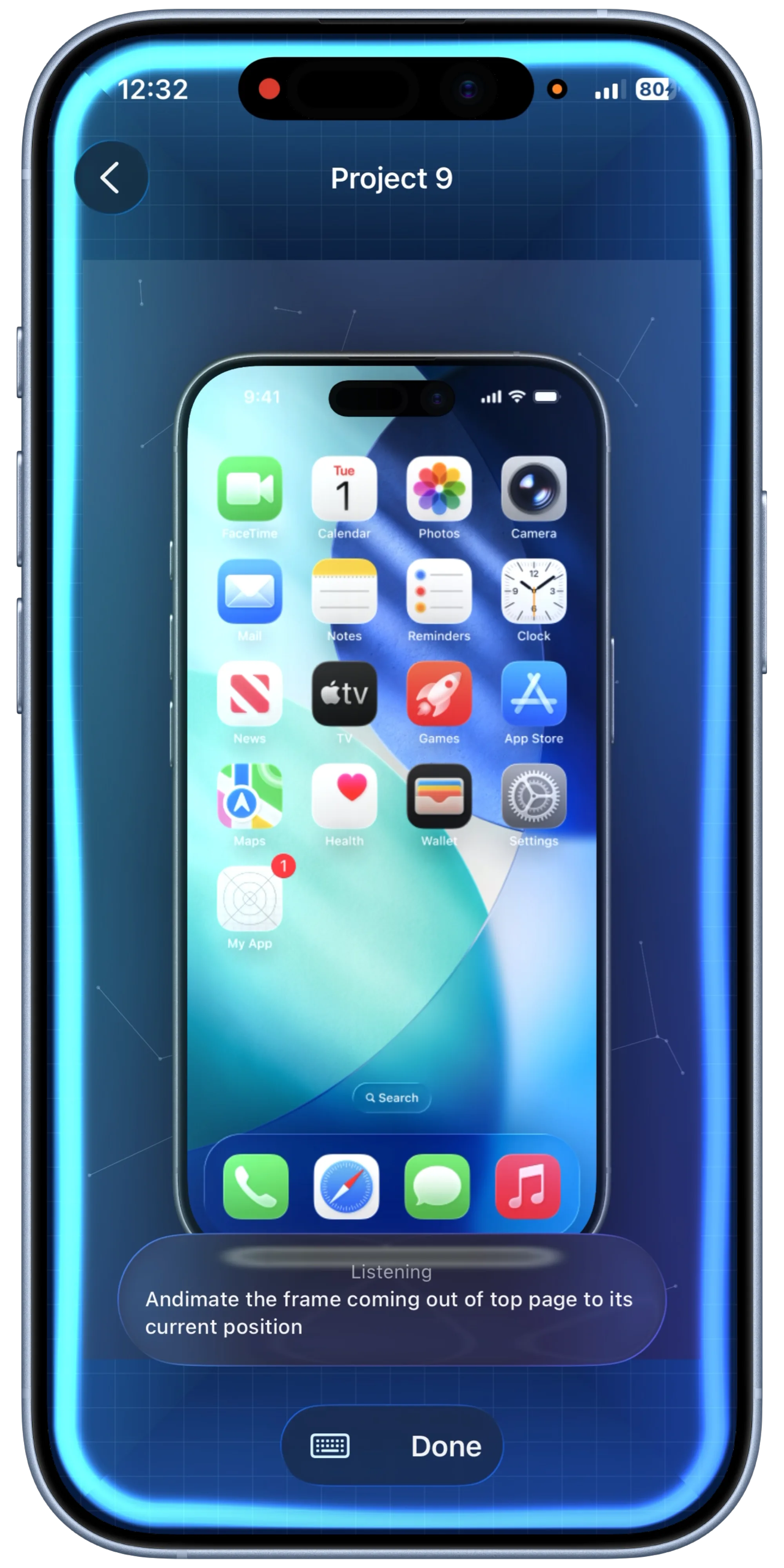
Guide 06
How to make instant mockups with Quick Mockups and Shortcuts.
Save a reusable quick mockup preset, wire it into Shortcuts, and turn screenshots or recordings into ready-to-save mockups with minimal manual work.
The next wave should deepen the product, not repeat the same setup flow.
Start with the first guide if you want the clearest entry into the product model. It sets up the rest of the library cleanly.