 Download for iPhone and iPad
Build iPhone mockups, iPad screenshots, Apple Watch layouts, and multi-device campaign visuals with screenshots or screen recordings placed directly inside precise Apple bezels.
Open the iPhone mockup generator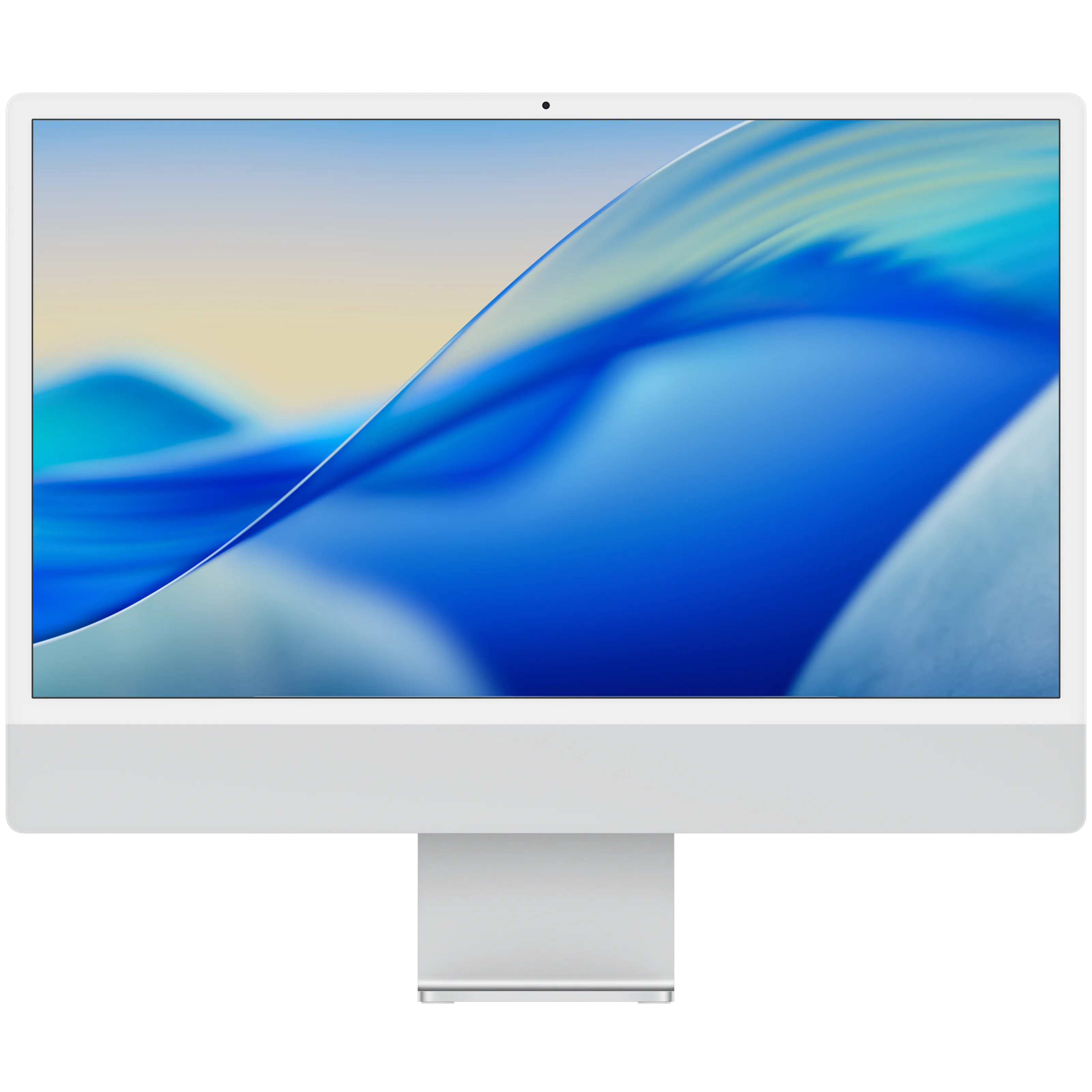
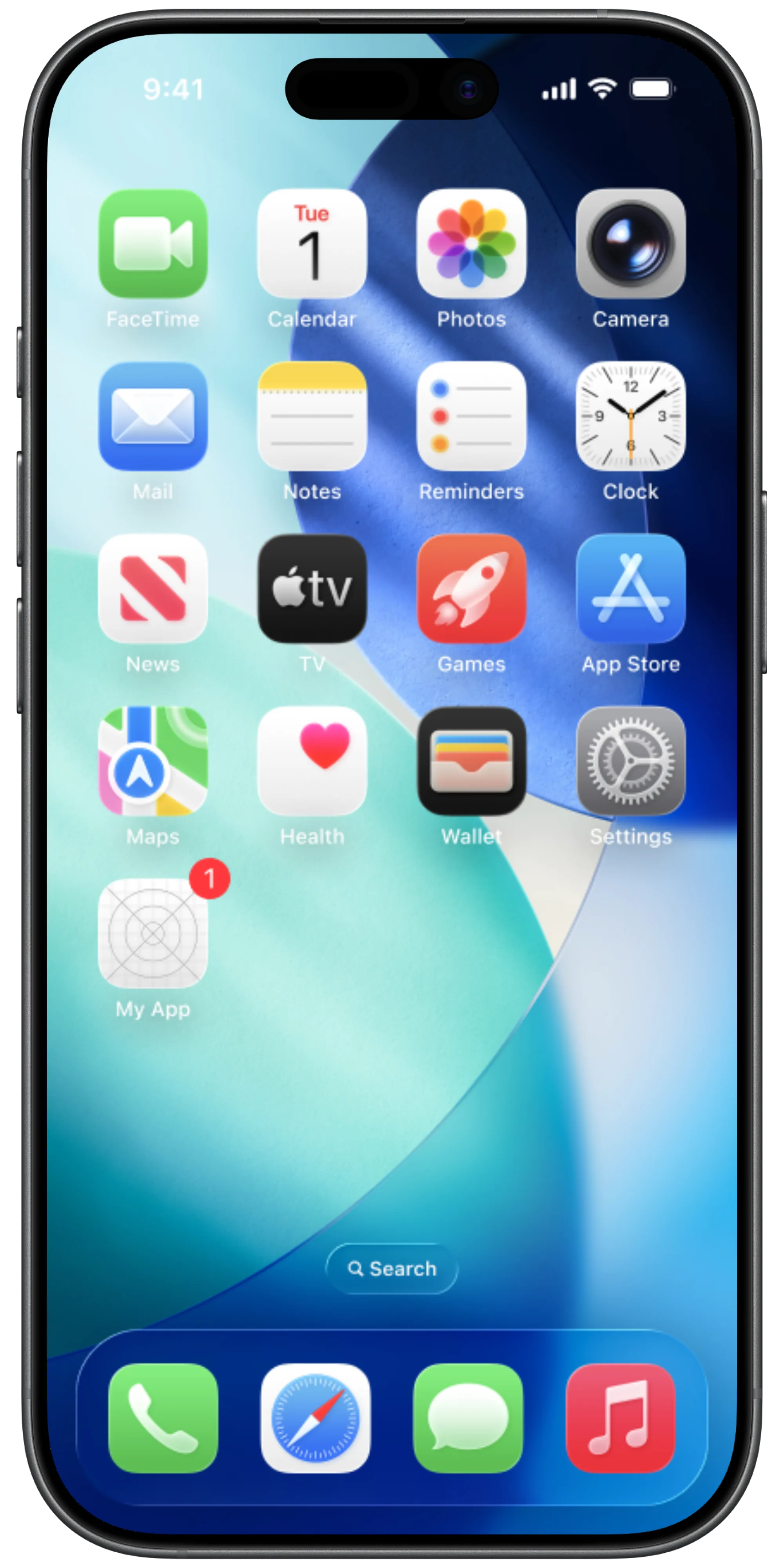
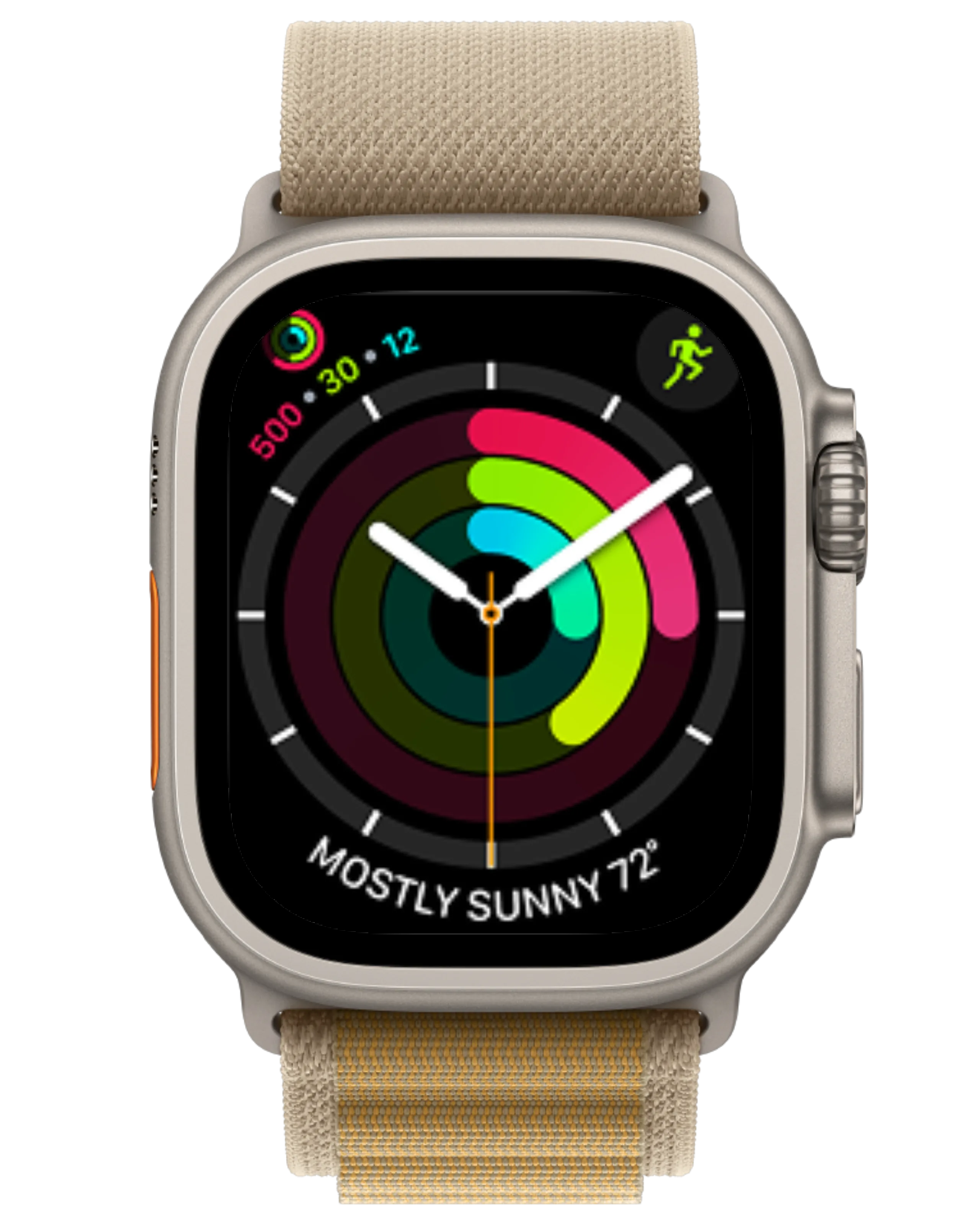
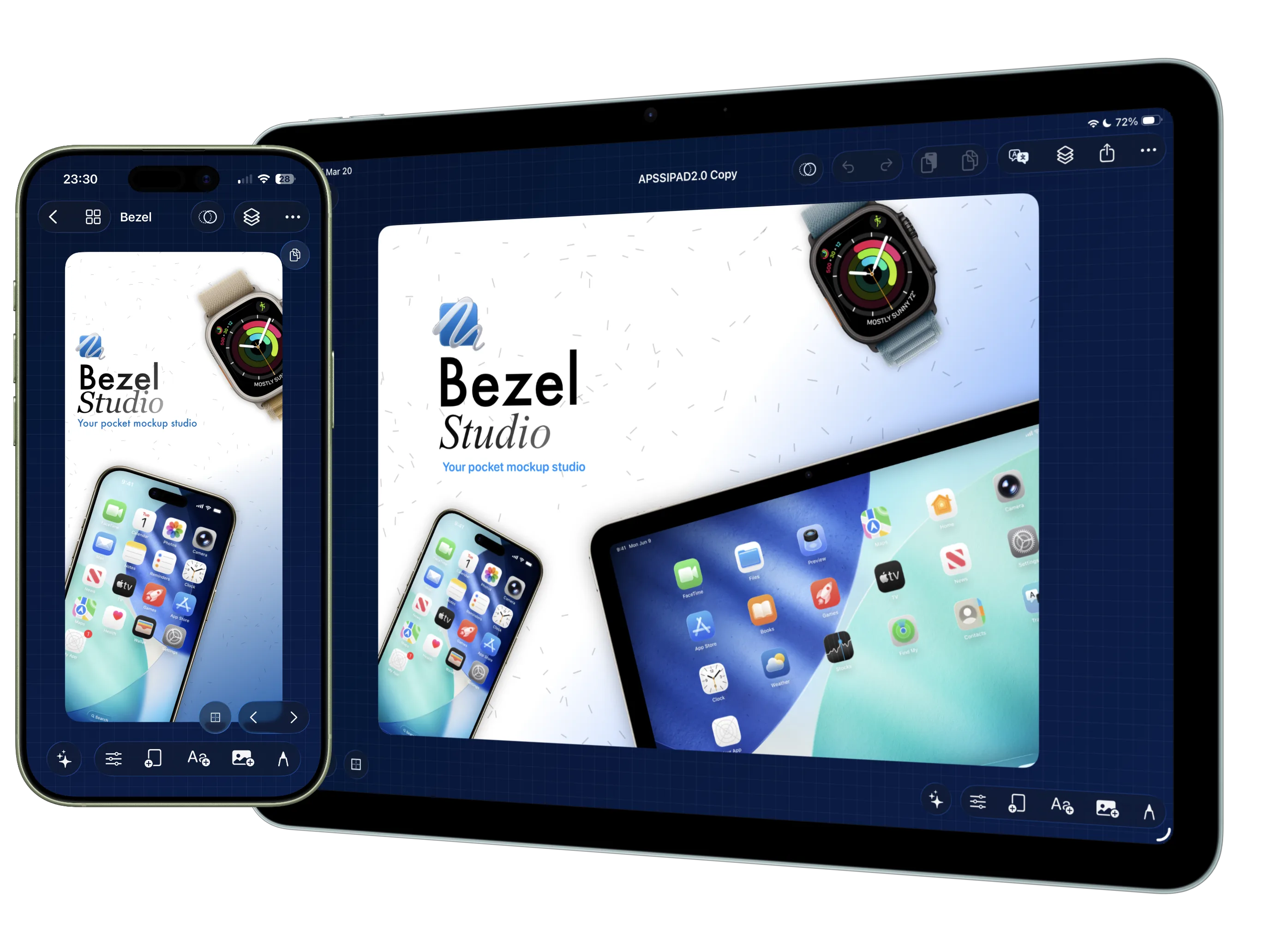
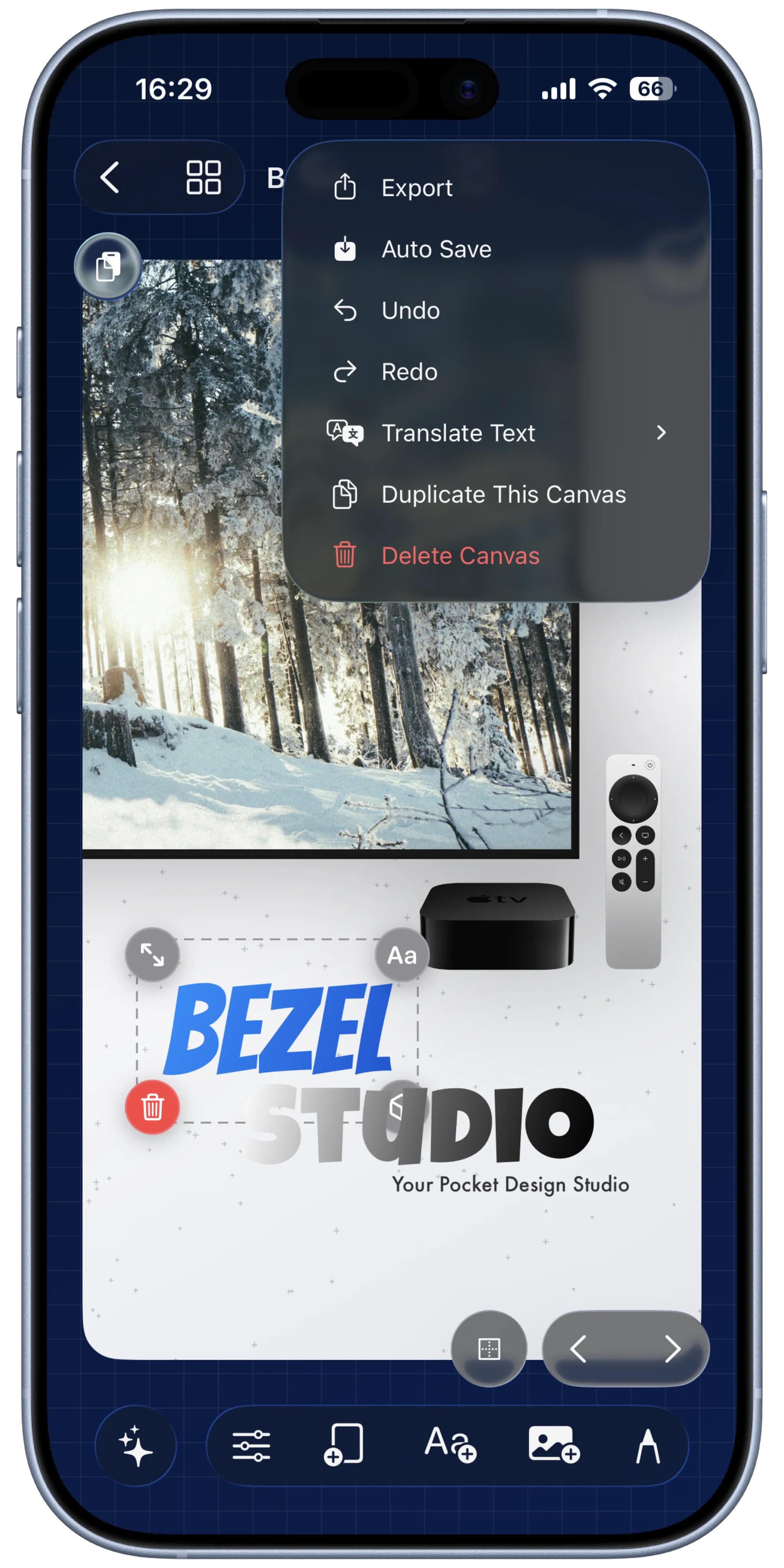
Bezel Studio keeps mockups, typography, localization, motion, and export inside one native Apple-first workspace, so finished launch assets do not need three different tools.
Trusted by 2000+ indie iOS developers
Projects, canvases, device frames, typography, stickers, backgrounds, motion, translation, and export all live in one native Apple-first workflow instead of being scattered across multiple tools.
Build iPhone mockups, iPad screenshots, Apple Watch layouts, and multi-device campaign visuals with screenshots or screen recordings placed directly inside precise Apple bezels.
Open the iPhone mockup generator
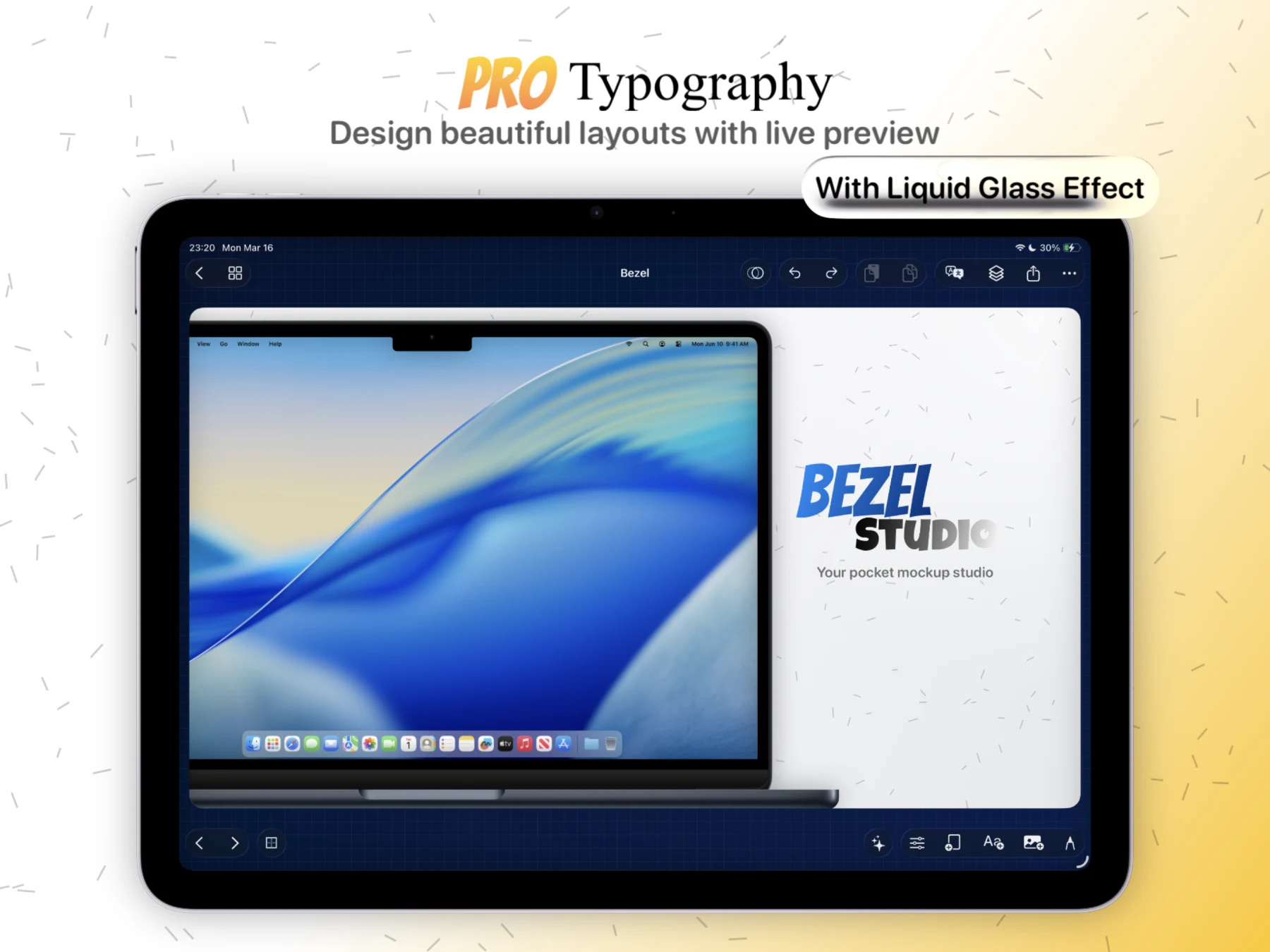
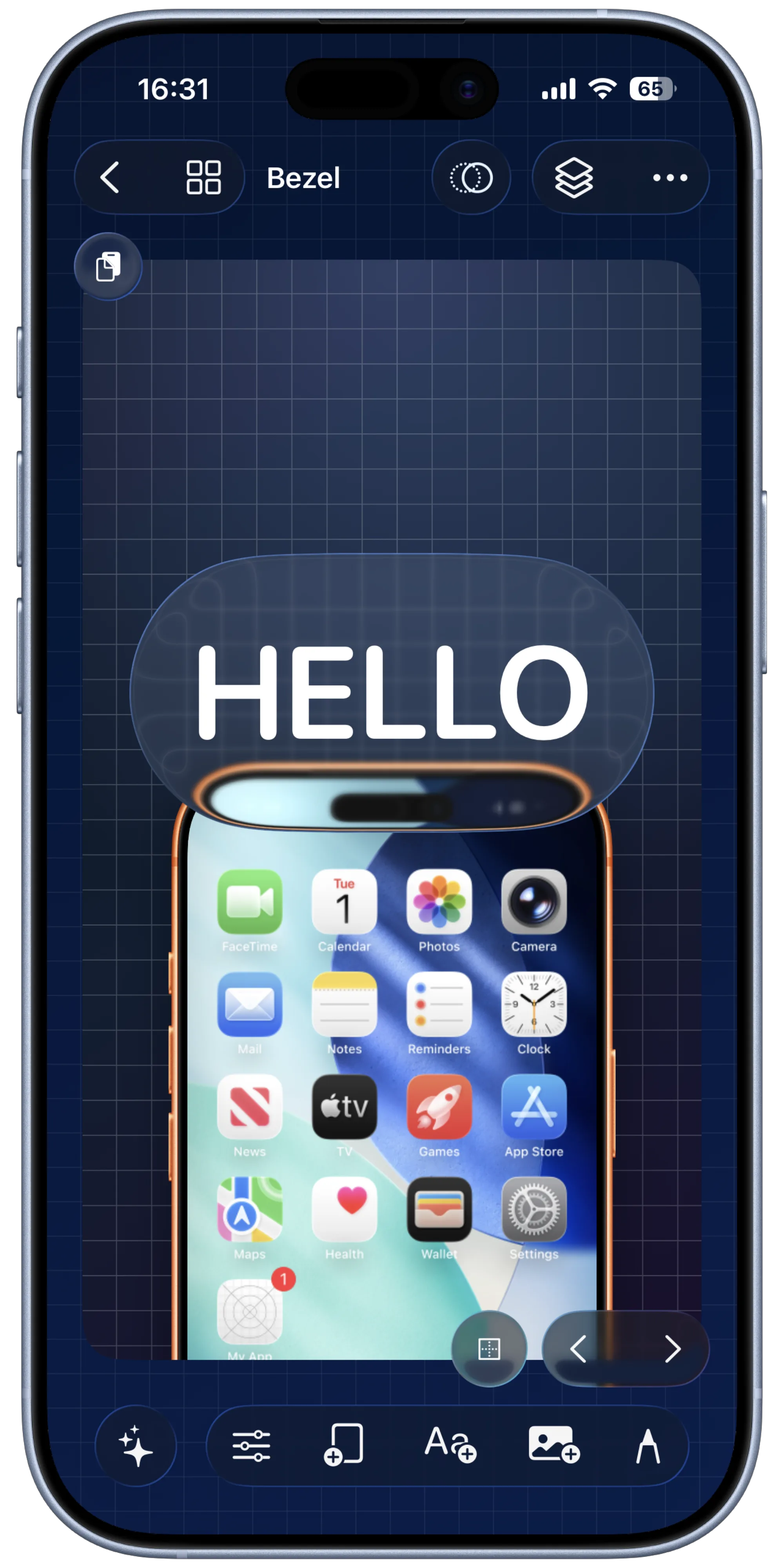
Fonts, gradients, shadows, strokes, and glass-backed captions built for conversion-focused screenshot copy.
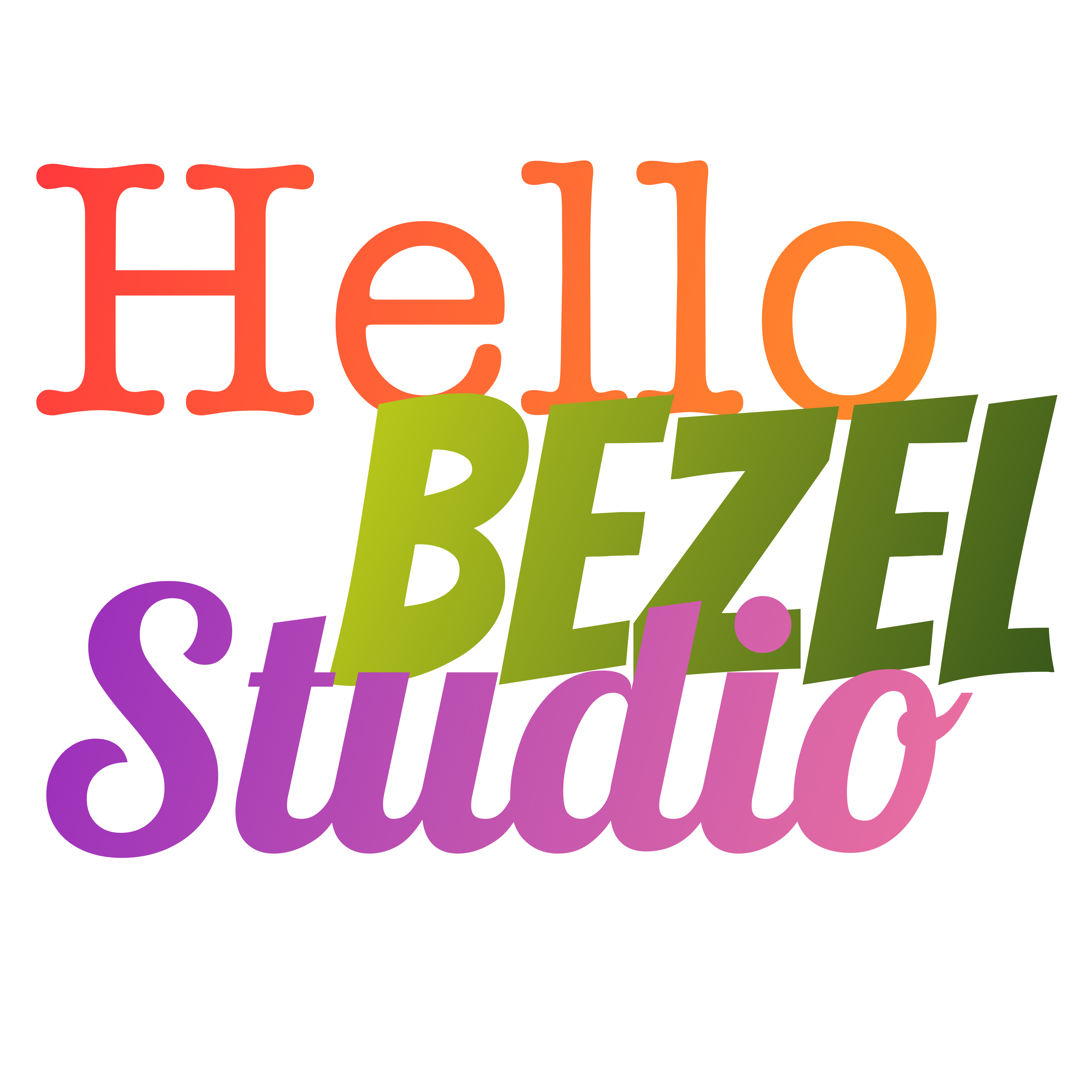
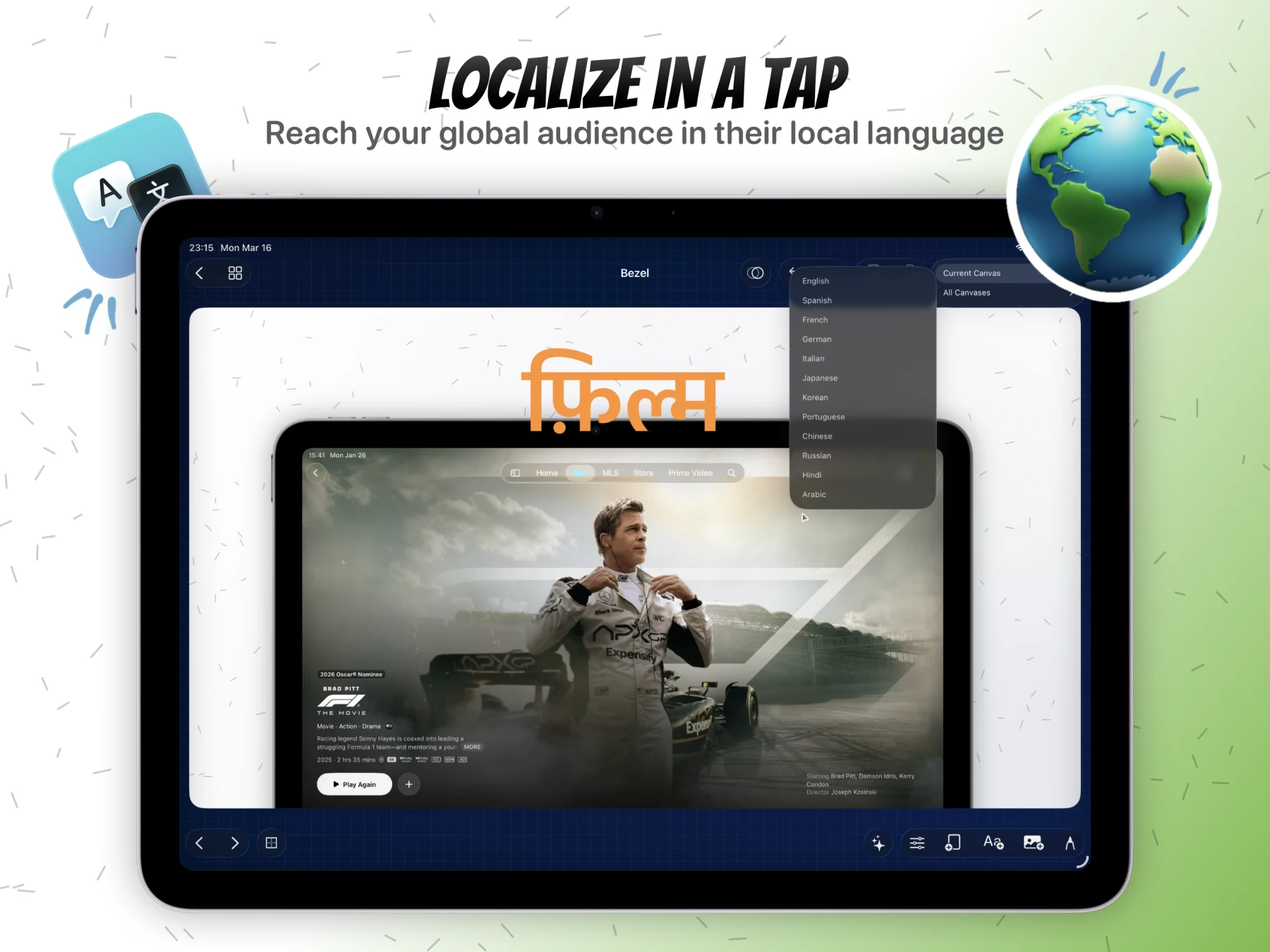
Translate the current canvas or an entire screenshot project with Apple Translate so localized App Store assets stop being a manual rebuild.
Open the screenshot localization workflow Hola
Bonjour
こんにちは
Ciao
नमस्ते
Hola
Bonjour
こんにちは
Ciao
नमस्ते
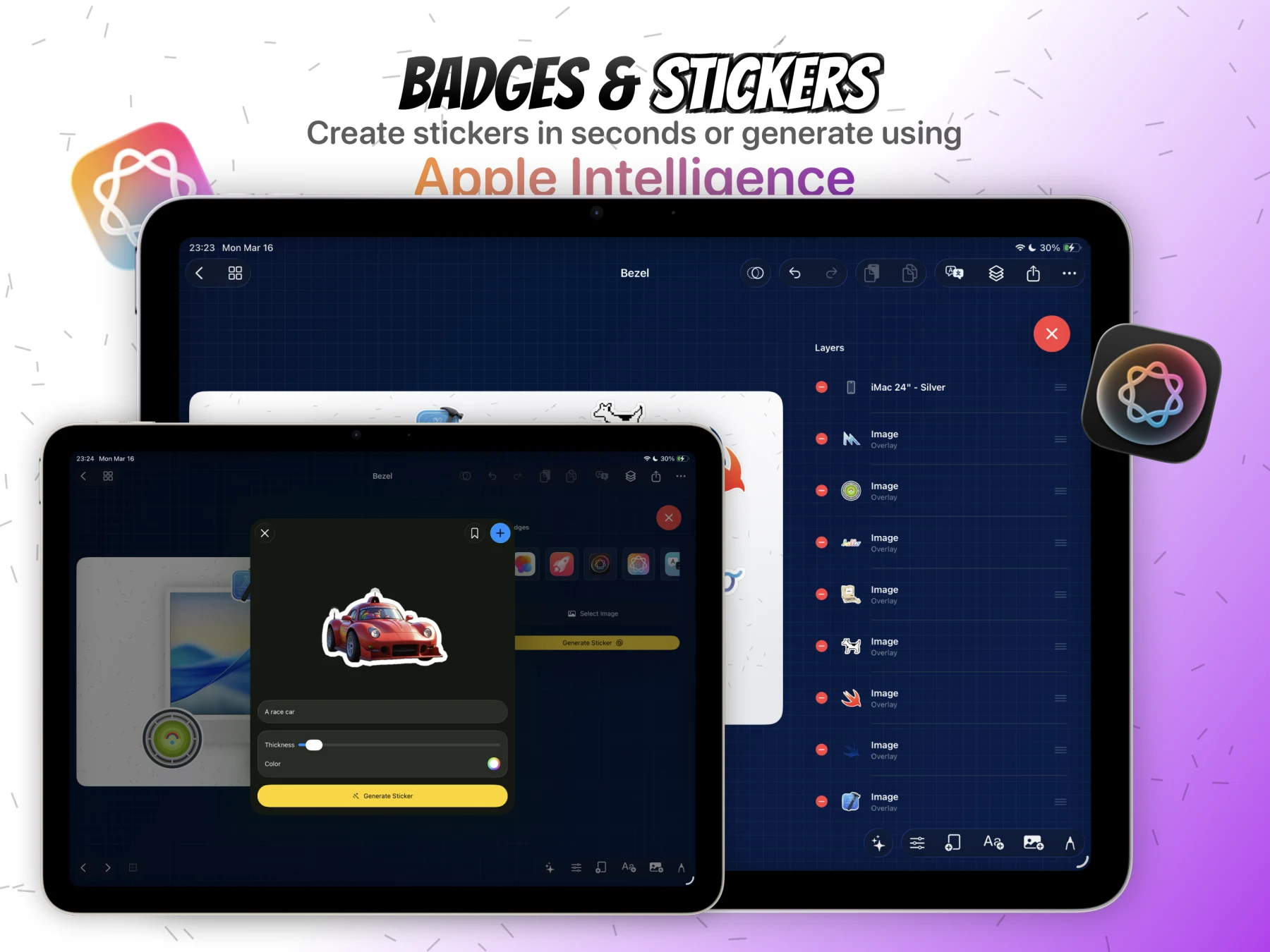
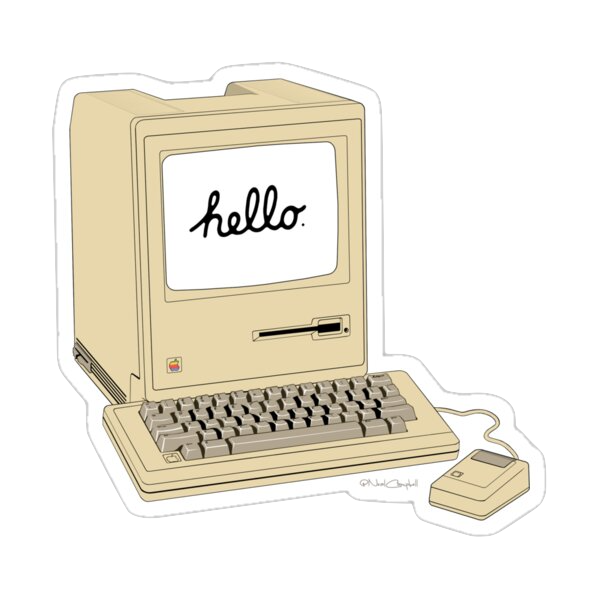
Remove backgrounds, create bordered cutouts, save reusable assets, and generate new stickers with Image Playground.

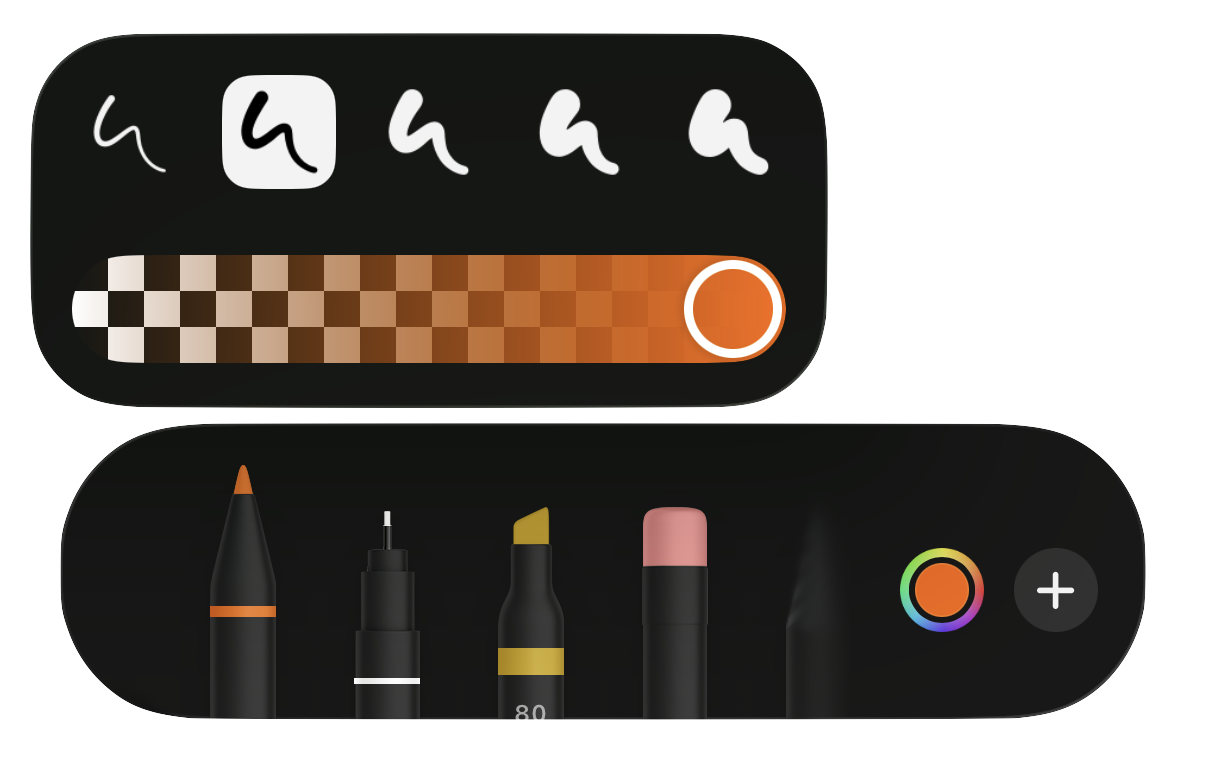
Use PencilKit to circle features, sketch arrows, and add hand-drawn callouts that still behave like editable canvas elements.
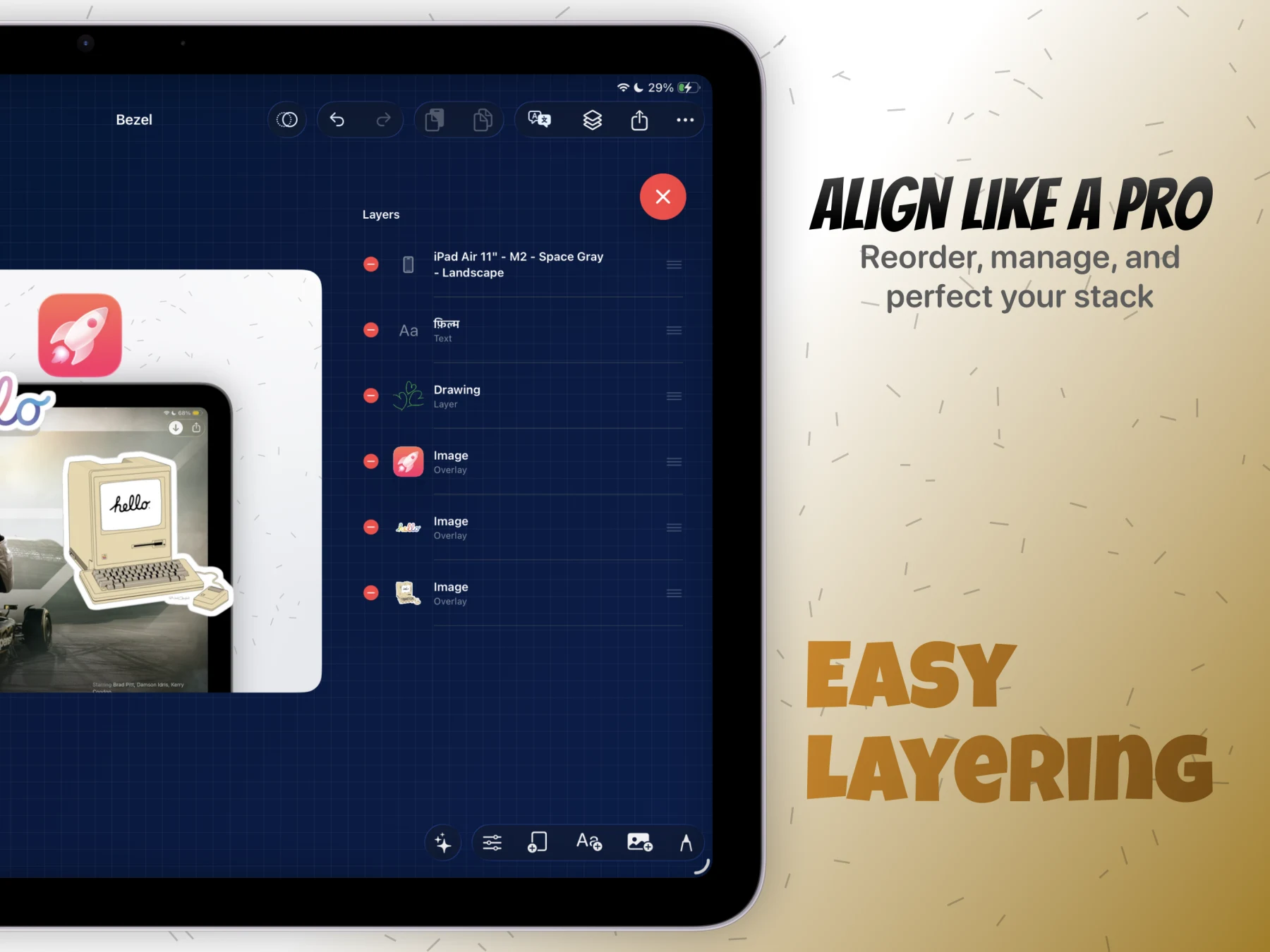
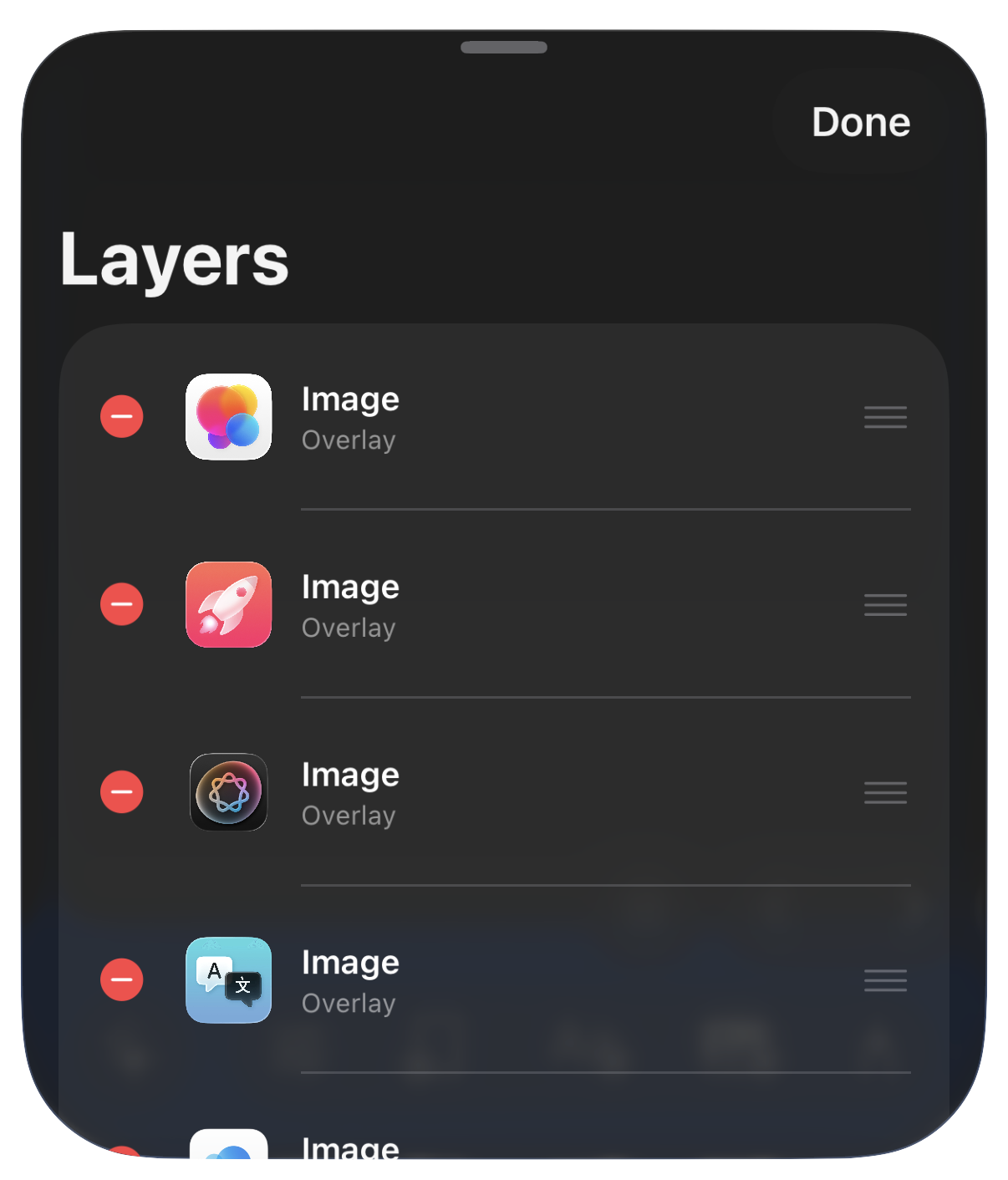
True layer ordering for text, images, drawings, and frames with gesture controls and precision alignment.
Create multi-canvas projects, style backgrounds, place screenshots or videos in frames, add captions and stickers, and export polished App Store creatives directly on iPhone.
fast, native, and made for launch day
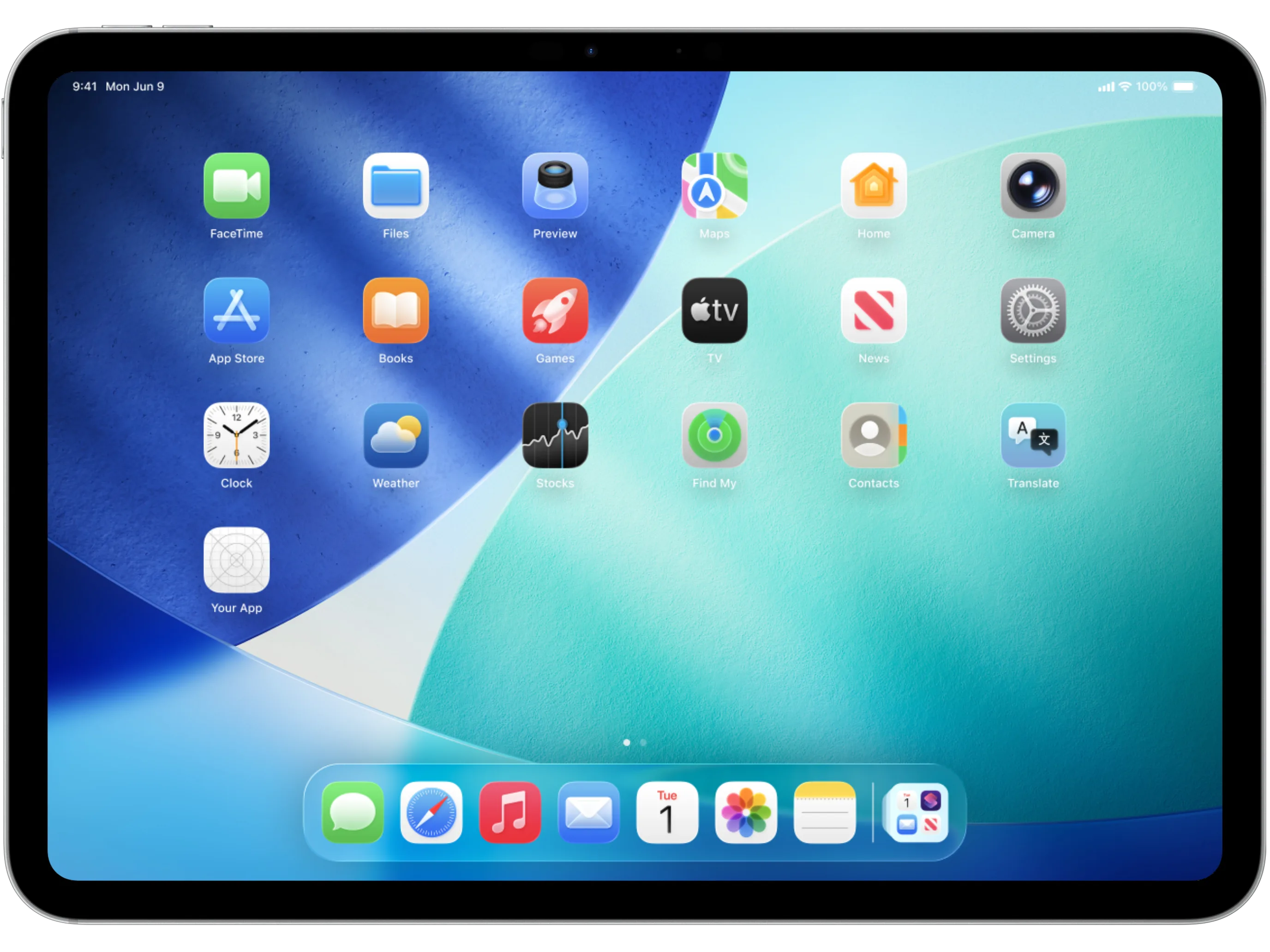
On iPad, the same project expands into a wider workspace for layer control, grid review, motion edits, translation passes, and detailed multi-device compositions.
more room for serious campaigns
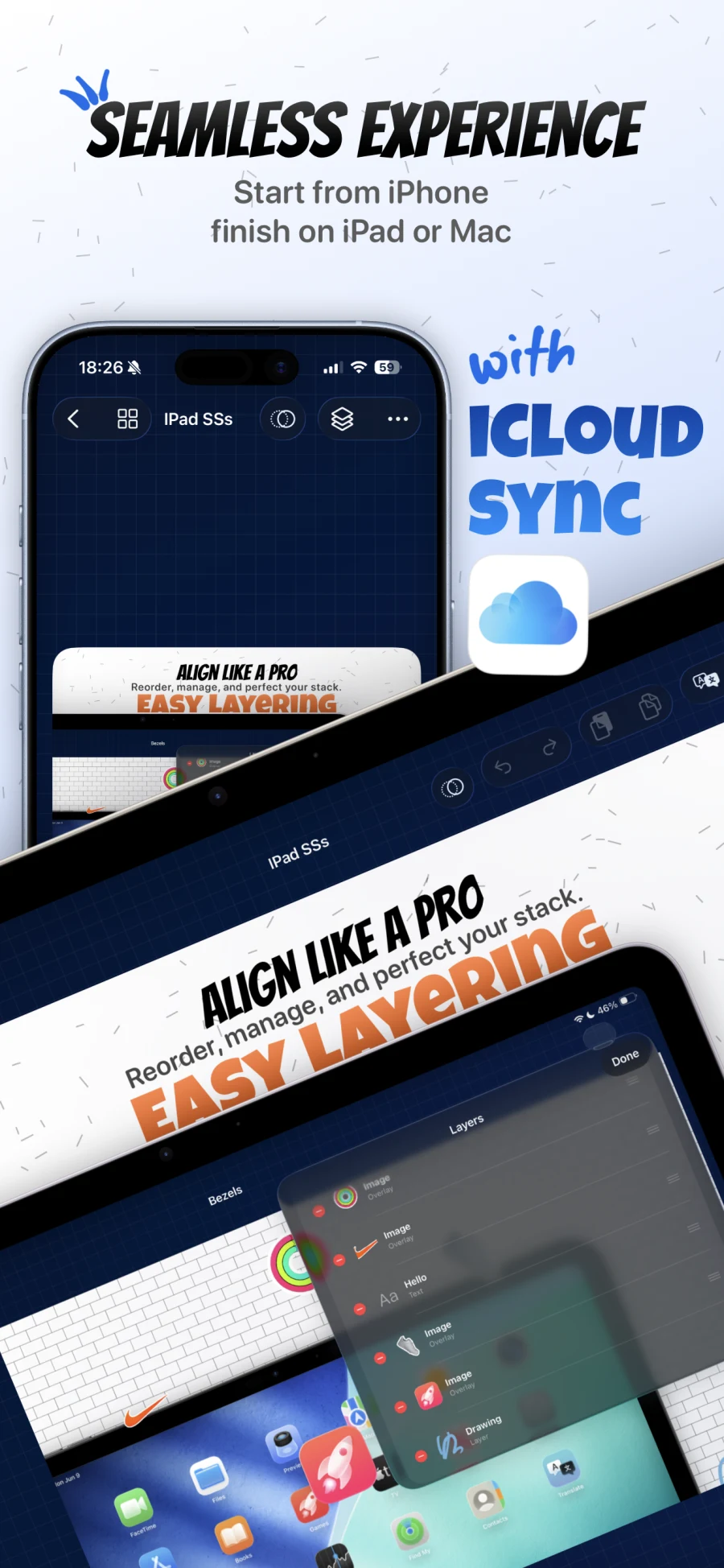
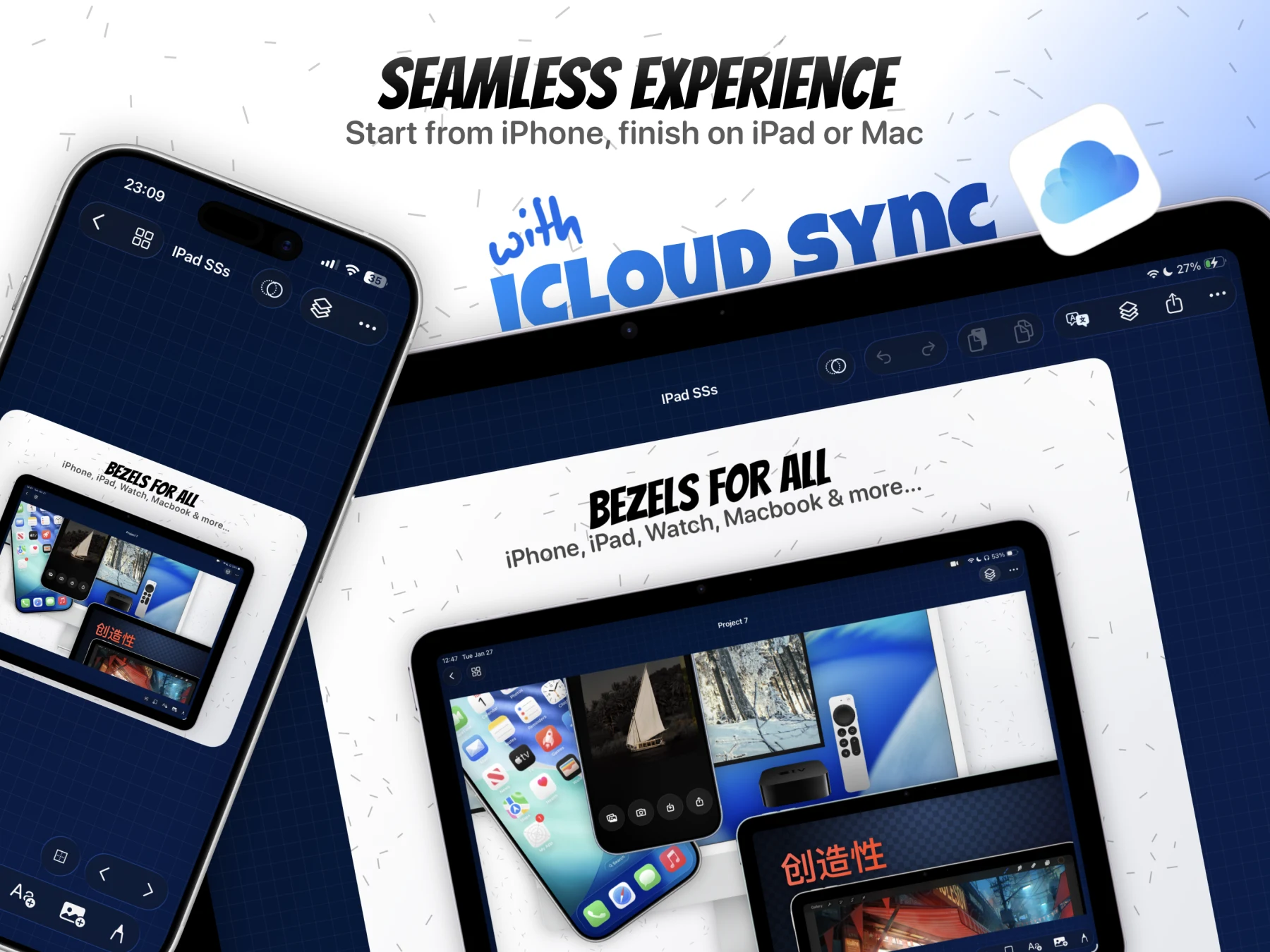
Keep projects, canvases, and creative progress in sync across your Apple workflow.
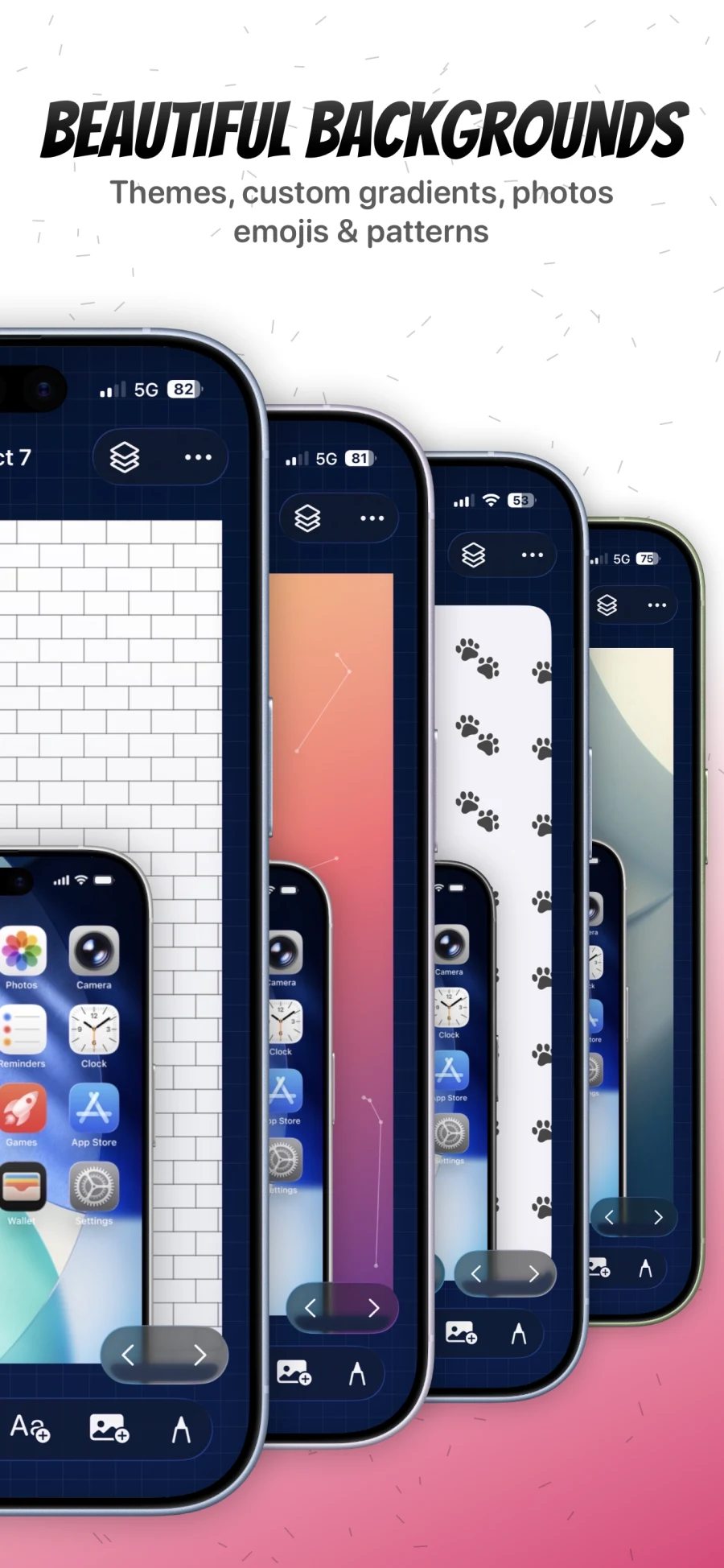
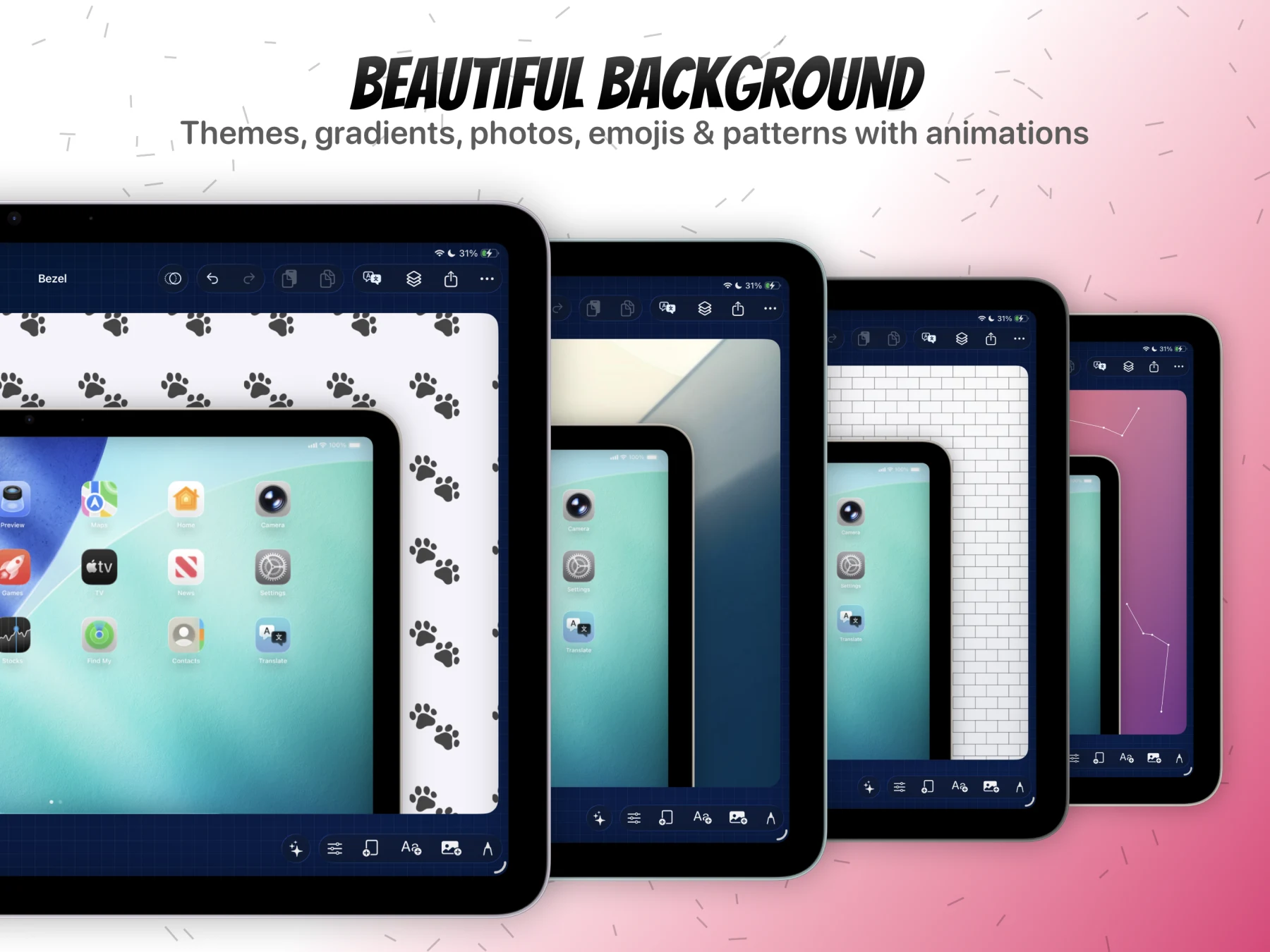
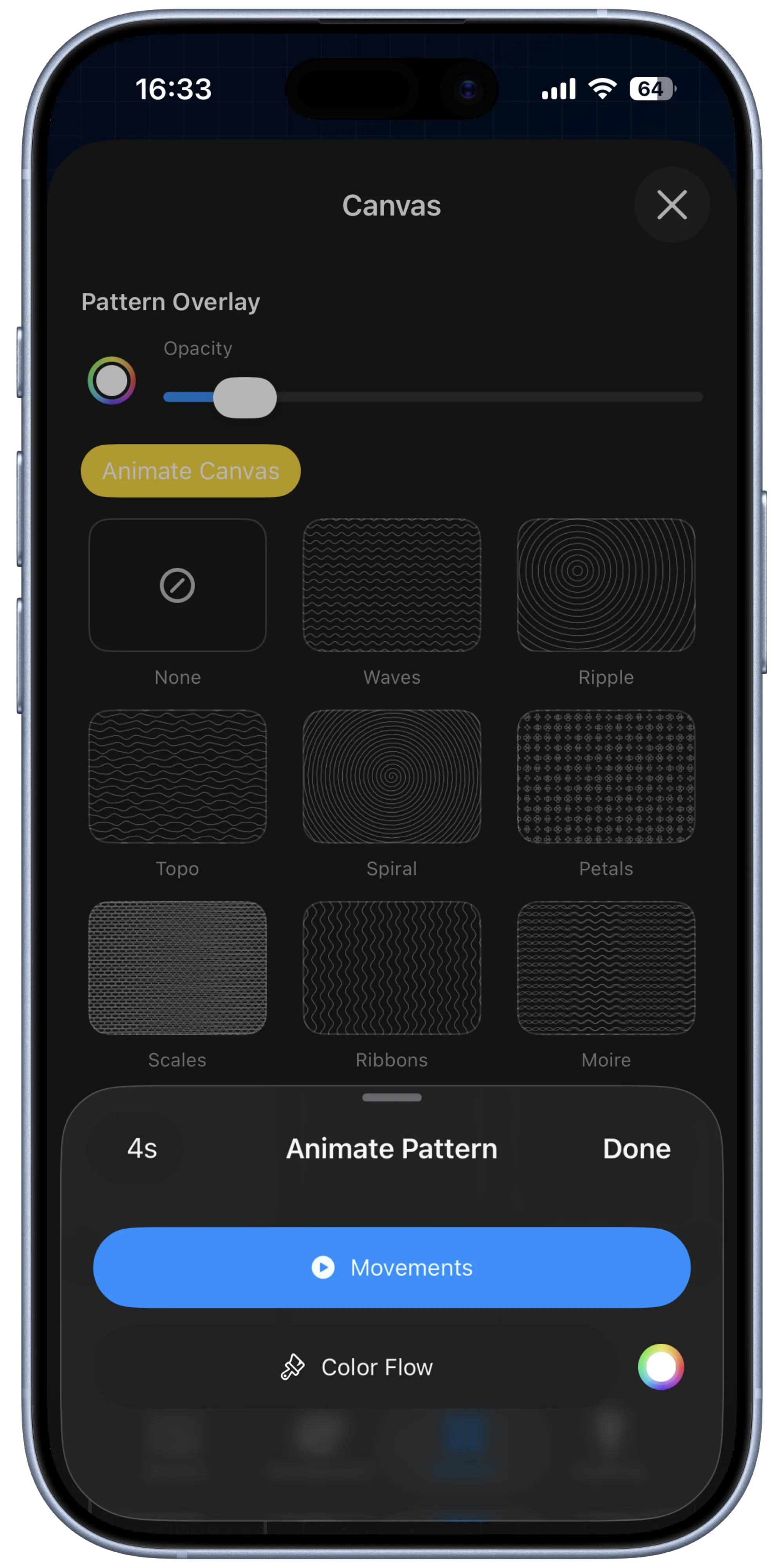
Themes, transparent canvases, gradients, emoji patterns, textures, and lighting in one editor.
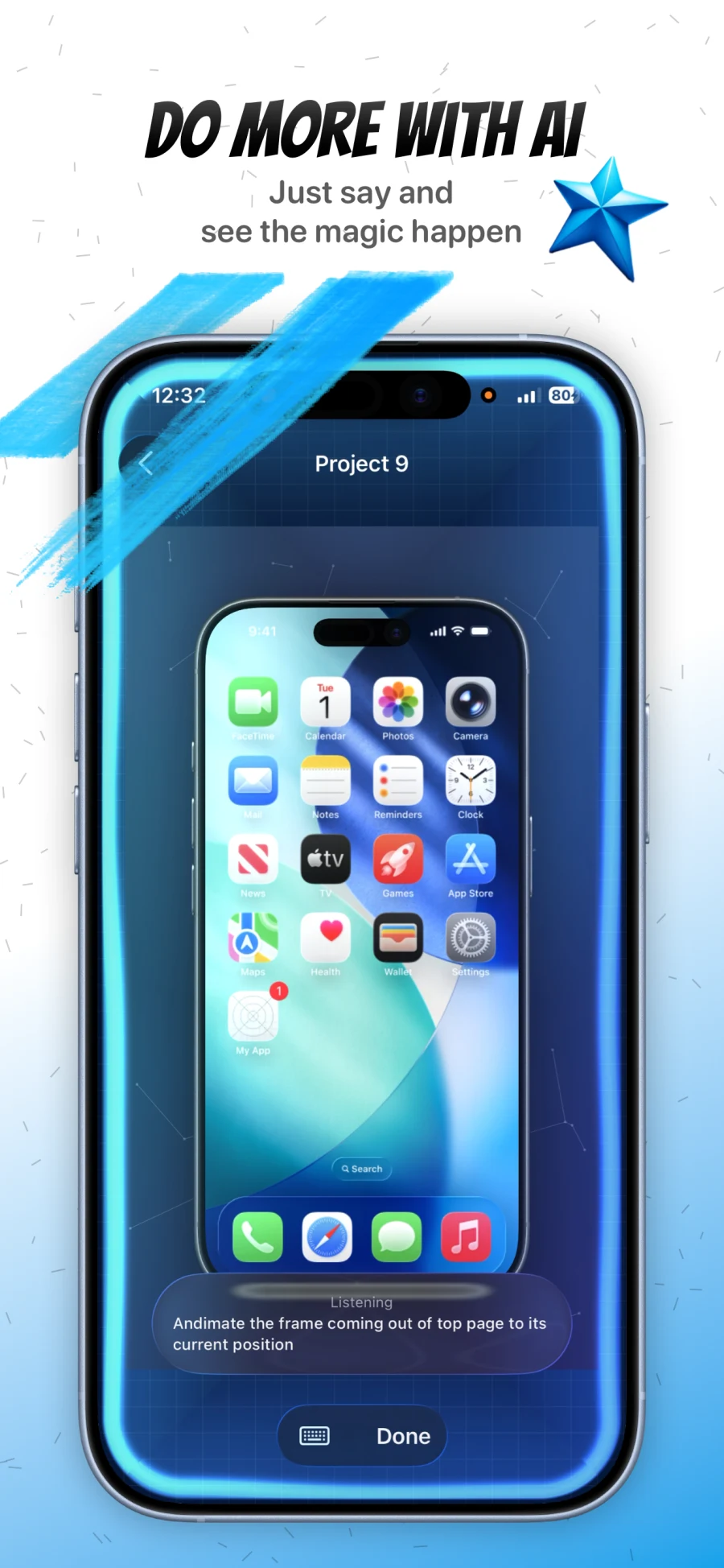
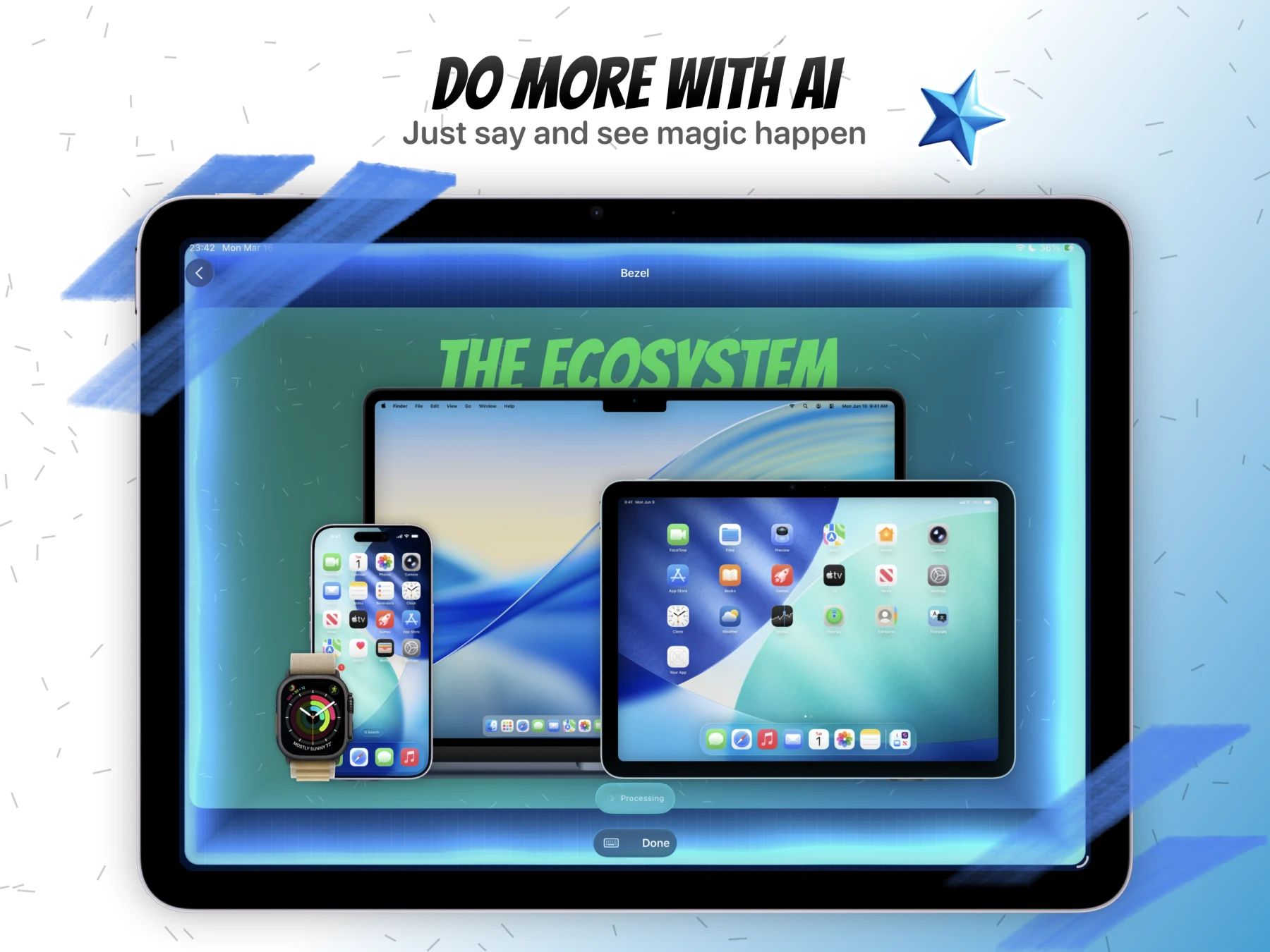
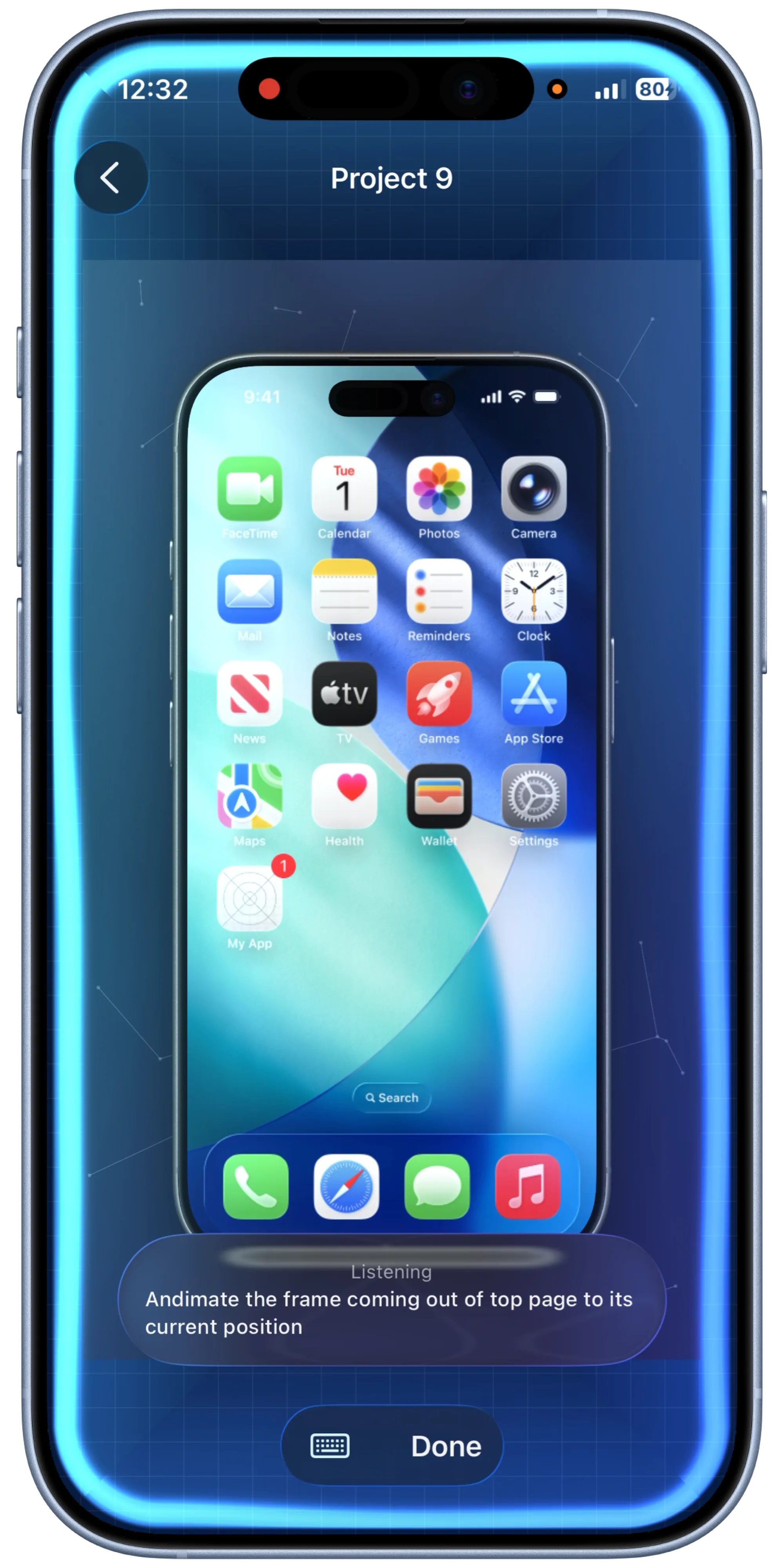
Describe layout changes, background edits, or animation ideas in natural language.
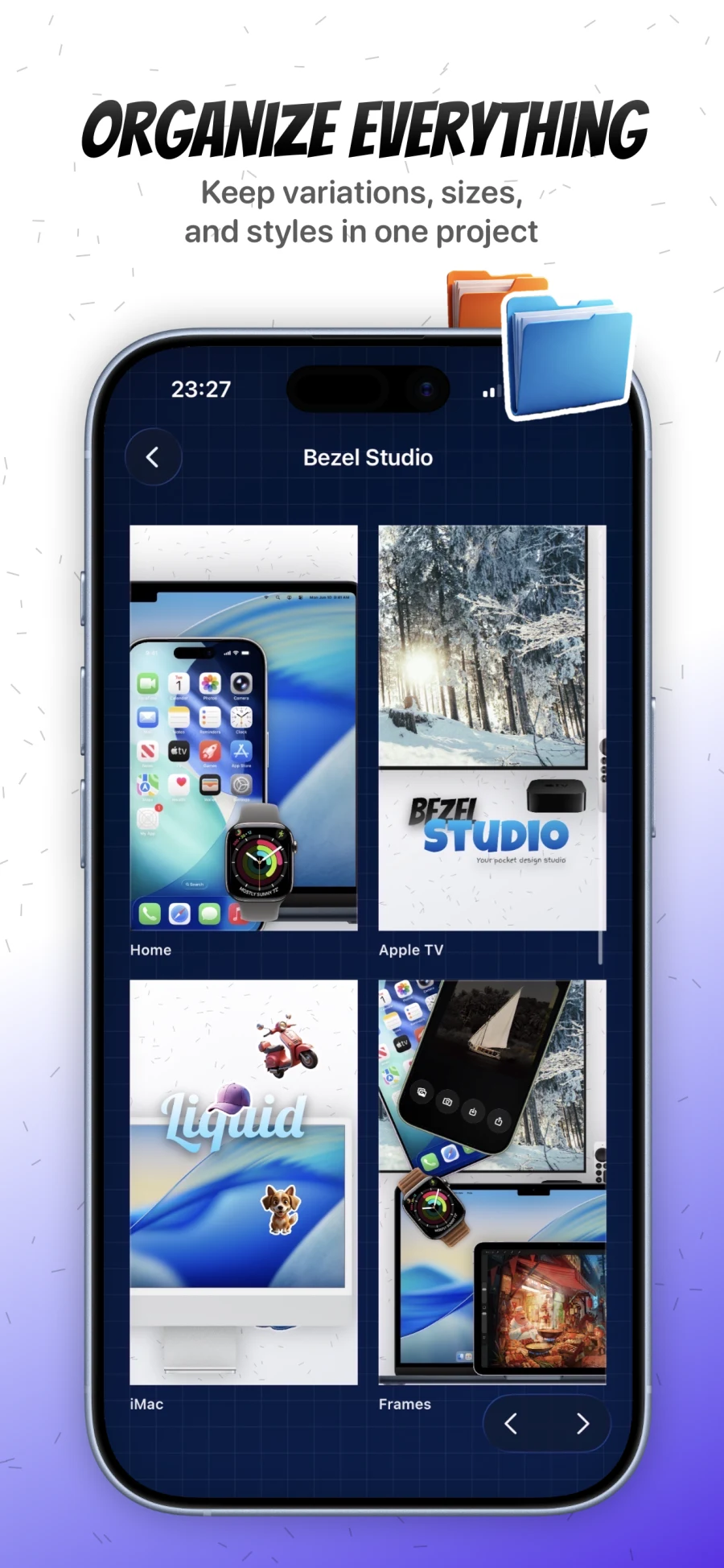
Manage many canvases inside one project instead of rebuilding every screen from scratch.
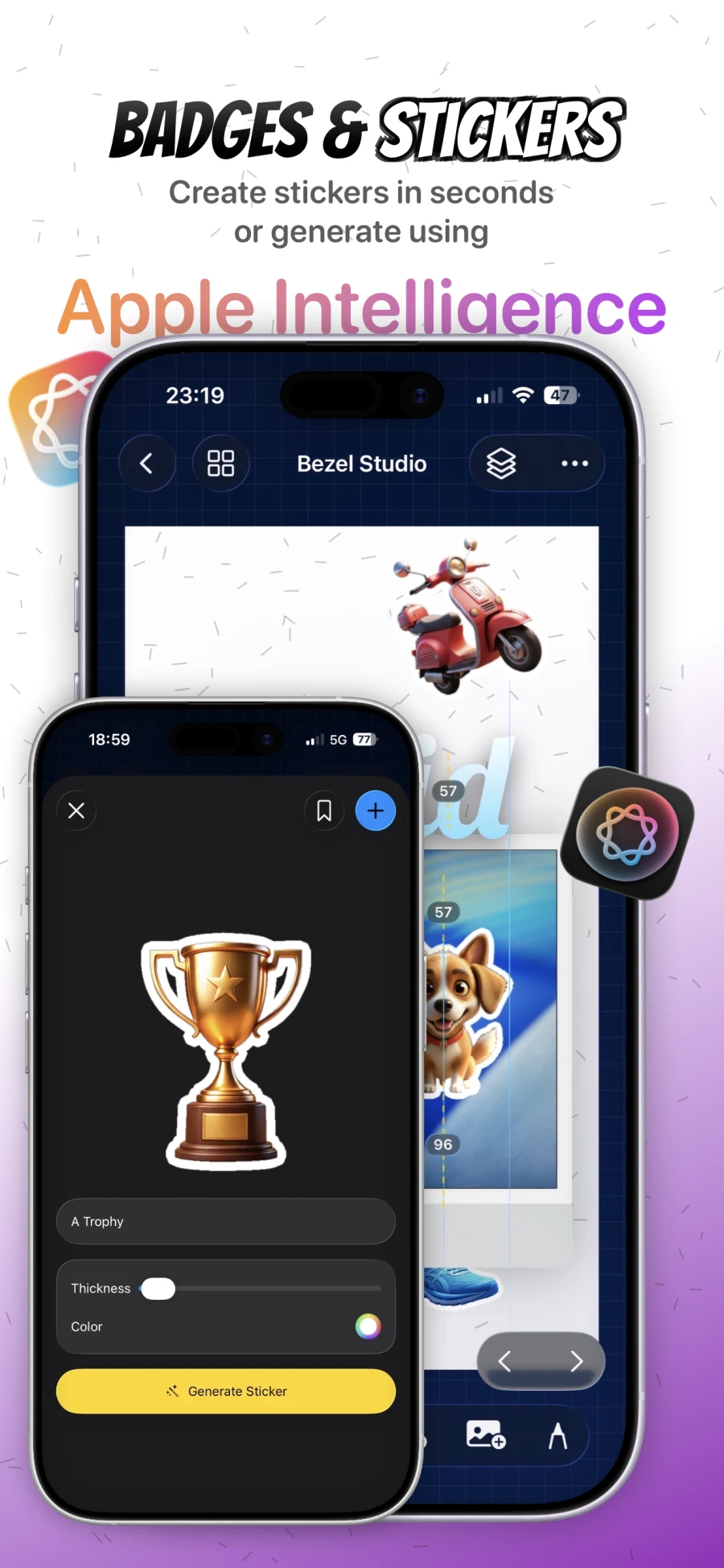
Generate custom stickers, save assets for reuse, and build stronger visual callouts.
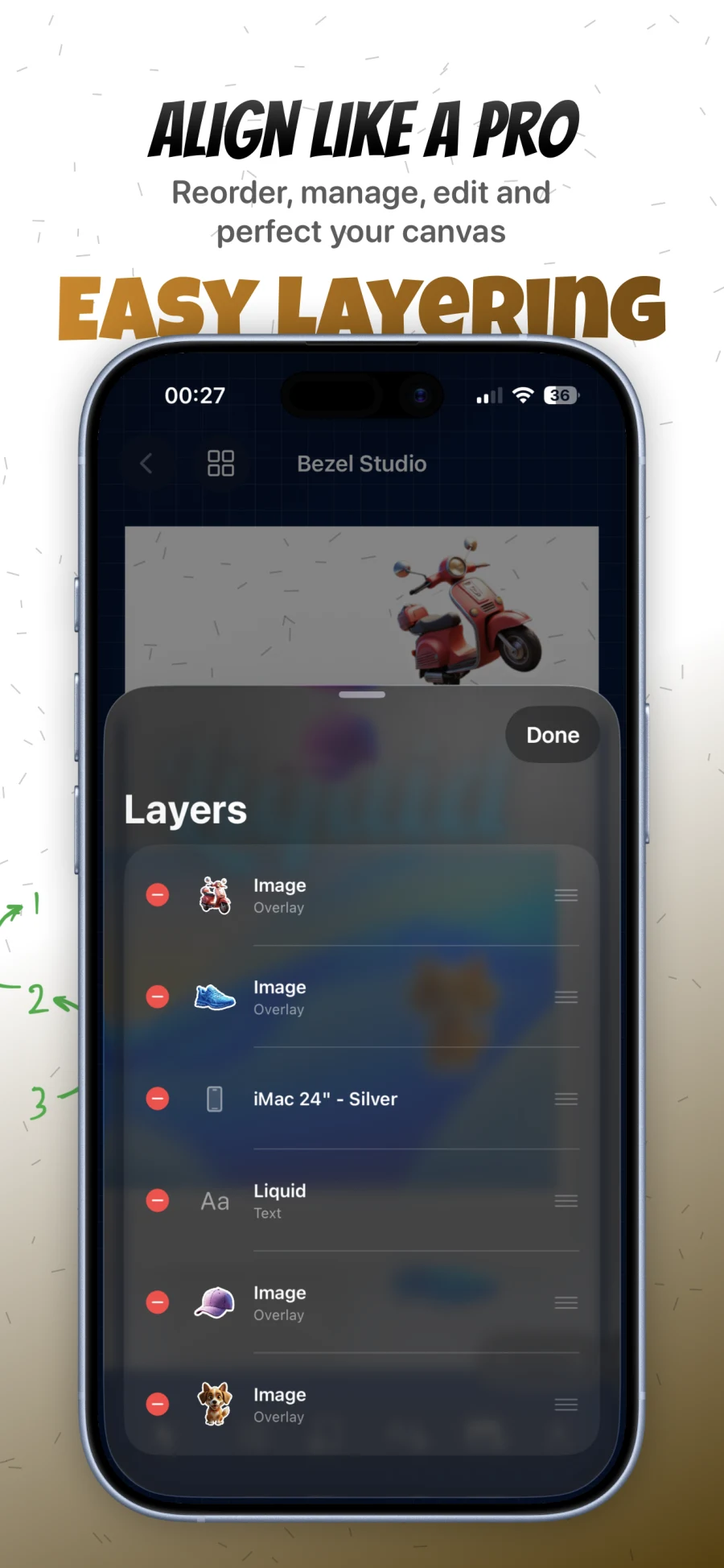
Reorder frames, text, drawings, and images with a real editable layer stack.
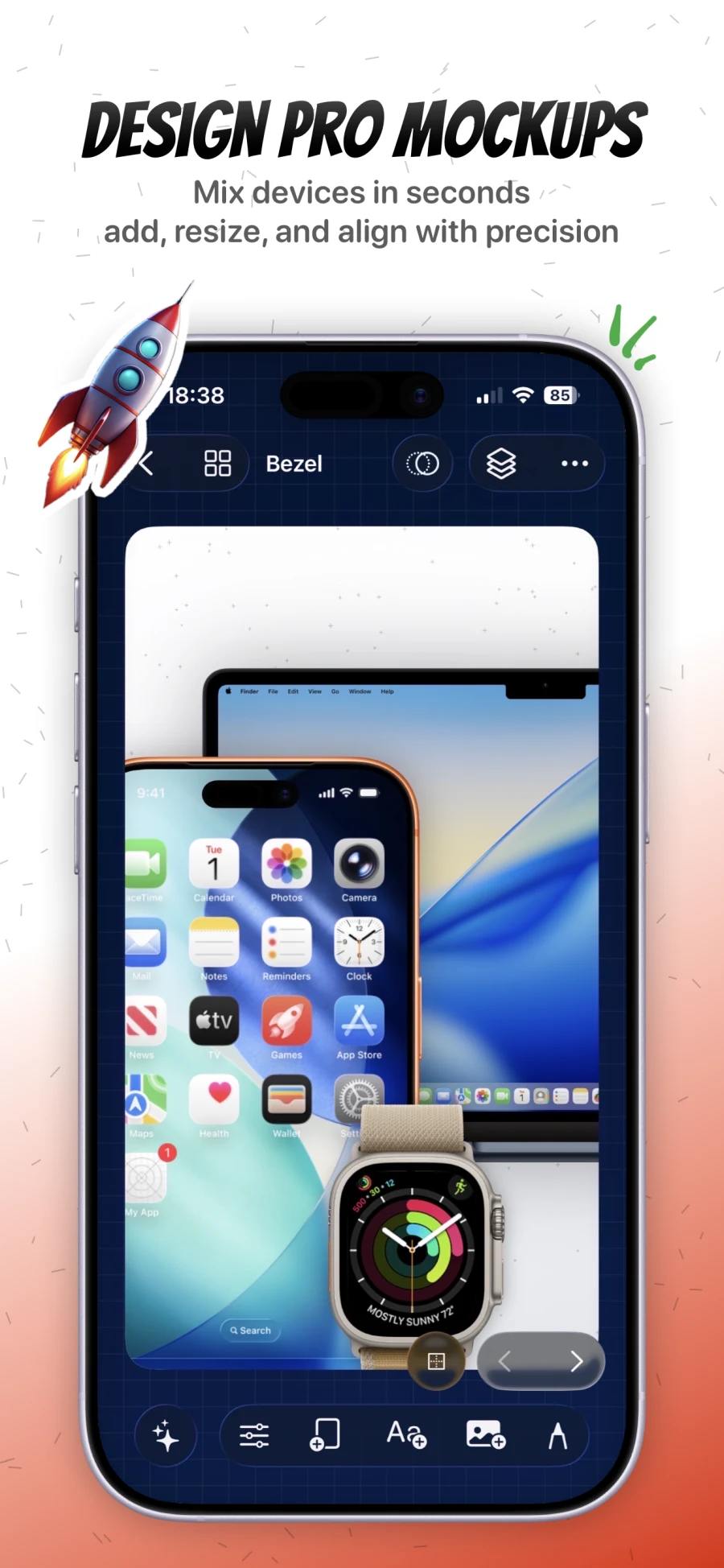
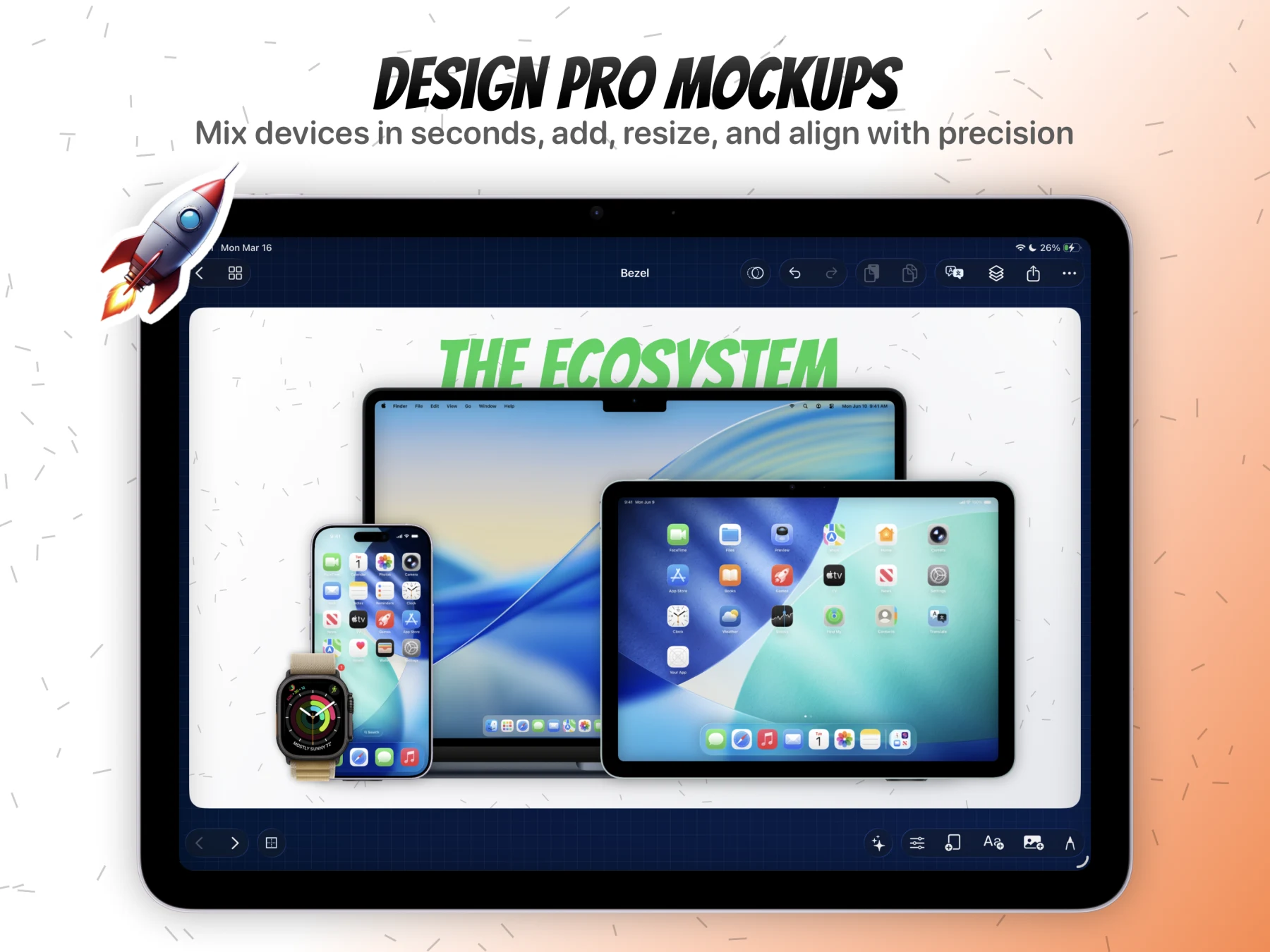
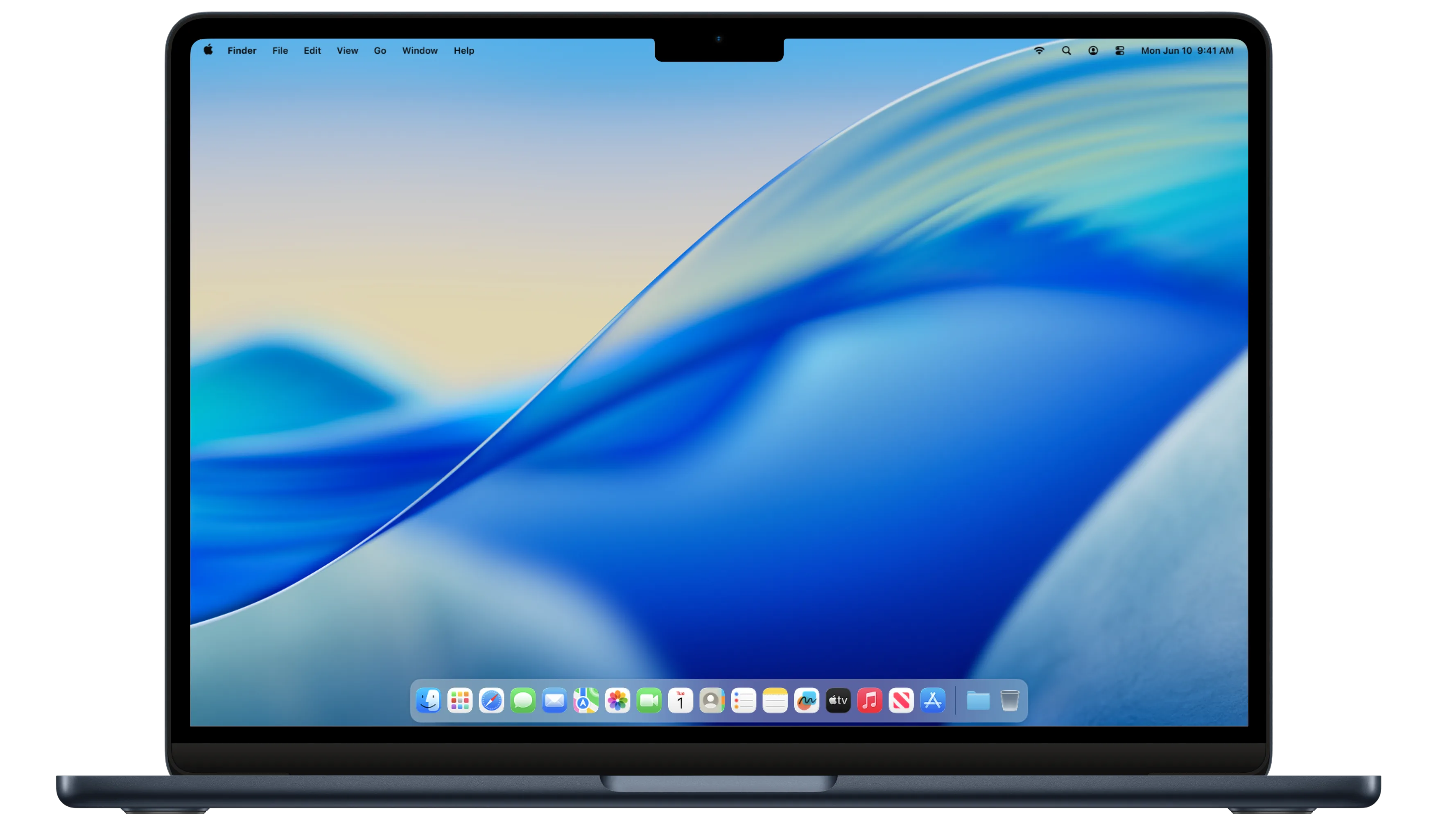
Mix iPhone, iPad, Apple Watch, and desktop hardware in the same campaign canvas.
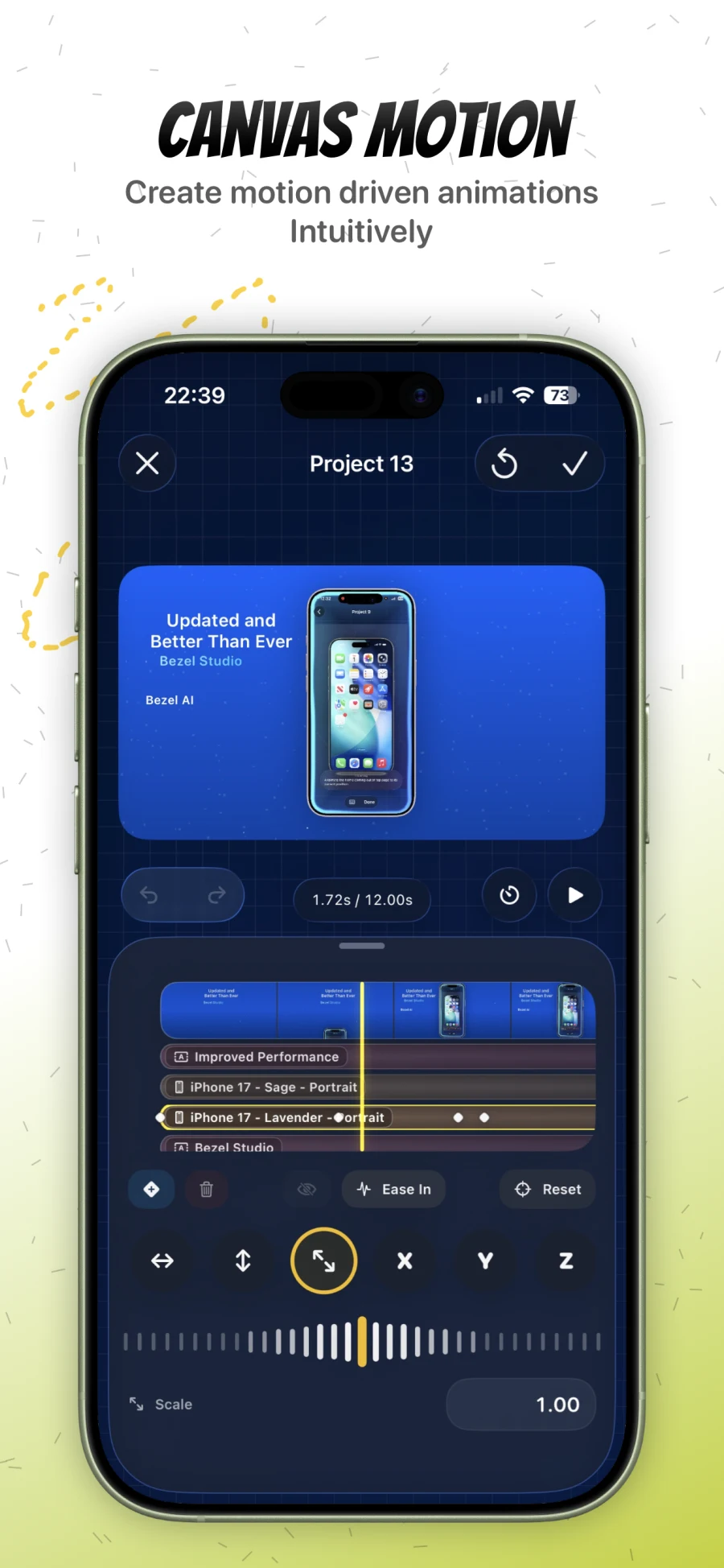
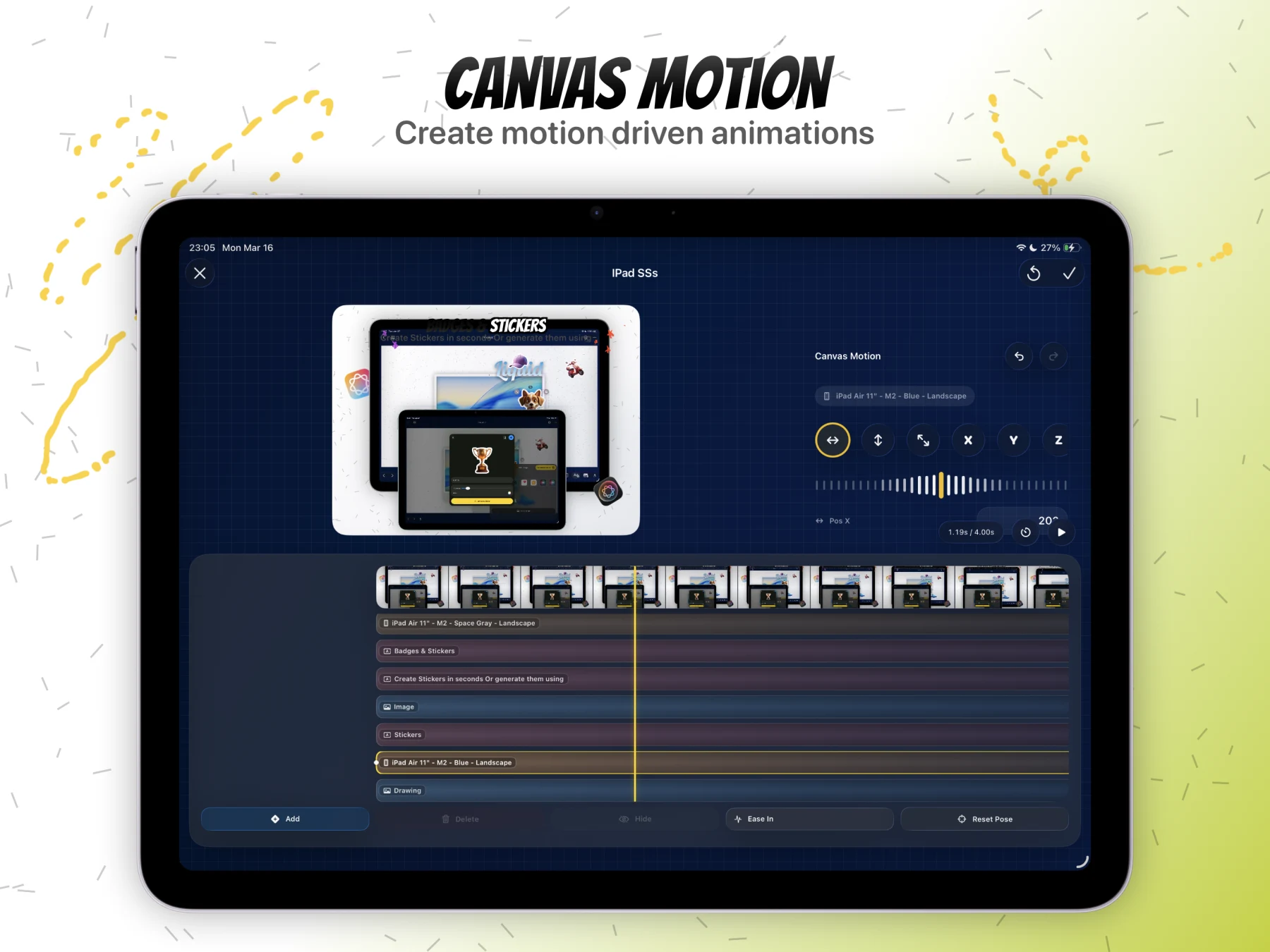
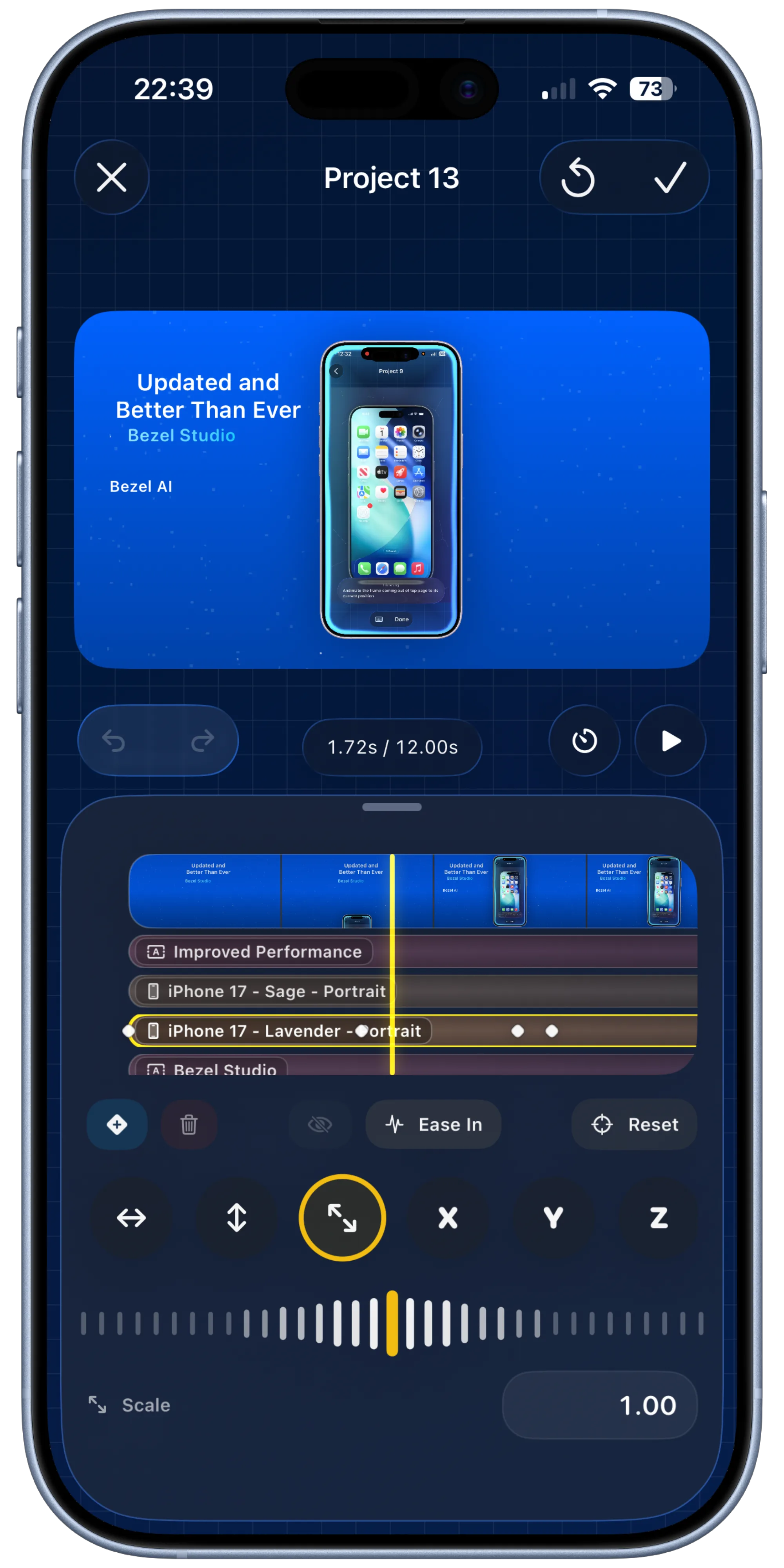
Animate position, scale, rotation, opacity, and timing for video-ready App Store previews.
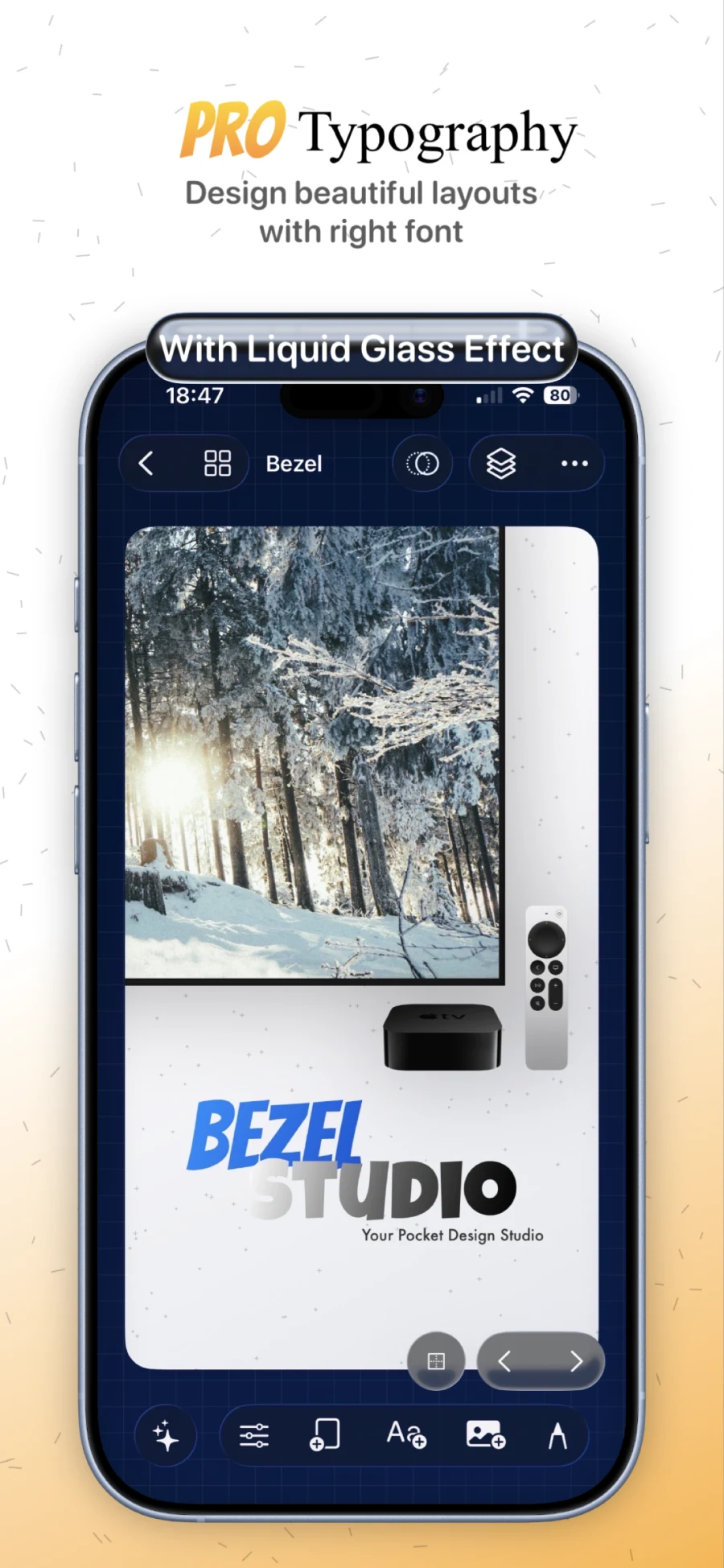
Create conversion-focused captions with gradients, shadows, strokes, and glass text treatments.
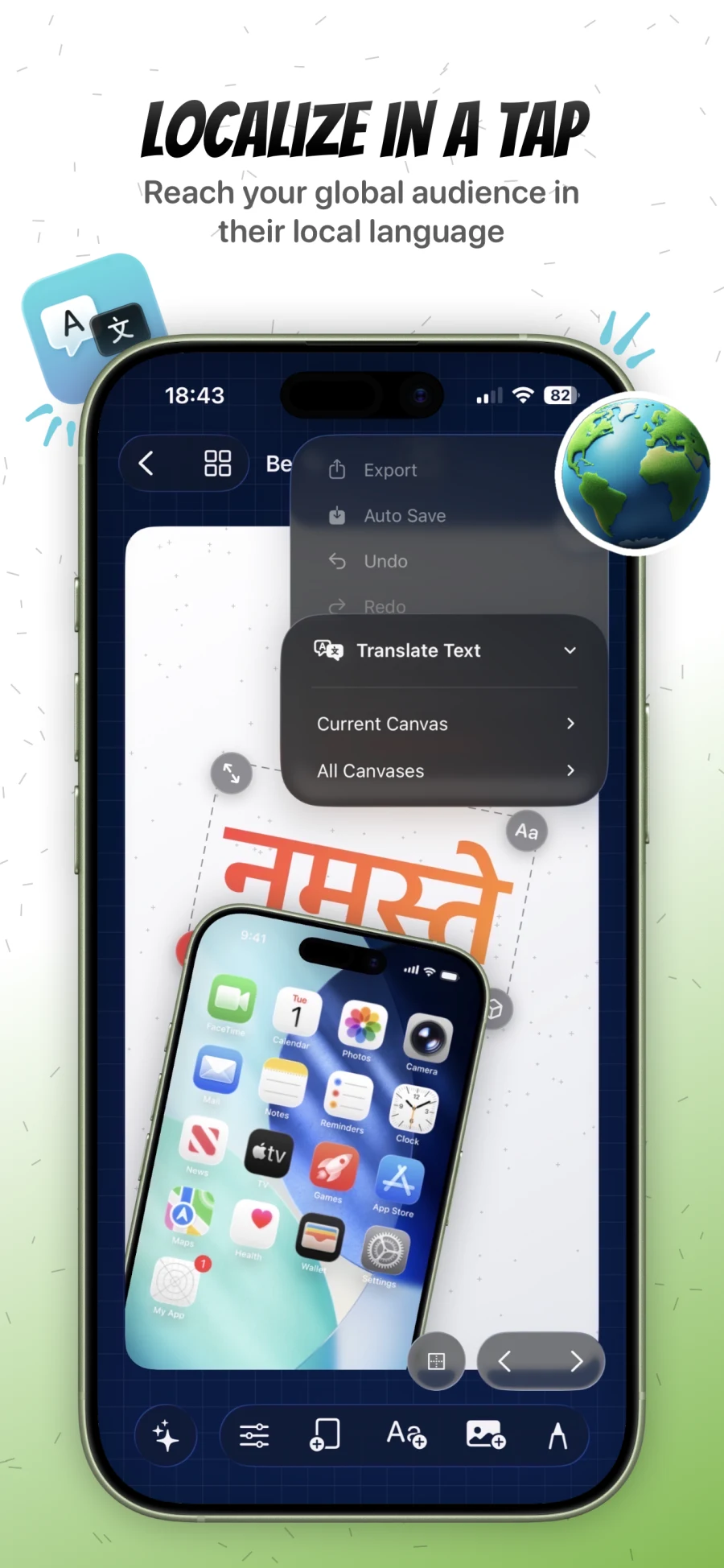
Translate the current canvas or a full project for faster App Store localization.
Power Features
These are the features that make Bezel Studio feel like a real Apple creative workspace instead of a template wrapper.They matter because they reduce rebuilds, preserve editability, and keep launch assets connected across the full workflow.
Add keyframes to individual items, then animate position, scale, rotation, opacity, and visibility so the same canvas can become a polished preview sequence or a motion-rich marketing visual.
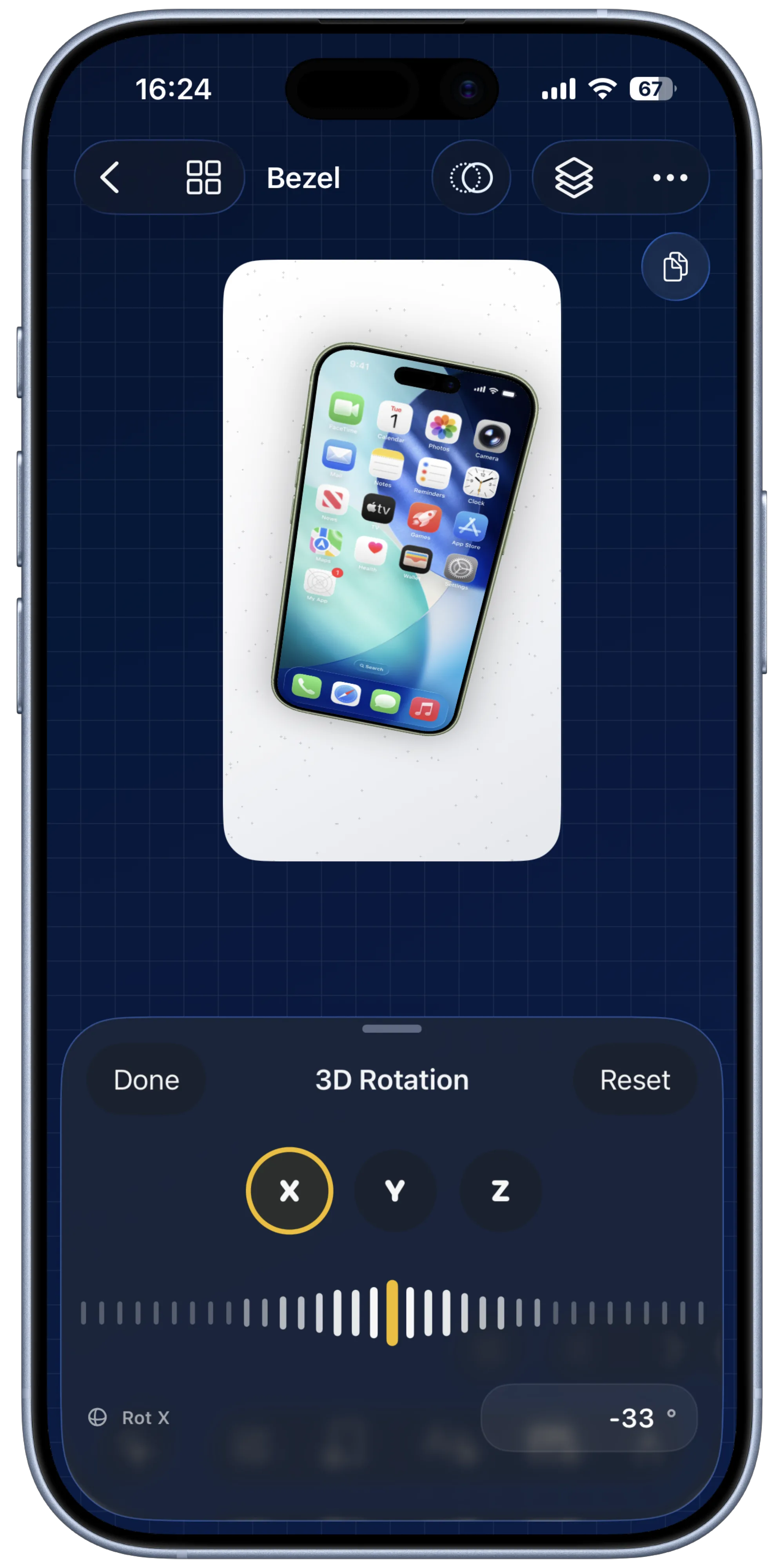
Beyond normal drag, pinch, and rotate gestures, every element can be tilted and positioned across all three axes for dimensional App Store compositions.
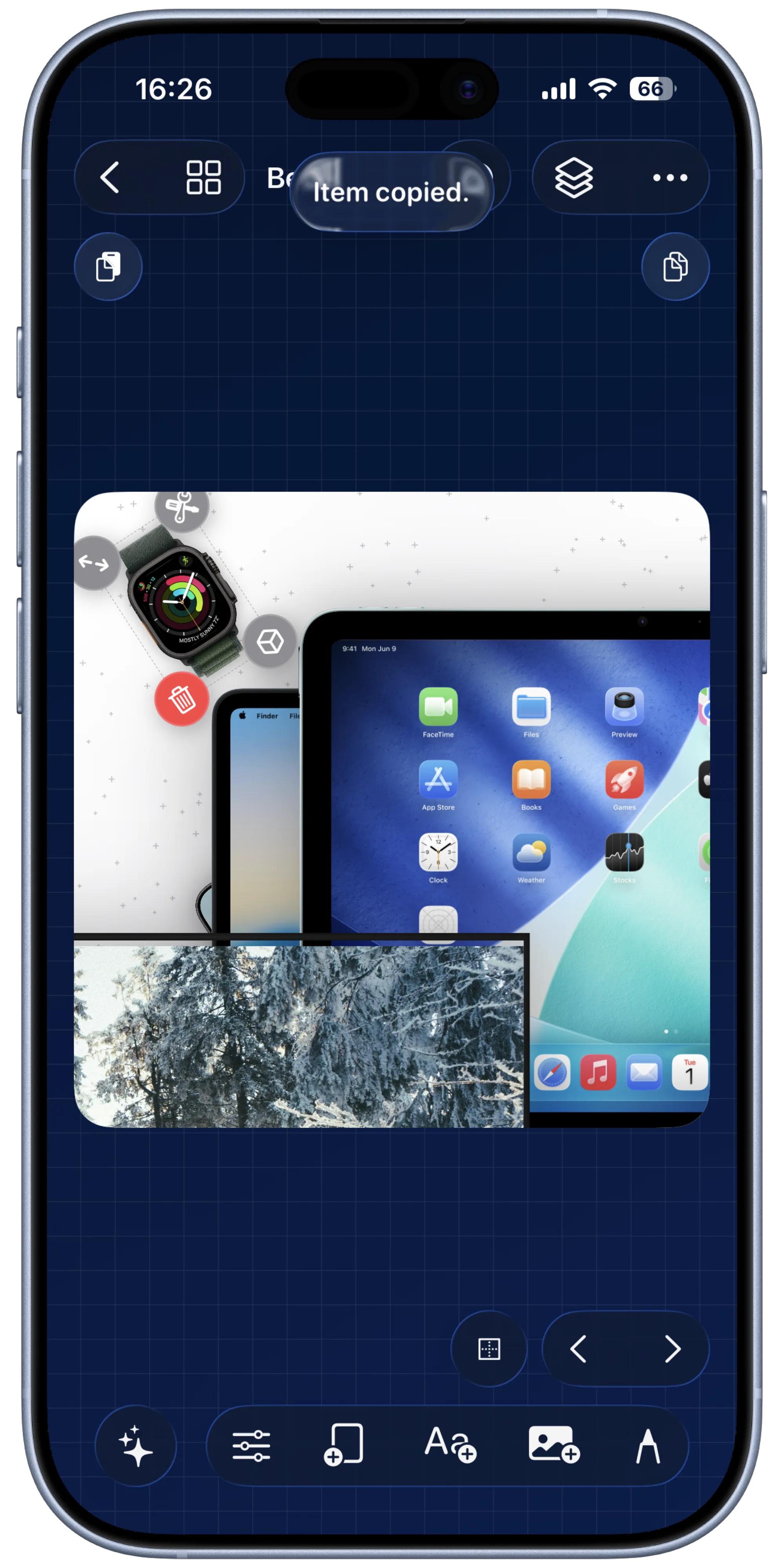
Move a single item or a full canvas between projects so proven layouts, captions, and frame stacks can be reused instead of rebuilt.
Deep editing only works when experimentation is safe. Undo and redo support the constant refinement expected in launch work.
Text overlays can be pushed beyond standard captions with gradients, shadows, borders, custom fonts, and glass treatments designed for App Store marketing layouts.
Background systems are not limited to flat fills. Patterns, emoji layouts, lighting, movement, and color changes can all make screenshots feel more premium.
Natural-language edits and Quick Mockup App Intents extend the same creative system into AI workflows and one-tap automation.
Why Teams Stick With It
The same canvas can hold finished screenshots, localized variants, motion previews, reusable assets, and export-ready output, which is why Bezel Studio feels like a workflow instead of a template wrapper.
01
The product model in the docs is the real differentiator: one project holds many canvases, each canvas holds editable layers, and the same structure powers mockups, translation, motion, and export.
01
Compose
Frames, typography, drawings, stickers, backgrounds, and videos all stay editable inside the same canvas state.
02
Scale
Projects can hold alternate devices, multiple screenshots, reusable presets, and localized variants without splitting into separate files.
03
Translate
Translation writes back into the same text overlays, so copy changes do not break layout, hierarchy, or motion decisions.
04
Ship
Preview stills, motion, quick mockups, and export flows all reuse the live canvas instead of forcing a handoff to another tool.
Inside The Editor
Bezel Studio works best when one release needs many outputs: App Store sets, localized variants, motion clips, and reusable layouts that need to stay visually consistent.
“Not just a screenshot wrapper. A full canvas editor tailored for app marketing.”
Editing Model
Late copy changes, updated screenshots, or new launch angles do not force a rebuild because the composition is stored as layered canvas state rather than flattened output.
Motion
Animation tracks are part of the persisted canvas, so preview video work does not split into a different pipeline.
Automation
Quick mockups, translation, and AI edits all act on the same project model the user edits by hand.
Export
Preview, export, save, and share all draw from the same compositing vocabulary, which is why output stays aligned with what was built in the editor.
Source-Backed Model
Trusted By Indies
The strongest signal is that solo app makers use it to ship clean launch visuals without needing a full design stack.
iOS | Version 1.2 | Japan
I’ve been using Bezel a lot to create App Store screenshots and promo visuals for my own apps. It makes it easy to turn raw screenshots into clean, professional-looking images with device frames and simple layouts. I don’t have strong design skills or use tools like Figma, and this app fills that gap perfectly. Being able to position text behind bezels, even in animated demos, is one of the features I like the most. Fast, straightforward, and genuinely useful for indie developers.
iOS | Version 1.2 | United States
I can build the screenshot set, localize the copy, and export the final assets from one place. That alone makes release week much less chaotic. Before this, I was jumping between mockup tools, design apps, and a separate export workflow, and the final result still felt inconsistent. This keeps everything in one flow and saves a lot of time when I need to ship fast.
iPadOS | Version 1.2 | Canada
Once a project grows past a few screens, the bigger canvas and project structure make it much easier to keep every asset visually consistent. I can review multiple directions, adjust type and spacing, and keep the whole set aligned without feeling like I am rebuilding each screen on its own. That is what makes the app feel more like a workspace than a simple screenshot editor.
iOS | Version 1.1 | Germany
The useful part is that translated copy stays in the same composition, so I am adjusting real assets instead of remaking them from scratch. That matters a lot because localized launches usually create extra production work, but here the text stays inside the layout and I can fine-tune the result instead of starting over for every language.
iOS | Version 1.2 | Australia
Device frames, stronger typography, and cleaner exports make small apps look much more intentional in App Store listings and social posts. I do not have a full creative team, so having something that helps the visuals look more polished without adding a complicated process is a big win. It makes the launch materials feel more credible right away.
iPadOS | Version 1.0 | United Kingdom
I like that animation is not treated like a separate tool. I can test timing, adjust layouts, and export without losing the original composition. That makes motion work much easier to experiment with because I am not moving into another app just to preview a simple sequence. The stills and animated outputs feel connected, which is exactly what I wanted for launch assets.
Developer Notes
I wanted it to feel fast, tactile, and thoughtful, something I could open, design with, and ship from anywhere.
Bezel Studio is that pocket studio: App Store screenshot templates, frames, typography, patterns, lighting, stickers, and export all in one flow, so ideas don’t slow down when it’s time to present them.
PARTH.ANT
FAQ
Bezel Studio is a native App Store screenshot maker and Apple device mockup studio for building screenshot campaigns, localized creative sets, preview videos, and launch assets on iPhone and iPad.
One project can hold many canvases, each with device frames, text, stickers, images, videos, drawings, backgrounds, lighting, and motion. That makes it practical for full App Store screenshot sets, localization passes, and alternate campaign variants.
Yes. Bezel Studio is built around Apple device frames and supports ecosystem-style layouts, so you can present phones, tablets, watches, and larger-screen hardware in the same marketing composition.
Yes. You can place screen recordings inside frames, animate canvases and individual items with keyframes, and export polished video assets for App Store previews, social launch clips, or product marketing.
Bezel Studio can translate the text on the current canvas or across an entire project, so you can turn one finished layout into a localized App Store screenshot set much faster than rebuilding every screen by hand.
Yes. You can save size presets, gradients, reusable images, and Quick Mockup templates. Those Quick Mockups can then be used from Shortcuts to generate framed outputs from screenshots or shared media.
You can export a single canvas or full sets as high-resolution images or motion-ready video assets, then save to Photos, send to Files, AirDrop them to a Mac, or share them directly into the next part of your release workflow.
Projects are designed around iCloud-backed continuity, so your project data can follow your Apple workflow instead of being trapped on a single screen.
Feature Paths
These pages match the clearest qualified intent on the site: iPhone mockup generator, app screenshot templates, App Store screenshot localization, preview videos, and batch export.
Feature
Turn raw app screenshots into framed iPhone and iPad marketing visuals without leaving the project.
Feature
Save reusable launch layouts, style presets, and multi-canvas project setups for faster updates.
Feature
Carry one approved scene, caption stack, or full canvas into the next release without rebuilding it.
Feature
Translate captions, preserve layout balance, and keep every locale inside one editable project.
Feature
Animate the same screenshot composition into motion-ready App Store preview visuals and launch clips.
Feature
Render stills, localized sets, and preview videos from the same project when the release is ready to ship.
Guide Cluster
These five guides form one linked sequence for the highest-intent release-ops work on the site: localization-ready templates, iPhone mockup variants, caption QA, preview-video localization, and final delivery packs.
Guide 13
Save the master layout with translation-safe spacing before the next locale-specific release starts.
Guide 14
Turn one approved template into framed device variants without losing the campaign structure.
Guide 15
Fix translated headline overflow and hierarchy before export or motion work begins.
Guide 16
Reuse the motion scene and retime only where translated copy changes the pace of the preview.
Guide 17
Ship stills, translated variants, and preview videos from the same reusable release project.
Create screenshot sets, Apple device mockups, localized campaigns, and preview videos from the same project, then export when your release is ready.